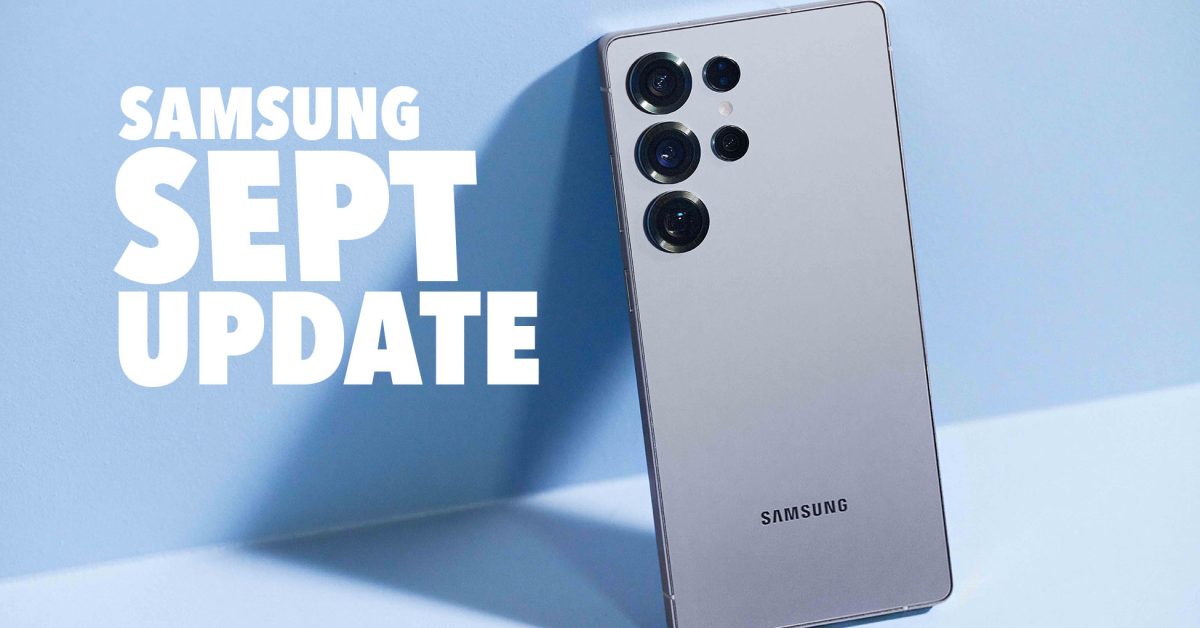
Samsung September Updates: What’s New for Your Galaxy Device & Watch
September is a busy month for tech updates, adn Samsung is delivering.Following Google’s recent quarterly update and Pixel Feature Drop, Samsung has begun rolling out its September updates to a range of Galaxy smartphones and smartwatches. This article breaks down exactly what’s changing, which devices are affected, and how to ensure your Samsung device is secure and running smoothly.
What’s Included in the Samsung September 2024 Updates?
These updates primarily focus on bolstering your device’s security. The core of the rollout is the September security patch, addressing vulnerabilities and protecting your personal data. However, some devices are also receiving performance enhancements. Let’s dive into the specifics for each device family.
Galaxy S23 Series: Security Focused
The flagship Galaxy S23 series is among the first to receive the September treatment. Currently, the update appears to be focused solely on security improvements. Here’s a breakdown of the version numbers:
* Galaxy S23: S911USQS6DYI3
* Galaxy S23+: S916USQS6DYI3
* Galaxy S23 ultra: S918USQS6DYI3
* Galaxy S23 FE: S711USQS6DYH2
While not a feature-packed update, maintaining the latest security patch is crucial.These patches frequently enough address zero-day exploits - vulnerabilities unknown to the vendor and actively exploited by attackers.
Galaxy Watch 6: Keeping Time Securely
Samsung hasn’t forgotten about your wrist. the Galaxy Watch 6 series is also benefiting from the September update,ensuring a secure and reliable smartwatch experience.
* Galaxy Watch 6 (40mm): R935USQS1BYH1
* galaxy Watch 6 (44mm): R945USQS1BYH1
* Galaxy Watch 6 Classic (43mm): R955USQS1BYH1
* Galaxy Watch 6 Classic (47mm): R965USQS1BYH1
Regular smartwatch updates are vital, as these devices often handle sensitive data like health details and payment details.
galaxy Z Fold & Flip: Performance Boosts arrive
Good news for foldable fans! The Galaxy Z Fold and Z Flip series are receiving more than just security patches. These updates include “performance improvements” alongside the latest security enhancements.
* Galaxy Z Fold 7: F966USQU4AYI1
* Galaxy Z Flip 7: F766USQU4AYI1
These performance tweaks can translate to smoother multitasking, faster app loading times, and an overall more responsive user experience. Samsung is continually refining the software on its foldable devices, and these updates demonstrate that commitment.
Why Are These Updates Important?
Staying current with Samsung’s software updates is paramount for several reasons:
* Security: Protects your device from malware,viruses,and data breaches.
* Performance: Optimizes your device for smoother operation and improved battery life.
* Stability: Fixes bugs and glitches,leading to a more reliable experience.
* New Features: While less common in security-focused updates,you may occasionally receive new functionalities.
According to a recent report by Statista,mobile malware attacks increased by 22% in the first quarter of 2024 alone. This underscores the importance of proactive security measures, like installing updates promptly. https://www.statista.com/statistics/1364763/mobile-malware-attacks-worldwide/
How to Check for and Install the Update
Updating your Samsung device is a straightforward process. Here’s a step-by-step guide:
- Open Settings on your phone or watch.
- Navigate to System updates. (On some devices, this might potentially be under “Software update.”)
- Tap **Check for system updates
Related reading