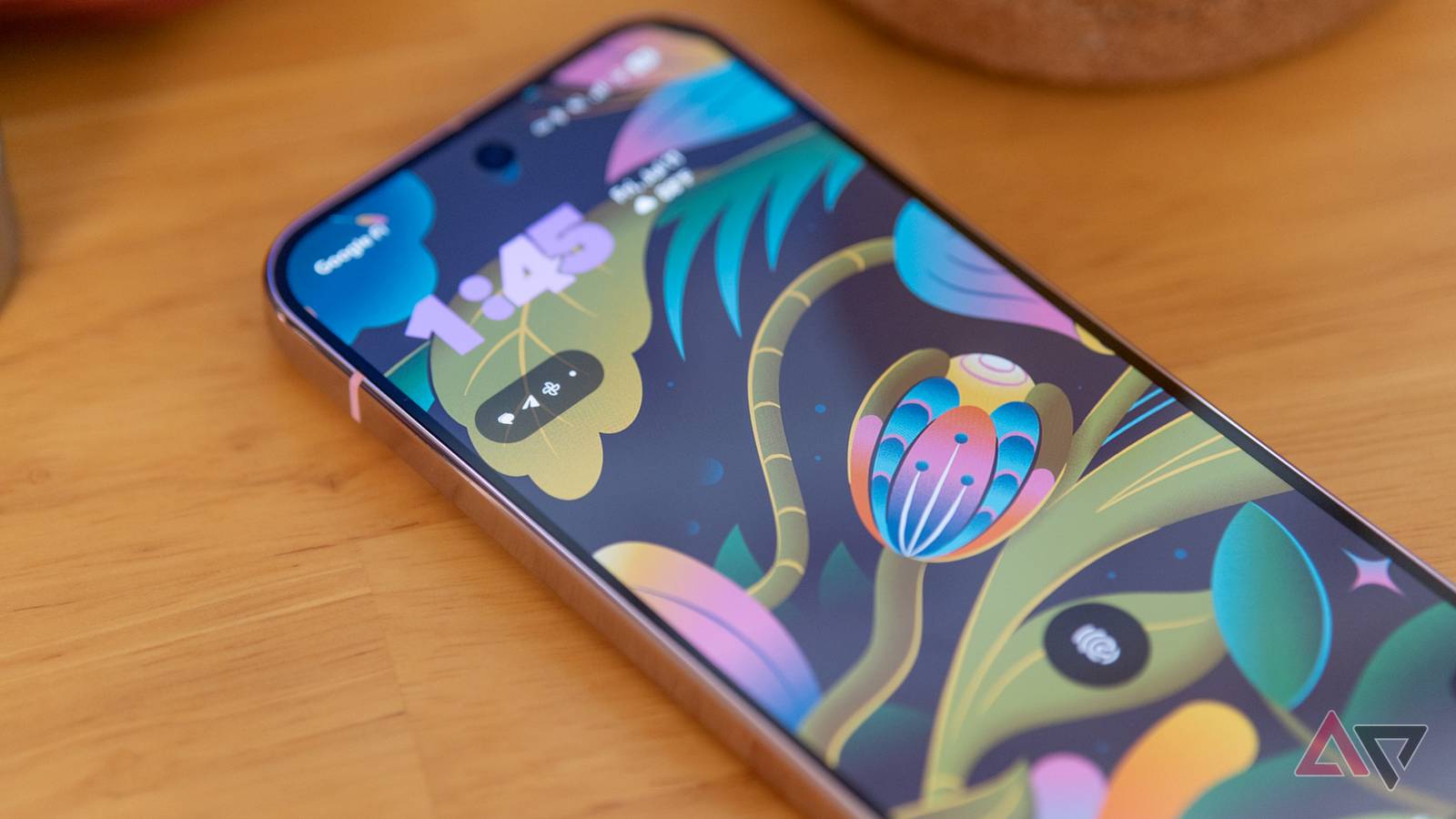
Android 16 QPR2 Beta 3: What You Need to Know about the Latest update
The third beta for Android 16’s QPR2 release is now available, bringing a fresh wave of changes adn refinements to compatible Pixel devices. Though, it’s not without its quirks.Let’s dive into what you can expect,potential issues,and how to get the update on your device.
What’s New in Beta 3?
This over-the-air (OTA) update typically ranges from 500-600MB, depending on your specific Pixel model. While it doesn’t introduce massive feature overhauls, it focuses on stability improvements and bug fixes. Sadly, a key fix many Pixel 10 users were hoping for isn’t included in this release.
Known Issues & What to Watch For
I’ve been closely monitoring user feedback, and several issues have surfaced with this beta.It’s important to be aware of these before installing:
* UI Responsiveness: Simultaneously swiping lockscreen widgets and accessing the notification shade can cause noticeable lag and buggy animations.
* Unlocking Issues: Some users are experiencing instances where the screen becomes unresponsive or freezes during the unlocking process.
* Display Anomalies: Reports indicate occasional display freezes accompanied by visual “noise” on the screen.
* Unexpected Crashes: Be prepared for the possibility of unexpected device crashes and reboots.
These issues aren’t ideal, but they’re common in beta software as developers work to iron out the kinks.
Pixel 10 GPU Driver – Still No Update
If you’re a Pixel 10 owner hoping for a GPU driver update to address recent performance concerns, you’ll be disappointed. this beta continues to utilize the existing driver,raising questions about whether Google intends to address this issue at all. I understand this is frustrating, but it’s something to keep in mind.
Important note: Desktop Mode & Installation
Here’s a crucial tip: if you currently have desktop mode enabled on your Pixel running Beta 2, disable it before installing Beta 3. Several users have reported installation failures and even soft-bricking their devices when attempting to update with desktop mode active.
how to Get the Update
Getting the latest QPR2 beta is straightforward. First, ensure you’re enrolled in the Android Beta Programme. If you’re already enrolled and the OTA update hasn’t appeared, you can manually sideload the build. You can find the necessary images on the Android developer portal.
I’ve found that sideloading is a reliable method if the OTA doesn’t arrive automatically. It gives you more control over the update process.
Ultimately,participating in the beta program helps shape the future of Android. While there are risks involved, your feedback is invaluable to Google’s development process. Remember to back up your data before installing any beta update, just in case.




![Samsung Wi-Fi Speaker: Powerful Sound & Monolith Design | [Year] Review](https://i0.wp.com/gizmodo.com/app/uploads/2025/12/music-studio-5-1200x675.jpg?resize=330%2C220&ssl=1 "Samsung Wi-Fi Speaker: Powerful Sound & Monolith Design | [Year] Review")