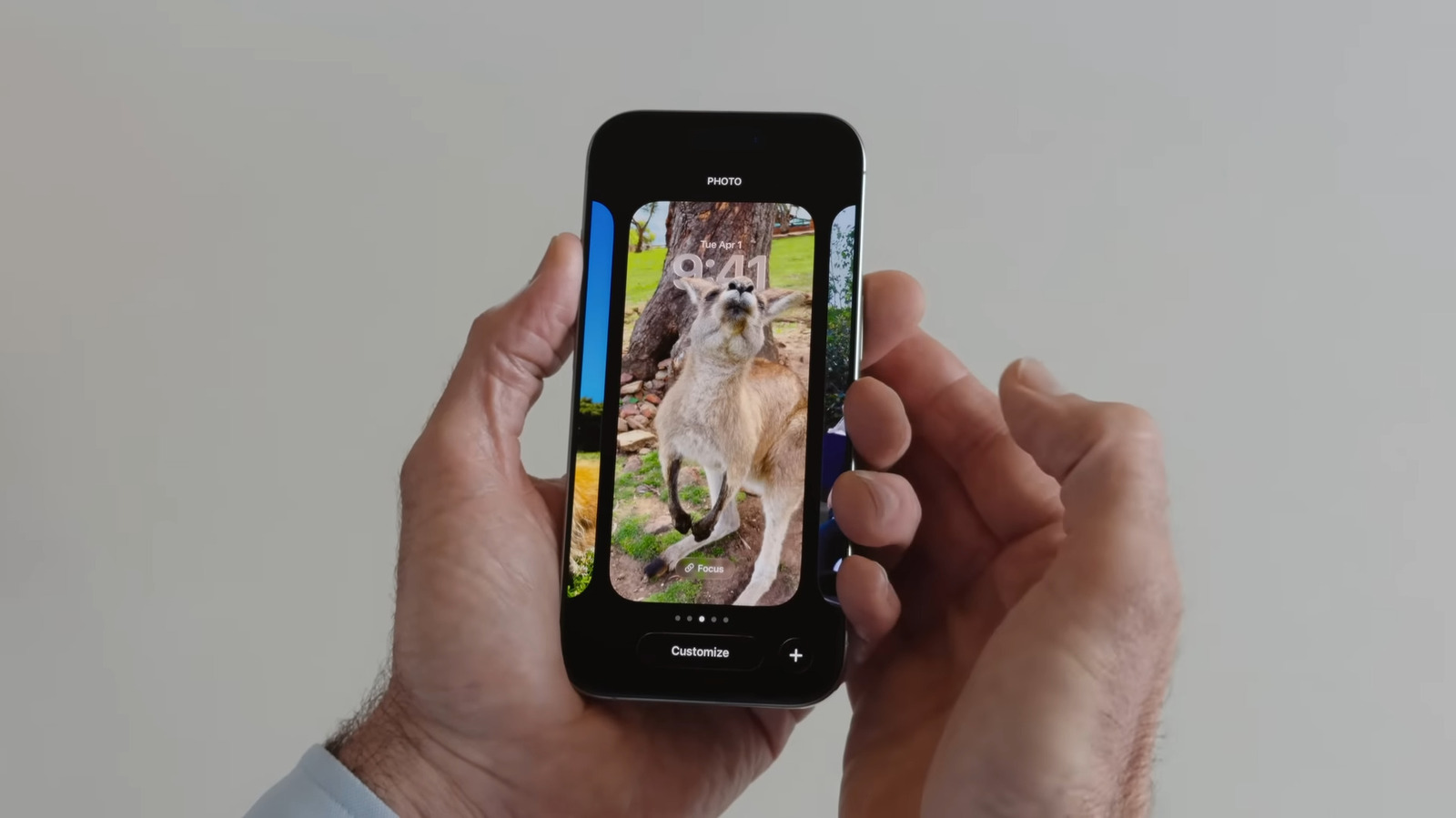
Elevate Your iPhone’s Lock Screen with Stunning 3D Spatial Scenes
Want to give your iPhone a fresh, dynamic look? You can now transform your favorite photos into captivating 3D spatial scenes for your lock screen wallpaper. It’s a surprisingly simple process that adds a layer of depth and personalization to your device.Here’s how to unlock this remarkable feature and make your iPhone truly stand out.
Understanding the Spatial Scene Effect
the spatial scene effect leverages your iPhone’s advanced sensors to create a subtle, yet noticeable, 3D illusion. As you tilt your phone, the wallpaper appears to shift and move, adding a sense of depth and immersion. It’s a fantastic way to showcase your cherished memories with a modern, engaging twist.
Setting a Spatial Scene Wallpaper: two Easy Methods
You have two convenient options for applying this effect to your lock screen.Let’s explore both:
1. From the Photos App:
* Open the photo you wish to use.
* Tap the share button (the square with an upward arrow).
* Select “Use as Wallpaper.”
* Activate the Spatial Scene effect by tapping the hexagon icon located in the bottom-right corner.
* Tap “Add.”
* Choose “Set as Wallpaper Pair” for a matching blurred version on your Home Screen, or “Customize Home Screen” and than “Blur” for the same image without the blur and spatial effect.
2. Directly from Your Lock Screen:
* Navigate to your Lock Screen.
* Long-press on any empty space.
* Select “Customize.”
* Tap the small image of your current wallpaper in the bottom-left corner.
* Choose “Choose Photo.”
* Select your desired image.
* Enable the Spatial Scene effect.
* Press ”Done.”
Experiencing the Depth
once applied, you’ll immediately notice the difference. I’ve found that gently tilting your iPhone reveals the subtle depth effect,bringing your chosen photo to life. It’s a small detail that makes a big impact on the overall user experience.
Tips for the Best Results
* Choose photos with clear foreground and background elements. This enhances the 3D illusion.
* Landscapes and portraits with depth of field work exceptionally well. The spatial effect complements these types of images beautifully.
* Experiment with different photos. See which ones truly shine with the added dimension.
This feature is a testament to Apple’s commitment to innovation and personalization. Here’s what works best: don’t hesitate to explore and find the perfect spatial scene wallpaper that reflects your style and brings a touch of magic to your everyday iPhone experience.
Related reading