
iPadOS 26.1: The Return of a Beloved Multitasking Feature
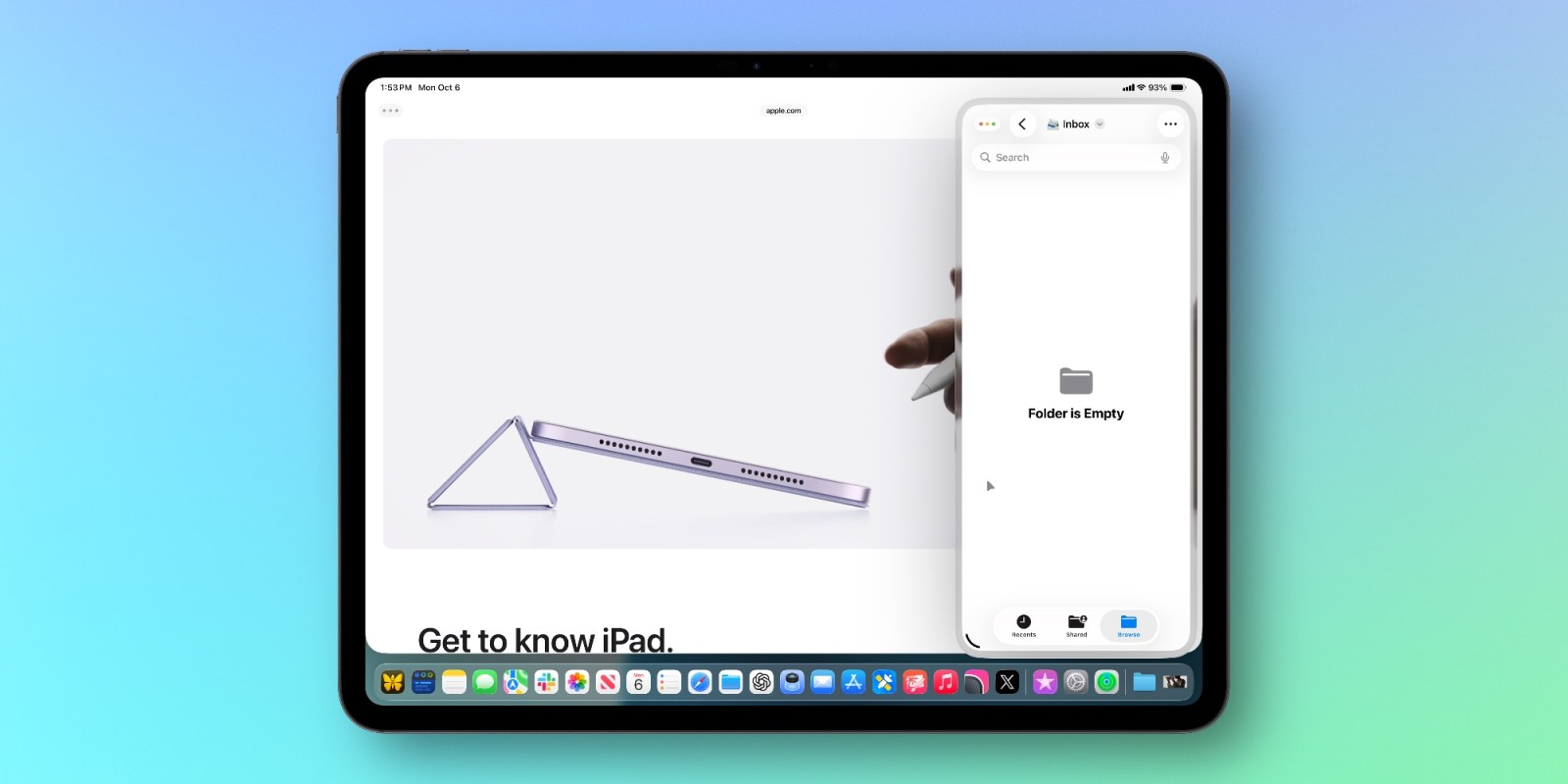
A recent iPadOS update has brought back a feature many users have been eagerly awaiting: Slide Over. I’ve found it to be a game-changer for productivity, and it’s a welcome addition to the iPad experience.
What is Slide Over and Why Does it Matter?
Initially introduced in iPadOS 18,Slide Over allowed you to quickly access and switch between apps without fully opening them. It was surprisingly removed in iPadOS 26,leaving a gap in the multitasking workflow.
While the new app windowing system in iPadOS 26 is powerful, it didn’t quite offer the same convenience as Slide Over. Sometimes, you just need a quick peek at one app while focusing on another, and that’s where Slide Over shines.
Now, with iPadOS 26.1, it’s back – albeit in a slightly more streamlined form. I personally use this feature constantly on my iPad Pro,and it’s significantly improved how I manage tasks.
How Slide Over Enhances Your iPad Workflow
Here’s why you’ll likely appreciate having Slide Over back in your iPad toolkit:
* Quick Access: Effortlessly bring up an app without disrupting your current workflow.
* Seamless Switching: Easily glide between apps with a simple swipe.
* Focused Multitasking: Keep one app readily available for quick reference or input.
* Increased Efficiency: Reduce the time spent switching between full-screen apps.
It’s a subtle change, but one that makes a big difference in daily use. You’ll find yourself reaching for it more often
Keep reading