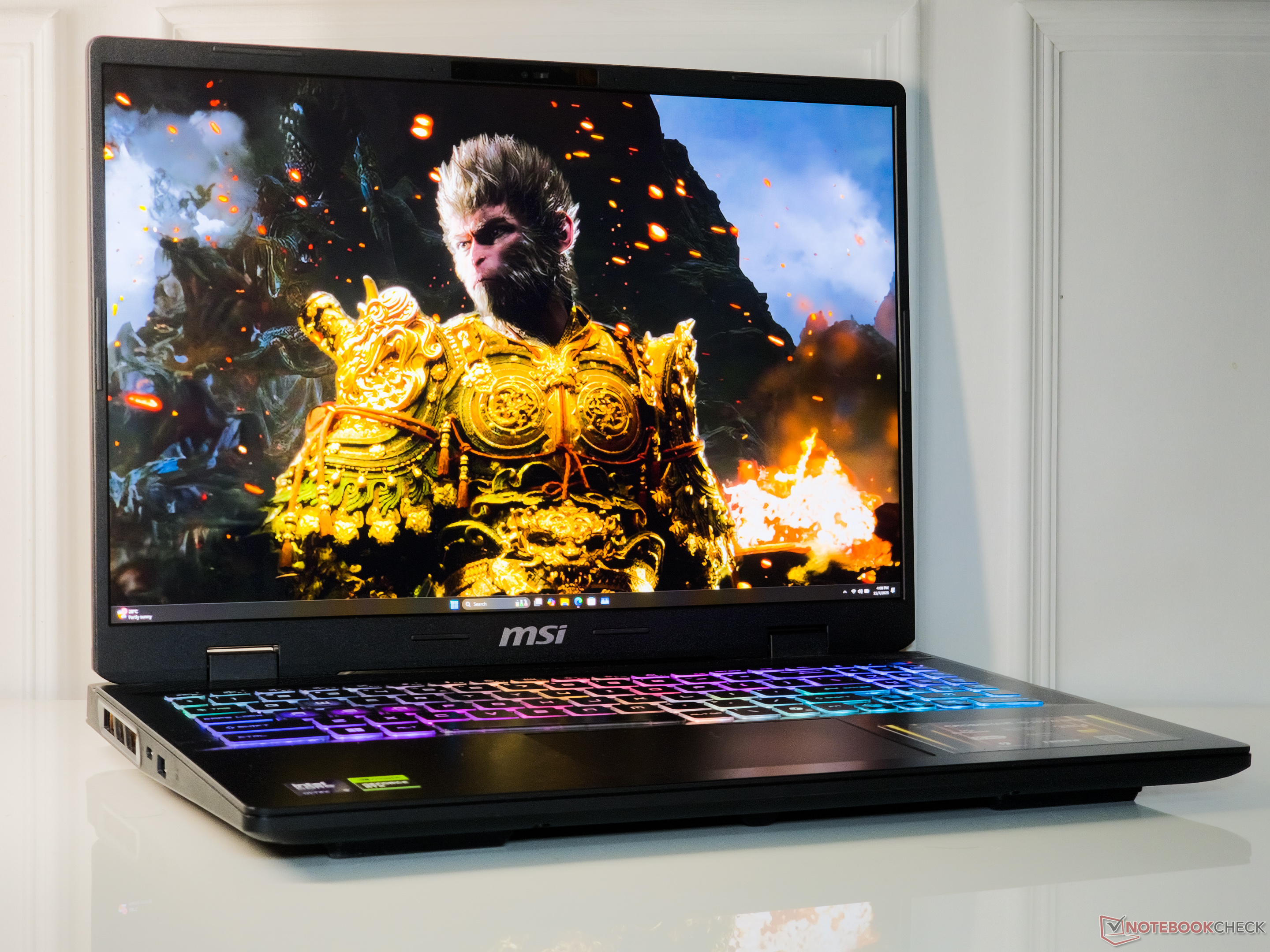
Decoding SSD Access Times: What You Need to Know for Gaming and Performance
Are you looking to maximize the speed and responsiveness of your gaming laptop? A crucial component often overlooked is the Solid State Drive (SSD). Specifically, its access time – the time it takes to retrieve data – substantially impacts your overall experience. Let’s dive into what access times mean and how different SSDs stack up.
Understanding SSD Access Time
Essentially, access time is measured in milliseconds (ms) and represents how quickly your system can locate and access data stored on the SSD. Lower access times translate directly to faster loading screens, quicker application launches, and a snappier overall feel. It’s a key metric, especially when paired wiht read/write speeds.
I’ve found that focusing on access time alongside other SSD specs provides a more complete picture of performance.
How We Tested & What the Numbers Mean
Recent testing focused on real-world access times across several high-performance gaming laptops. The results, ranging from 0.012ms to 0.052ms (averaged across 11 tests), highlight the subtle but significant differences between SSDs. Remember, smaller is better when it comes to access time.
Here’s a breakdown of how some popular laptops performed:
* MSI Crosshair A17 HX D8WGKG: This model, equipped with a Samsung PM9C1 MZVL81T0HELB-00BTW, achieved an access time of 0.021ms.
* Schenker XMG Core 16 M25: Featuring a Samsung 990 Pro 2 TB MZVL72T0HDLB, it clocked in at 0.018ms.
* Lenovo Legion 5 Pro 16IAX10H: Utilizing a Western Digital PC SN8000S SDEPNRK-1T00, this laptop recorded an access time of 0.016ms.
* Aorus Elite 16 AE6H: With a Gigabyte AG470S1TB-SI B10 SSD, it posted a result of 0.015ms.
* MSI Crosshair 16 HX AI D2XWGKG: This configuration, using a Micron 2500 1TB MTFDKBA1T0QGN, showed an access time of 0.014ms.
why Does This Matter for You?
These differences, while seemingly small, can be noticeable in demanding applications like gaming. Here’s what you can expect:
- Faster Game loading: Shorter access times mean less waiting for your favorite games to load.
- Improved System Responsiveness: Your entire system will feel quicker and more responsive, from booting up to opening applications.
- Smoother Gameplay: Reduced loading stutters and faster texture streaming contribute to a more immersive gaming experience.
Choosing the Right SSD for Your Needs
When upgrading or building a gaming laptop, don’t solely focus on storage capacity or read/write speeds. Consider the SSD’s access time as well.
here’s what works best, in my experience:
* Prioritize NVMe SSDs: These generally offer significantly lower access times compared to older SATA SSDs.
* Look for Top-Tier Controllers: SSDs with advanced controllers frequently enough deliver superior performance, including lower access times.
* Read Reviews: Seek out autonomous reviews that specifically test access times to get a realistic understanding of performance.
Ultimately, a fast SSD with low access time is a cornerstone of a high-performance gaming laptop. By understanding
Worth a look