
The Boox Go 10.3: A Deep Dive into the E-Ink Tablet That Changed My Workflow
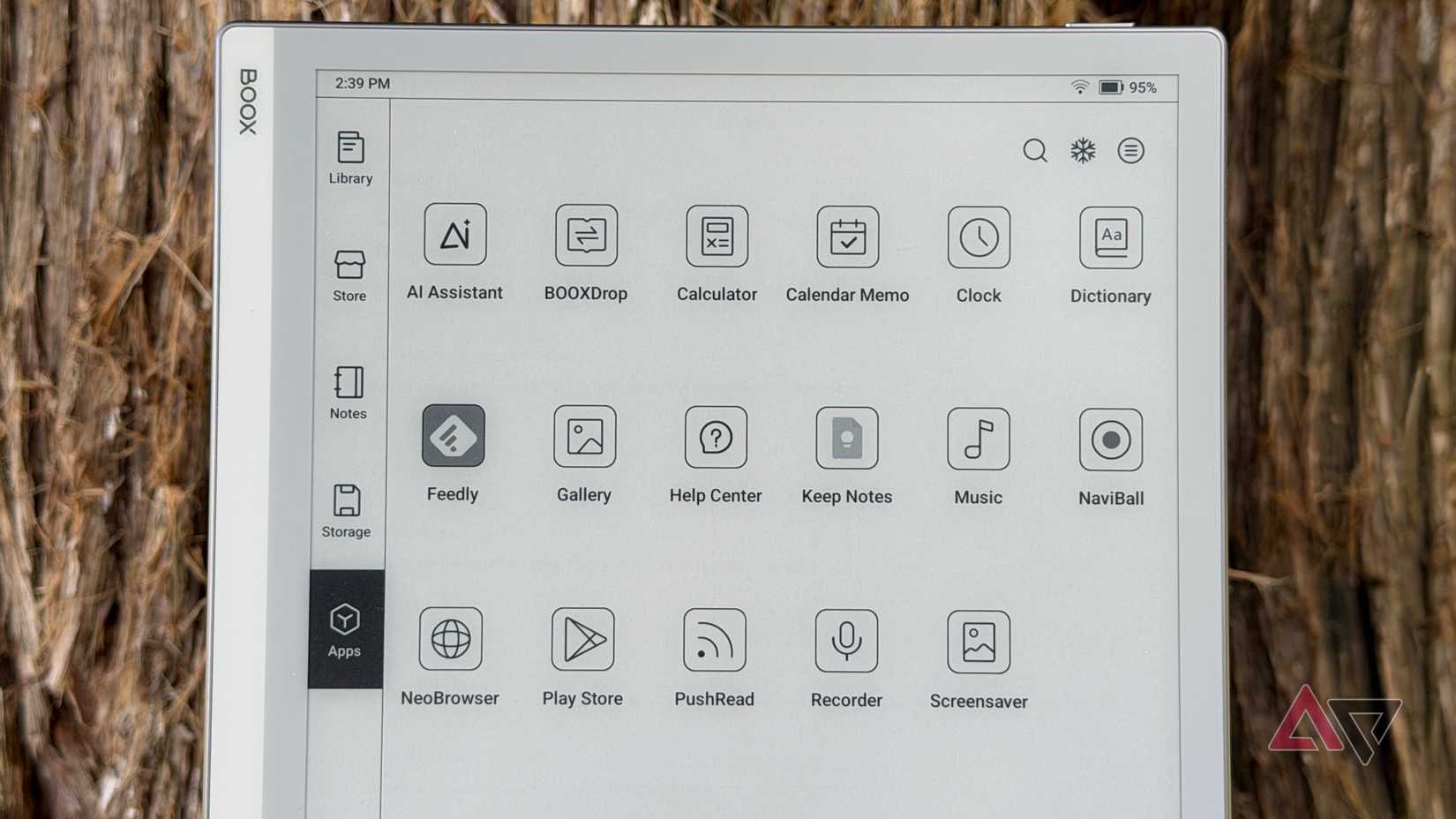
Initially, I was skeptical about an E-Ink tablet without a front light. I wondered if it would hinder my productivity and enjoyment, especially compared to other devices I’ve used. However, the Boox Go 10.3 quickly proved me wrong, becoming a standout device in my digital toolkit.
Here’s a detailed look at why this tablet has become so essential, and what you need to know if you’re considering one for yourself.
A Display That Truly Shines
The 10.3-inch HD Carta 1200 display is, quite simply, the best E-Ink panel I’ve ever experienced. It’s remarkably clear, even in well-lit rooms, eliminating eye strain during extended use. Furthermore, the 2480×1860 resolution and 300 ppi deliver incredibly sharp text and images.
I’ve found that this display makes everything from reading long-form articles to reviewing documents a genuine pleasure.
Note-taking Reimagined
Beyond content consumption,the Go 10.3 excels as a digital notebook. It features a capacitive touchscreen layered with a boox stylus touch layer boasting 4,096 levels of pressure sensitivity. Consequently,the writing experience is incredibly responsive,with virtually no lag.
Here’s what makes the note-taking experience so compelling:
* Natural Feel: It genuinely feels like writing on paper.
* Precision: The pressure sensitivity allows for nuanced sketching and detailed notes.
* Versatility: You can easily switch between pen types, thicknesses, and colors.
Android Power, E-Ink Efficiency
The Boox Go 10.3 runs a full version of Android, opening up a world of possibilities. You can download your favorite apps for reading, productivity, and more.However, it’s important to remember that this isn’t a powerhouse device.
Keep these points in mind:
- E-Ink displays are designed for static content, so animations and video may not be as smooth as on a conventional tablet.
- Focus on apps optimized for E-Ink to maximize performance and battery life.
Despite these limitations, the Android integration adds notable value, allowing you to customize the Go 10.3 to fit your specific needs.
Battery Life That Lasts
As you’d expect from an E-Ink device, the battery life is remarkable. Depending on your app usage, you can easily go a week or more between charges. Standby drain is minimal, meaning your tablet is ready when you are.
I’ve found this to be a game-changer for travel and long work sessions, eliminating the constant worry of finding an outlet.
Ultimately, the Boox Go 10.3 has become an indispensable part of my workflow. It’s a versatile, pleasant, and efficient device that seamlessly blends the benefits of E-Ink technology with the adaptability of Android. If you’re looking for a dedicated reading and note-taking device that can keep up with your busy life, this tablet is definitely worth considering.
Keep reading