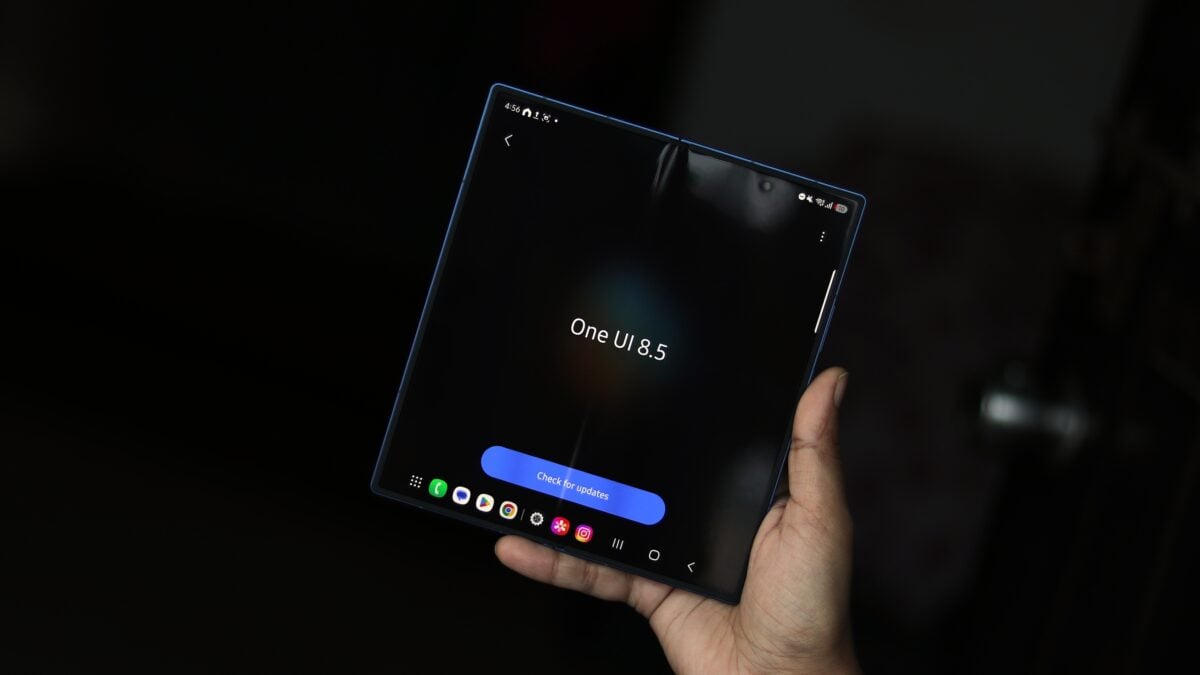
Say Goodbye to Annoying Ads: One UI 8.5 Takes Control of Notification Spam
Are you constantly bombarded with unwanted ad notifications from apps on your Samsung device? You’re not alone. Fortunately, a new feature arriving with One UI 8.5 is designed to dramatically reduce this frustration. This update introduces a powerful tool to help you reclaim control of your notification experience.
Introducing “Block Apps with Excessive Ads“
one UI 8.5 brings a dedicated setting within the Device care menu specifically aimed at tackling apps that aggressively push advertisements. It effectively works by intelligently placing thes offending apps into a “deep sleep” state. This isn’t just a simple silencing; it’s a more comprehensive solution.
How Deep Sleep Works to Protect Your Peace
When an app is in deep sleep, its background activity is severely restricted. It won’t wake itself up to send notifications, and it won’t consume resources while you’re not actively using it. Currently, One UI utilizes deep sleep for unused apps, but this update expands its functionality to include those pesky ad-heavy applications.
Smart Blocking: A Smarter Approach
The feature doesn’t just rely on a simple frequency count. It incorporates an “Intelligent blocking” option. This means your device will analyze the content of notifications to determine if they are, in fact, advertisements. If the system detects excessive ad activity, it will proactively block them.
This is a notable step forward in minimizing unwanted interruptions and improving your overall user experience. Nobody enjoys a constant stream of spammy notifications, and this feature directly addresses that pain point.
Understanding the Trade-offs
While incredibly useful, it’s critically important to understand how this feature interacts with your app usage. Launching an app from deep sleep will,naturally,bring it back to life.Consequently, it will regain the ability to send notifications.
Therefore, this feature is most effective for apps you don’t use frequently. If you rely on a particular app regularly, you might find yourself needing to occasionally “wake it up” from deep sleep. However,for those apps that primarily exist to deliver ads,this new functionality will be a game-changer.
Here’s a speedy recap of the benefits:
* Reduced Interruptions: Fewer ad notifications mean a more peaceful and focused experience.
* Improved Battery Life: Apps in deep sleep consume minimal resources.
* Smarter Blocking: Intelligent analysis prevents false positives and ensures only excessive ads are targeted.
* User Control: You remain in control of which apps are actively running and sending notifications.
Ultimately,One UI 8.5’s new ad-blocking feature represents a welcome advancement for Samsung users.It’s a proactive step towards a cleaner, more user-kind mobile experience. You can look forward to a device that respects your time and attention, rather than constantly vying for it with unwanted advertisements.
Keep reading