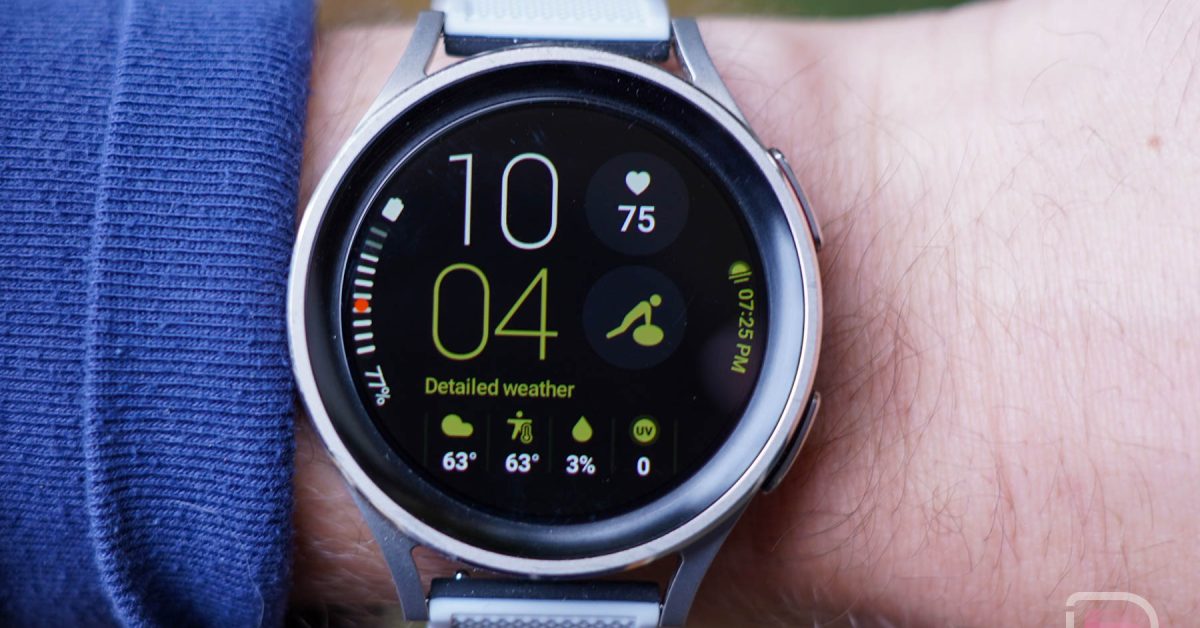
samsung Galaxy Watch 5 & 5 Pro Receive Major One UI 8 & Wear OS 6 Update: What You Need to Know
Are you a Samsung Galaxy Watch 5 or 5 Pro owner wondering about the latest software enhancements? Good news! Samsung is rolling out the meaningful One UI 8 and wear OS 6 update to these popular smartwatches,bringing a host of new features and improvements. This update extends the life and functionality of your device, ensuring a modern smartwatch experience. Let’s dive into everything you need to know about this release, including what’s new, how to update, and troubleshooting tips.
Understanding the Update: One UI 8 & Wear OS 6
This isn’t just a minor patch; it’s a substantial upgrade. The One UI 8, built on Wear OS 6, represents a significant leap forward for Samsung’s smartwatch platform. It introduces a redesigned interface, enhanced health tracking capabilities, and greater customization options. This update aims to improve overall performance and user experience, keeping your Galaxy Watch competitive with newer models.
The update arrives as build numbers R925USQU1DYK4 (for the Watch 5 Pro) and R905USQU1DYK4 (Watch 5,40mm) / R915USQU1DYK4 (Watch 5,44mm). These specific build numbers are crucial for verifying you’ve received the correct and complete update.
key New Features & Improvements
So, what exactly does this update bring to your wrist? Here’s a breakdown of the most notable additions:
* Customizable Tiles: you can personalize your watch face with tiles designed by you.This allows for quick access to the information that matters most.
* Enhanced Watch Faces: Enjoy a new low-light mode for Sporty Classic and Heritage Classic watch faces,improving visibility in darker environments.
* Mood Tracking & breathing Exercises: Take a proactive approach to your well-being with integrated mood tracking and guided breathing exercises. This feature supports holistic health management.
* Improved Performance: expect smoother animations, faster app loading times, and overall better responsiveness.
* Security Updates: The update includes the latest security patches, protecting your personal data and ensuring a secure smartwatch experience.
* Advanced Sleep Coaching: Building on existing sleep tracking, the update refines sleep coaching features, offering more personalized insights. (Source: samsung Newsroom)
While the verizon changelog is limited, a complete overview of features can be found in the changelog for the galaxy Watch Ultra (Droid Life). Many features are shared across the Galaxy Watch series.
How to Update Your Galaxy Watch 5 or 5 Pro
Updating your watch is a straightforward process. Here’s a step-by-step guide:
- Ensure Sufficient Battery: Make sure your watch has at least 50% battery life before starting the update.
- Connect to Wi-Fi: A stable Wi-Fi connection is essential for downloading the update.
- Open the galaxy wearable App: On your paired smartphone, open the Galaxy Wearable app.
- Navigate to Watch Settings: Tap on “Watch Settings.”
- Select Watch Software Update: Choose “Watch software update.”
- Download and Install: Tap “Download and install.” The update will download and install automatically.
The process may take some time, so be patient. Avoid using your watch during the installation to prevent potential issues.
Troubleshooting Update Issues
Encountering problems during the update? Here are some common solutions:
* Restart Your Watch: A simple restart can often resolve minor glitches.
* Restart Your Phone: Restarting your paired smartphone can also help.
* Check Wi-Fi Connection: ensure your Wi-Fi connection is stable.
* Free Up Storage Space: If your watch is low on storage, the