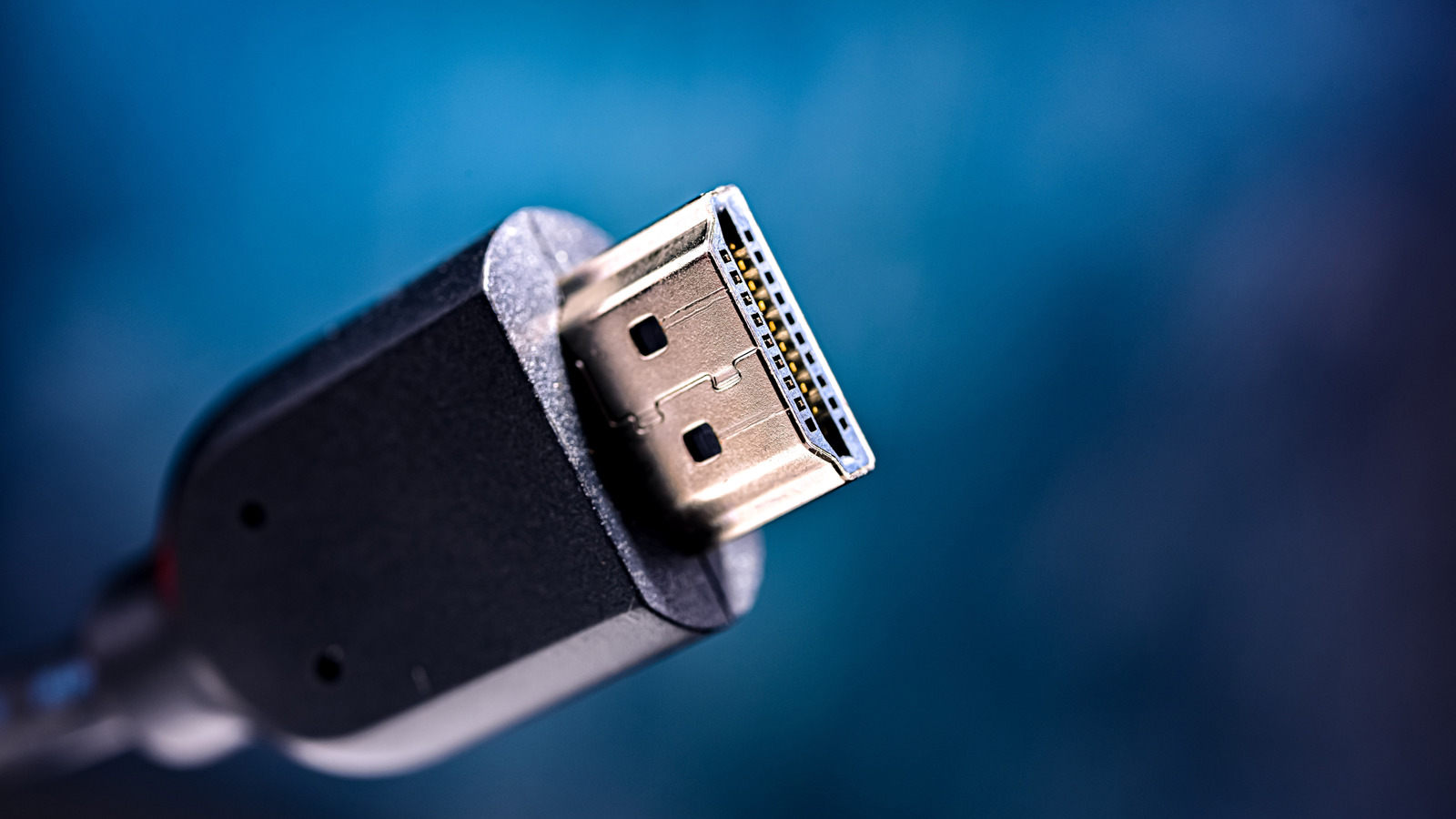
Decoding HDMI Cable Length: What You Need to Know for a Perfect connection
Running an HDMI cable to connect your devices seems simple enough, but cable length can surprisingly impact your viewing experience. It’s a common question I get asked, and getting it right ensures you enjoy the best possible picture and sound.Let’s break down what you need to know to avoid frustrating connection issues.
Why Does HDMI Cable Length Matter?
Digital signals traveling through an HDMI cable encounter resistance,which can lead to signal degradation over distance. The quality of the cable’s conductor material and its gauge play a important role in minimizing this resistance. Newer HDMI specifications, like Ultra High Speed HDMI, are more sensitive to cable length.
What’s the Ideal HDMI Cable Length?
There isn’t a one-size-fits-all answer, but here’s a practical guide:
* Ultra high Speed (UHS) HDMI Cables: For optimal performance, especially with 4K/8K content, aim for a maximum length of 9 feet.
* Premium High Speed & High Speed HDMI Cables: These can generally handle distances up to around 25 feet without significant signal loss.
* Longer Distances: If you need to span greater distances, consider these options:
* Active HDMI cables: These incorporate a signal booster to maintain signal strength over longer runs.
* Active Optical Cables (AOC): utilizing fiber optics, AOC cables can transmit signals hundreds of feet with virtually no degradation.
Troubleshooting Connection Issues
If you’re experiencing problems like a flickering screen, distorted audio, or a complete loss of signal, cable length could be the culprit. Here’s what to do:
- Shorten the Cable: If possible,try a shorter HDMI cable to see if the issue resolves.
- Upgrade Your Cable: Consider switching to an active or AOC cable for longer runs.
- Check for Interference: Ensure your HDMI cable isn’t running alongside power cables or other sources of electromagnetic interference.
- Test with Another Cable: Rule out a faulty cable by testing with a known working one.
Choosing the Right Cable for Your setup
I’ve found that many people underestimate the importance of cable quality. Don’t just grab the cheapest option. Here’s what to look for:
* HDMI Certification: Look for cables that are officially certified to ensure they meet the required standards.
* Cable Gauge: Lower gauge numbers indicate thicker conductors, which offer better signal transmission.
* Shielding: Good shielding protects the signal from interference.
Ultimately, selecting the right HDMI cable length and quality is a small investment that can make a big difference in your home entertainment experience.Don’t let a simple cable issue ruin your movie night!
Related reading