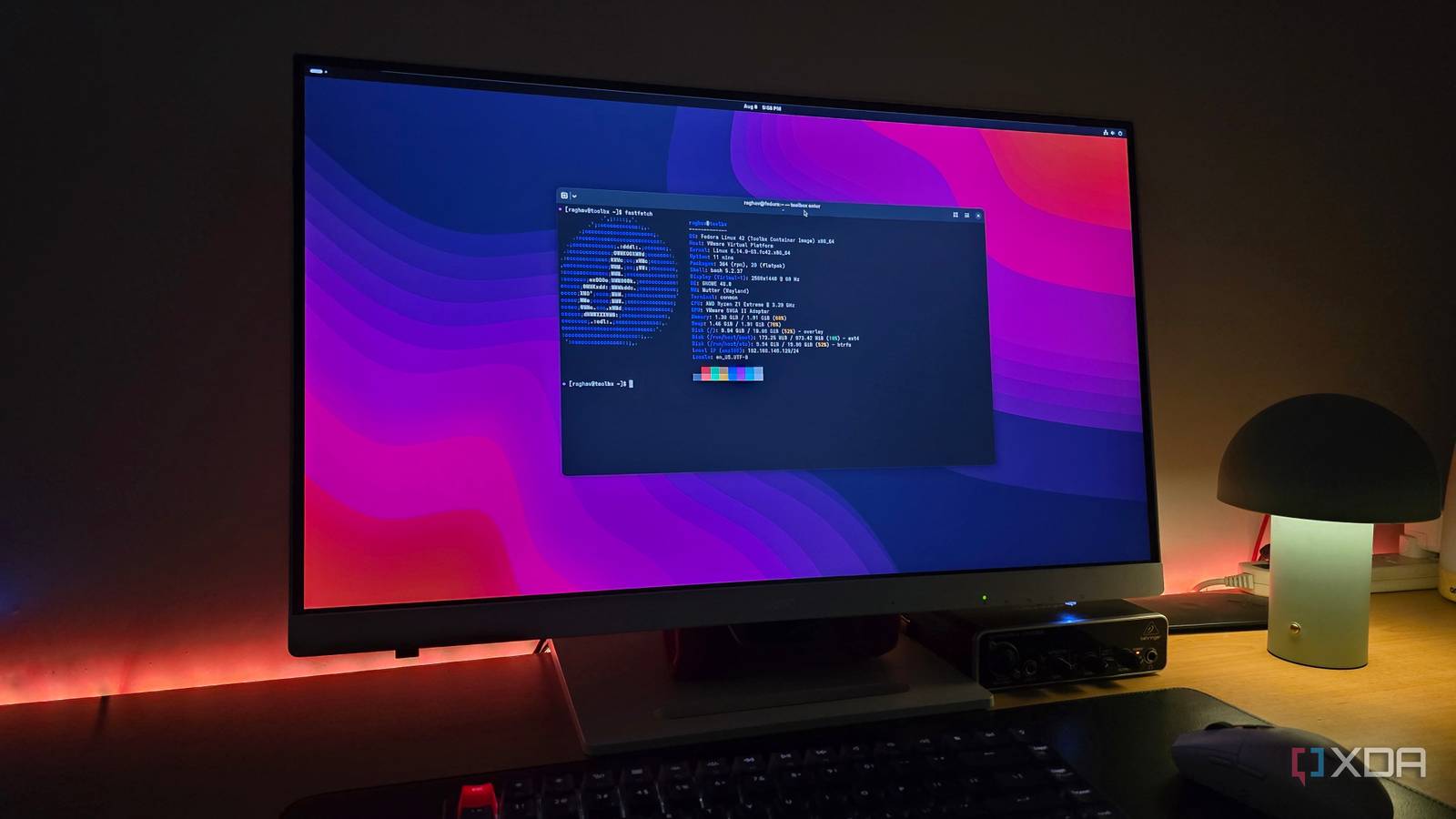
The Quiet Revolution: Why Wayland is Becoming the Standard Linux Desktop
For years, the X Window System (X11) served as the backbone of most Linux desktops. However, a shift is underway. Wayland, a newer display server protocol, is steadily gaining traction, and for good reason.It’s not just a technical upgrade; it represents a fundamental improvement in how your Linux system handles graphics and input. Let’s explore why this change is happening and what it means for you.
A History of Complexity
X11,while incredibly robust,was designed for a different era. It accumulated layers of complexity over decades, leading to inefficiencies and security concerns. Wayland, in contrast, was built from the ground up with simplicity and security as core principles. This cleaner architecture translates to a more stable and responsive desktop experience.
Wayland in Action: Real-World Examples
You might be surprised to learn that Wayland is already powering many popular desktop environments. Several distributions are leading the charge, demonstrating Wayland’s viability beyond enthusiast circles.
* Fedora: Has embraced Wayland as the default for several releases, showcasing its maturity and reliability.
* Pop!_OS: Offers a seamless Wayland experience, especially well-suited for modern hardware.
* Endless OS: Prioritizes simplicity and reliability for new users, and Wayland’s streamlined architecture perfectly aligns with those goals. I’ve found that Endless OS’s focus on accessibility is particularly well-served by Wayland’s consistent input handling and display scaling.
These aren’t isolated cases. More and more distributions are recognizing the benefits of a Wayland-first approach.
Benefits You’ll Notice
So, what does Wayland offer you? Here’s a breakdown of the key advantages:
* Improved Security: Wayland’s architecture inherently reduces the attack surface compared to X11.
* Enhanced Performance: A simpler protocol means less overhead, resulting in smoother animations and faster response times.
* Better Display Handling: Wayland offers more precise control over display scaling and refresh rates, leading to a sharper and more fluid visual experience.
* Modern architecture: it aligns with contemporary concepts like sandboxed applications and immutable systems, paving the way for future innovations.
Accessibility and Inclusivity
Wayland isn’t just about technical improvements. It also fosters a more inclusive computing experience. Consistent input handling and display scaling are crucial for users with diverse needs. The cohesive feel of Wayland, avoiding the “stitched together” feeling of older systems, is essential for education and accessibility initiatives.
Why the Momentum is Building
For a long time, switching to wayland felt risky. Compatibility issues and a lack of feature parity with X11 held many users back. Though,those concerns are rapidly diminishing. Wayland is no longer a niche preference; it’s a viable,and often superior,alternative.
Here’s what’s driving the change:
* Increased Stability: Wayland has matured substantially, with fewer compatibility issues.
* Growing Request Support: Most major applications now offer native Wayland support,or work seamlessly through compatibility layers.
* Alignment with Future Technologies: Wayland’s architecture is better suited for emerging technologies like virtual reality and augmented reality.
The Invisible Success
Perhaps Wayland’s biggest success is that, for many users, it’s almost invisible. It simply works, providing a smooth, secure, and responsive desktop experience without requiring any special configuration. That’s a testament to the hard work of developers and the inherent advantages of the protocol.
The transition from X11 is happening gradually, but it’s undeniably underway. For many Linux users, Wayland is already the default, quietly powering their daily computing tasks. And as Wayland continues to mature and gain wider adoption, it’s poised to become the standard for the Linux