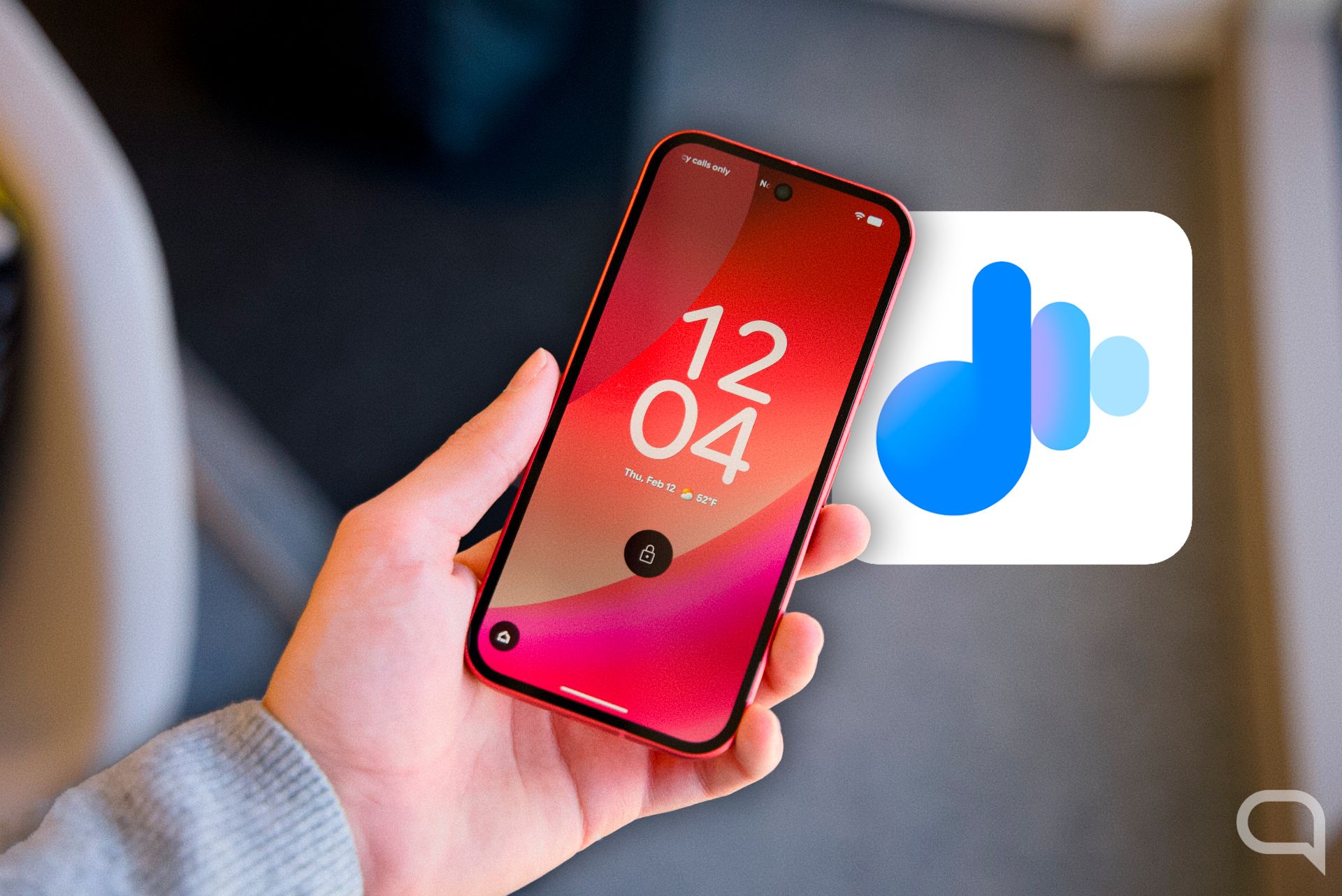
Google’s ‘Now Playing’ Feature Expands Beyond Pixel Devices
For years, Google Pixel phone owners have enjoyed a quietly powerful feature: the ability to automatically identify songs playing in the background. Now, Google is extending this convenience to a wider audience. The “Now Playing” app, previously exclusive to Pixel devices, is now rolling out as a standalone application on the Google Play Store, promising to bring seamless song recognition to many more Android users. This feature addresses a common frustration – losing track of a song you hear and wanting to quickly identify it – offering a solution that operates passively, without requiring users to actively initiate a search.
The app, officially named Now Playing, functions similarly to popular music identification services like Shazam, but with a key difference: it operates continuously in the background. Unlike Shazam, which requires users to open the app and tap a button to initiate a song search, Now Playing automatically detects music playing nearby and displays the song title on the phone’s lock screen. This hands-free functionality is particularly useful in situations where users are unable to interact with their phones directly, such as while driving or engaged in other activities.
The convenience doesn’t stop at immediate identification. Now Playing also maintains a history of all the songs it has recognized throughout the day. Users can access this history within the app to revisit songs they’ve encountered, even if they didn’t actively note them at the time. The app provides a direct link to listen to the identified song on YouTube Music, streamlining the process of adding it to playlists or exploring the artist’s catalog.
Availability and Potential Limitations
While the rollout of Now Playing to a broader range of Android devices is welcome news, its availability isn’t yet universal. The app is currently available on the Google Play Store, and its wider distribution is expected to occur in the coming days. Although, Google may implement certain limitations based on device specifications. Given that the app runs continuously in the background, it’s plausible that Google will restrict its availability to newer Android devices with sufficient processing power and memory – potentially requiring at least 4GB or 6GB of RAM. This represents a common practice for apps that demand significant system resources.
It’s also critical to consider the potential impact on battery life. Continuous audio monitoring inherently consumes power, and users may experience a slight decrease in battery performance when Now Playing is active. While the impact is not expected to be drastic, it’s a factor to keep in mind, particularly for users who prioritize maximizing battery life. The trade-off between convenience and battery consumption will likely be a personal decision for many Android users.
How to Obtain Now Playing on Your Android Device
For Android users eager to try Now Playing, the process is straightforward. First, ensure that your device allows installations from the Google Play Store. Then, simply search for “Now Playing” within the Play Store app. Once located, install the application as you would any other app. The app will then begin running in the background, automatically identifying songs playing nearby. Users can access the app’s history and settings through a notification or by locating the app icon in their app drawer.
If you previously relied on apps like Shazam to identify music, Now Playing offers a compelling alternative with its passive, always-on functionality. The ability to identify songs without any manual interaction is a significant advantage, making it a particularly useful tool for music lovers who frequently encounter unfamiliar tracks. The integration with YouTube Music further enhances the experience, providing a seamless pathway to explore and enjoy the identified songs.
Beyond Automatic Identification: A History of Convenience
The value of Now Playing extends beyond simply identifying a song in the moment. The app’s historical log provides a convenient record of all the music you’ve encountered, allowing you to rediscover forgotten melodies or finally track down that catchy tune you heard in a café last week. This feature is particularly beneficial for individuals who are constantly exposed to new music but lack the time or opportunity to actively seek out information about it. The app effectively acts as a passive music discovery tool, enriching your auditory experience without requiring any conscious effort.
Google’s decision to expand Now Playing beyond the Pixel ecosystem demonstrates a commitment to bringing its innovative features to a wider audience. While the app was initially a key differentiator for Pixel devices, its broader availability underscores Google’s strategy of making its software and services accessible to as many Android users as possible. This move is likely to be welcomed by music enthusiasts across the Android landscape, offering a convenient and unobtrusive way to identify and explore the music that surrounds them.
As the app rolls out to more devices, users can expect further refinements and potential feature additions. Google has a history of continuously improving its software based on user feedback, and Now Playing is likely to be no exception. Future updates could include enhanced song recognition accuracy, improved battery optimization, and integration with other music streaming services.
The next step in the rollout of Now Playing will be monitoring user feedback and addressing any compatibility issues that may arise across different Android devices. Google will likely be closely tracking app performance and battery consumption to ensure a smooth and efficient user experience. Keep an eye on the Google Play Store for updates and announcements regarding Now Playing’s continued development and expansion.
Have you tried Now Playing yet? Share your experiences and thoughts in the comments below. And if you found this article helpful, please share it with your friends and family!
Keep reading
- Best Robotic Lawnmowers 2025-2026: Top-Rated Models Without Boundary Wires
- Microsoft Office 365 Auto-Update Revenue Sharing Model Explained
- Google Pixel Tag Leaked Ahead of August Launch Alongside Pixel 11 (archyworldys.com)
- Why Your Phone's Battery Still Drains When It's Completely Off (daybreakwire.com)