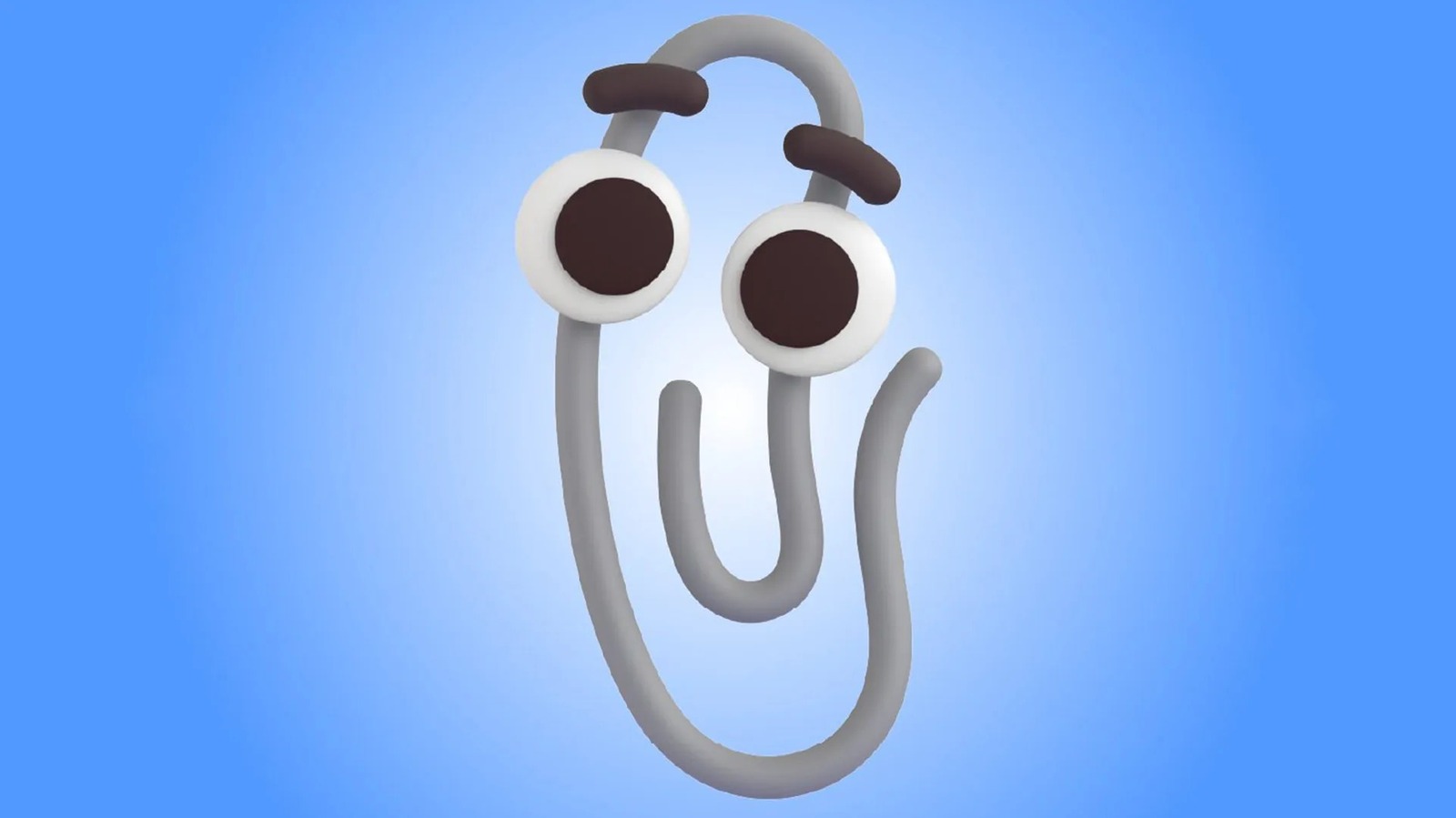
For a generation of office workers and students in the late 1990s, there was no sound more recognizable—or more polarizing—than the sudden appearance of a small, animated paperclip on a computer screen. With an eager expression and a penchant for interrupting, this digital companion became the face of Microsoft’s attempt to humanize software. But for many, the experience was less about help and more about hindrance.
If you are wondering what happened to Clippy, the answer is a complex blend of user experience failure and the natural evolution of artificial intelligence. While officially named Clippit, the character became a global symbol of “intrusive help,” eventually transitioning from a functional software feature to one of the internet’s most enduring memes. As a software engineer turned journalist, I find Clippy’s trajectory fascinating because it represents the first major collision between proactive computer assistance and actual human patience.
The story of the Microsoft Office Assistant is not just a tale of a retired mascot; it is a case study in the pitfalls of early user interface (UI) design. It serves as a cautionary reminder that just because a tool can be proactive does not mean it should be. Today, as we integrate Large Language Models (LLMs) into every facet of our productivity suites, the ghost of Clippy lingers in the design philosophy of every modern AI assistant.
The Birth of Clippit: More Than Just a Paperclip
Launched with the release of Microsoft Office 97, the Office Assistant was designed to make the daunting array of tools in Word, Excel, and PowerPoint more accessible to the average user. The goal was to implement what designers called a “social interface,” moving away from static help menus and toward an interactive agent that could guide users through complex tasks in real-time.
While the public knows him as Clippy, the character’s official name was Clippit. He was designed by Kevan J. Atteberry, who aimed to create a friendly, non-threatening presence that could offer suggestions based on the user’s behavior. For example, if a user began a document with “Dear,” Clippit would spring into action with the now-infamous prompt: “It looks like you’re writing a letter. Would you like help?”
At the time, this was a bold experiment in computing. Microsoft wasn’t just providing a manual; they were attempting to create a digital concierge. The Office Assistant was available in several forms—including a dog and a robot—but Clippit remained the default and most recognizable. The intention was to reduce the learning curve for new software, but the execution underestimated how much users value autonomy over their digital workspace.
The Friction of “Helpfulness”: Why Users Rebelled
The downfall of Clippy was not due to a lack of functionality, but rather a fundamental misunderstanding of user psychology. In the world of software development, there is a fine line between a “helpful hint” and a “disruption.” Clippy didn’t just cross that line; he leaped over it with enthusiastic animation.
The primary grievance among users was the assistant’s perceived arrogance. Clippit often suggested help for tasks that the user had already mastered, or worse, interrupted a flow of deep work to offer a suggestion that was entirely irrelevant. This created a psychological phenomenon where the user felt they were being monitored and corrected by a machine that didn’t actually understand the context of their work.
From a technical standpoint, the “intelligence” of the Office Assistant was rudimentary. It operated on a set of simple triggers—specific keywords or formatting patterns—rather than a true understanding of intent. When Clippit guessed wrong, the interaction felt robotic and condescending. This friction turned a tool meant for accessibility into a source of frustration, leading to a widespread cultural backlash that eventually permeated the tech industry.
The Slow Fade: How Microsoft Retired the Assistant
Microsoft did not delete Clippy overnight. Instead, the retirement of the Office Assistant was a gradual process of diminishing visibility. As the company shifted toward a more streamlined, professional aesthetic in the early 2000s, the whimsical nature of an animated paperclip no longer fit the corporate brand.
The first major step toward retirement occurred with the release of Office XP in 2001. Recognizing the widespread annoyance, Microsoft changed the default settings so that the Office Assistant was disabled by default. Users who actually wanted the help could still turn it on, but for the majority, the paperclip simply vanished from the foreground of their screens.
By the time Office 2007 arrived, the “Ribbon” interface had completely reimagined how users accessed help and commands. The animated characters were entirely removed from the suite, replaced by a more traditional search-based help system and contextual tooltips. The Office Assistant had officially moved from the active codebase to the archives of computing history.
The Legacy: From Software Nuisance to Cultural Icon
Interestingly, once Clippy was gone, the world began to miss him—not as a tool, but as a nostalgic icon. The very traits that made him hated in 1997 made him lovable as a meme in the 2010s. Clippy became a symbol of the “clunky” era of the early web and the optimistic, if misguided, attempts of tech giants to make computers “friendly.”
Microsoft eventually leaned into this nostalgia. Rather than scrubbing Clippy from its history, the company began integrating him into marketing campaigns and even released him as an official emoji in Microsoft Teams. This transition from “villain” to “mascot” reflects a broader trend in tech culture: we often romanticize the imperfections of early software once they no longer interfere with our productivity.
But the most significant legacy of Clippy is found in the architecture of today’s AI. When we look at Microsoft Copilot or other generative AI assistants, we are seeing the realization of the dream that Clippit was meant to fulfill. The difference is the underlying technology. Where Clippy relied on rigid triggers, modern AI uses neural networks to understand nuance, tone, and complex intent.
Comparing the Eras: Clippy vs. Modern AI
To understand why the modern era of assistance works where Clippy failed, we have to look at the shift in how software interacts with humans. The following table illustrates the evolution of the “digital assistant” philosophy:
| Feature | The Clippy Era (1997-2003) | The AI Era (2023-Present) |
|---|---|---|
| Trigger Mechanism | Keyword/Pattern Triggers | Semantic Understanding / LLMs |
| User Interaction | Interruptive/Proactive | On-Demand/Collaborative |
| Context Awareness | Very Low (Template-based) | High (Context window/Memory) |
| Primary Goal | Guidance through menus | Content generation and synthesis |
| User Perception | Intrusive “Helper” | Productivity “Co-pilot” |
What This Means for the Future of UI
The story of Clippy teaches us that the “human element” of technology is often the hardest part to get right. The failure of the Office Assistant wasn’t a failure of coding, but a failure of empathy. Microsoft attempted to force a social relationship between a user and a tool, forgetting that in a professional environment, the best tool is often the one that stays out of the way until it is specifically called upon.

As we move further into the age of autonomous agents, the “Clippy Lesson” remains relevant. Developers must balance the desire to be proactive with the user’s need for control. The most successful assistants of the future will not be those that shout, “It looks like you’re doing X!” but those that silently enable the user to do X more efficiently.
For those who still feel a twinge of nostalgia for the paperclip, Clippy serves as a reminder of how far we have come. We have moved from a world where a paperclip guessed we were writing a letter to a world where AI can draft the entire letter, summarize the response, and schedule the follow-up meeting—all without popping up unexpectedly to ask if we need help.
While Clippy may be retired from the software, he remains an immortal part of the digital lexicon—a reminder that in the quest to make technology more human, sometimes less is more.
The next major evolution in this space will likely be the integration of multimodal AI that can “see” our workflow in real-time without being intrusive. As Microsoft continues to refine Copilot, the industry will be watching to see if they have truly solved the problem that Clippit first highlighted decades ago.
Do you remember the first time Clippy interrupted your work? Or were you one of the few who actually found him helpful? Share your memories of the Office Assistant in the comments below.
Worth a look