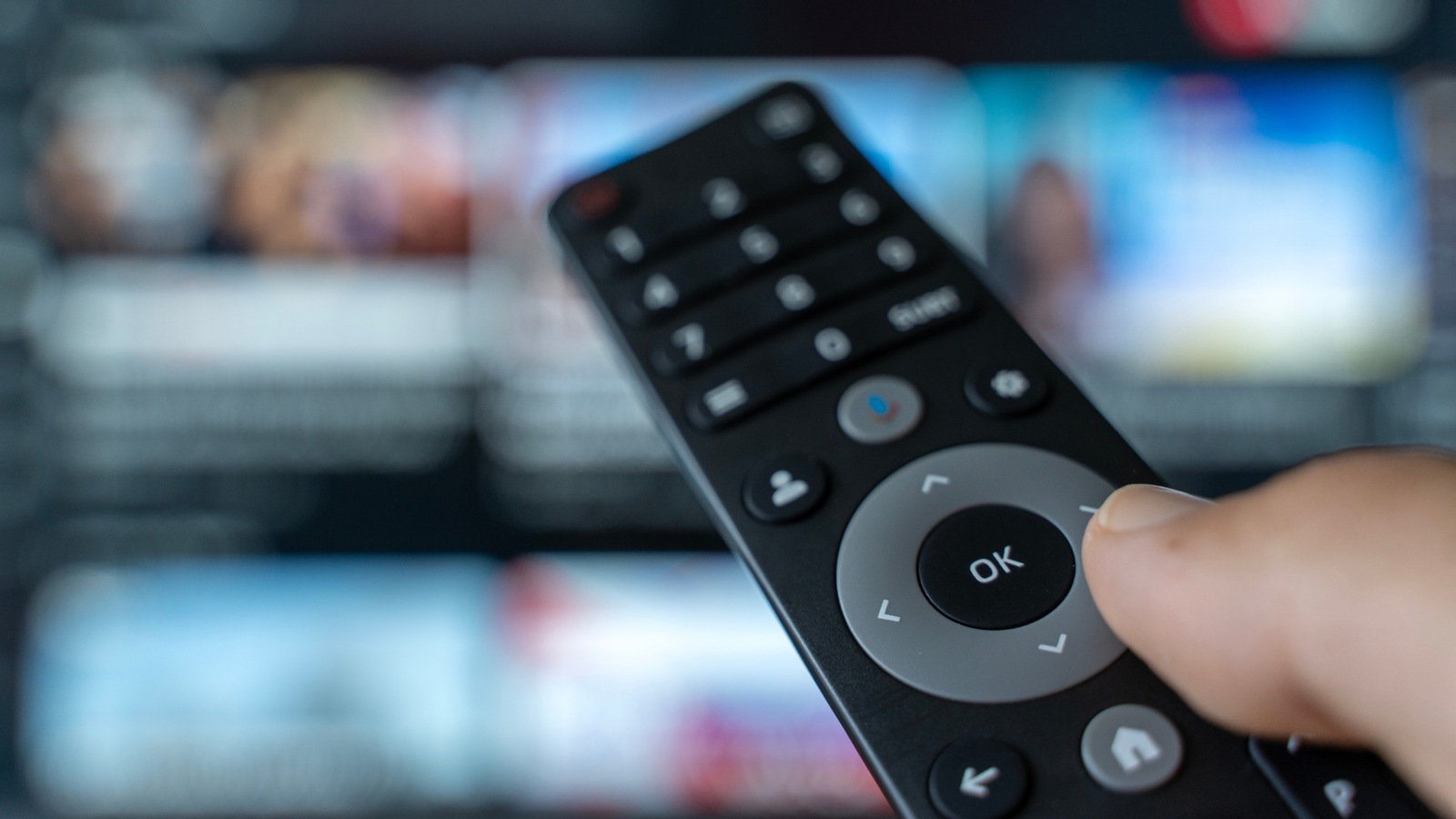
When we think about spring cleaning or our weekly household chores, we often focus on the surfaces that see the most wear: kitchen countertops, bathroom vanities, and floors. Yet, there is one device in almost every home that is handled dozens of times a day, rarely cleaned, and frequently overlooked: the television remote control. As a technology editor, I have spent years testing consumer electronics, and while we focus heavily on software updates and hardware performance, the physical hygiene of our devices is a critical, yet often neglected, aspect of home maintenance.
If you have been wondering how often Make sure to be cleaning all the remote controls in your home, you are not alone. Remote controls are high-touch surfaces that act as magnets for dust, skin oils, food particles, and bacteria. According to research from the National Sanitation Foundation (NSF), remote controls are consistently ranked among the most contaminated items in a typical household. Because they are shared by multiple family members and guests, they can easily facilitate the transmission of germs if they are not maintained with a regular cleaning schedule.
The consensus among hygiene experts and home maintenance professionals is that you should aim to disinfect your remote controls at least once a week. If someone in your household is ill, or if you have recently hosted guests, that frequency should increase to daily until the risk of transmission passes. Maintaining a consistent cleaning routine is not just about aesthetics; It’s about extending the lifespan of your electronics and ensuring a healthier living environment for everyone in your home.
The Science of Surface Contamination
Understanding why remote controls are such hotspots for bacteria requires looking at how we interact with them. We touch them while eating, after using the restroom, and before washing our hands after coming in from the outside world. The crevices around the buttons are essentially traps for organic matter, which provides a nutrient-rich environment for microbial growth. Studies conducted by institutions like the Centers for Disease Control and Prevention (CDC) emphasize that high-touch surfaces in shared spaces should be cleaned frequently to reduce the spread of pathogens, particularly in environments where people gather.

Beyond the biological concerns, there is a technical imperative. Dirt and grime can migrate inside the housing of the remote control. Over time, this buildup can interfere with the conductive pads beneath the buttons, leading to the dreaded “sticky button” syndrome or, eventually, a total failure of the remote’s responsiveness. By keeping the exterior clean, you prevent debris from migrating into the delicate internal circuitry, which is far harder to repair than the surface is to wipe down.
How to Clean Your Remote Control Safely
Because modern remote controls are sophisticated pieces of hardware, you cannot simply submerge them in water or use harsh chemicals. As a software engineer, I have seen far too many devices ruined by improper cleaning methods. To safely sanitize your remote, follow these steps to ensure you do not damage the electronics:

- Power Down: Always remove the batteries before starting. This prevents accidental signals from being sent to your television and protects the electrical components if a stray drop of liquid manages to enter the casing.
- Shake and Brush: Turn the remote upside down and gently shake it to dislodge loose crumbs or dust. Use a soft-bristled toothbrush to gently scrub around the buttons, where debris likes to hide.
- Use the Right Solution: Never spray liquid directly onto the remote. Instead, lightly dampen a microfiber cloth with a solution of 70% isopropyl alcohol. This concentration is effective at killing most household germs while evaporating quickly enough to prevent moisture damage.
- Precision Cleaning: For the tightest spaces, use a cotton swab lightly dipped in the same alcohol solution. Be careful not to let the swab become oversaturated.
- Dry Thoroughly: Allow the remote to air dry completely for at least 15 to 20 minutes before reinserting the batteries and powering it back on.
you should check your manufacturer’s manual first. Some high-end universal remotes or touch-screen controllers may have specific coatings or specialized materials that could be damaged by alcohol. In those cases, the manufacturer usually recommends using only a dry, static-free cloth or a very slightly dampened cloth with distilled water.
Why Consistency Matters for Your Tech
The goal of a weekly cleaning schedule is to prevent the “accumulation effect.” When you clean a device once a month, you are dealing with layers of hardened oils and compacted dust that are much harder to remove. By committing to a weekly wipe-down—perhaps as part of your Sunday routine—you keep the surface sanitized and ensure that your technology remains responsive. This practice is part of a broader set of EPA-recommended practices for maintaining a clean and healthy indoor environment.

Consider this a form of preventive maintenance. Just as you would update the software on your smart TV to ensure security and performance, you should treat the hardware interface with the same level of care. A clean remote is more than just a hygienic choice; it is a way to respect the technology that powers your home entertainment experience.
Frequently Asked Questions
Q: Can I use household bleach wipes on my remote?

A: No. Bleach is too harsh and can damage the plastic casing and the rubberized buttons of most remote controls. Stick to 70% isopropyl alcohol or manufacturer-approved cleaning wipes.
Q: What if I accidentally get liquid inside the remote?
A: If you notice moisture inside, remove the batteries immediately and place the remote in a dry area with good airflow. If you have silica gel packets, placing the remote in a sealed bag with those can help draw out remaining humidity. Do not attempt to use it until you are certain it is completely dry.
Q: Are silicone remote covers worth it?
A: Silicone covers can be a great investment. They are often dishwasher-safe or easily wiped down, and they provide a protective barrier that keeps the actual remote clean underneath. They also make the remote easier to grip.
Final Thoughts
The next time you settle in for a movie night, take a closer look at your remote control. If you notice a sheen of oil or dust in the button gaps, it is time for a refresh. By integrating this simple, five-minute task into your weekly routine, you protect both your health and your hardware.
We are currently monitoring new guidance from the World Health Organization regarding surface hygiene in residential settings for any updates that may impact household cleaning recommendations. As we continue to rely more heavily on smart home devices, staying informed on the best ways to care for them is essential. Have a tip for keeping your home tech pristine? Share your thoughts in the comments below or join the conversation on our social channels.
Keep reading