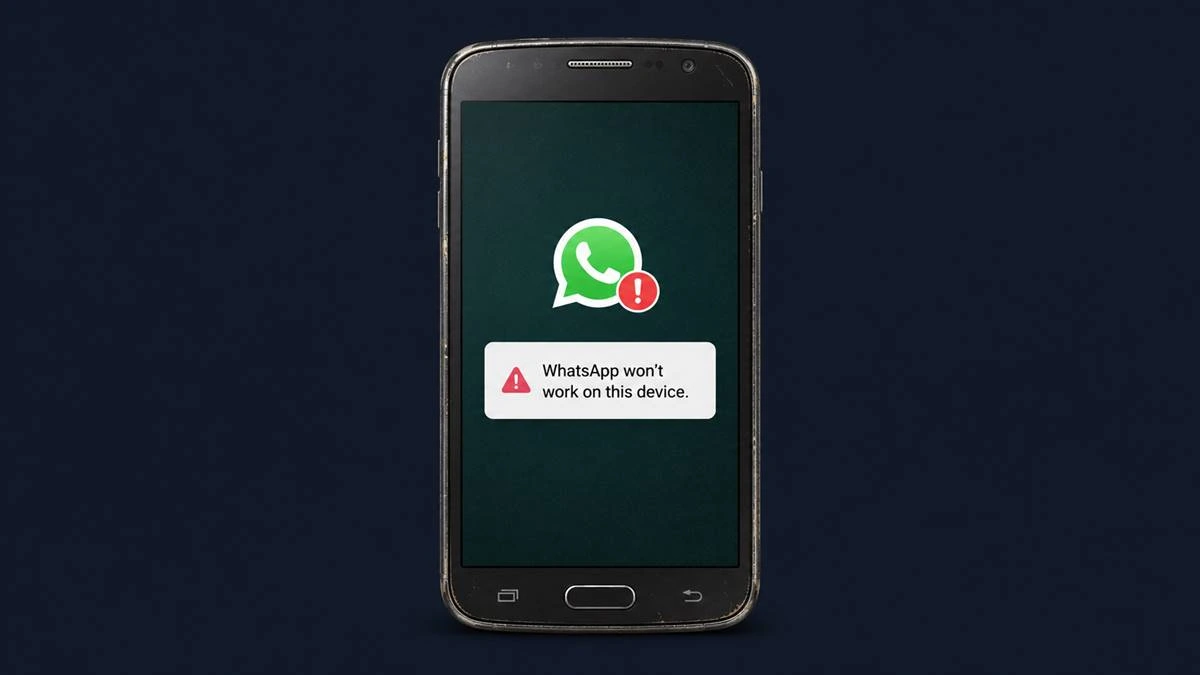
As a technology journalist who has spent years tracking the evolution of mobile ecosystems, I often remind my readers that our devices are not just hardware—they are gateways to a constantly shifting digital infrastructure. Recently, concerns have circulated regarding the future of older smartphones, specifically regarding the claim that the Samsung Galaxy S4 and other legacy devices will lose access to WhatsApp in September 2026. While the rapid pace of software development often necessitates the sunsetting of older technologies, it is essential to distinguish between verified platform requirements and speculative industry rumors.
WhatsApp, now a core product under the Meta umbrella, regularly updates its system requirements to maintain security standards and performance benchmarks. According to the official WhatsApp Help Center, the application currently requires Android OS 5.0 or newer to function. While Meta periodically updates these minimum specifications, they typically provide ample notice to users through in-app notifications and their official support documentation. As of today, there is no official, verified statement from Meta announcing a global cutoff for specific older devices in September 2026.
Understanding How WhatsApp Updates Affect Older Hardware
The core of the issue lies in the relationship between hardware capabilities and software security. When developers like those at Meta phase out support for older Android versions, it is rarely a targeted move against a specific model like the Samsung Galaxy S4. Instead, it is a broad move to ensure that all users benefit from end-to-end encryption and the latest security patches. Older operating systems often lack the architectural support required for these modern security protocols, making them vulnerable to exploits that newer versions have already addressed.


For users holding onto legacy hardware, the transition is usually gradual. WhatsApp typically issues a warning to users on outdated operating systems weeks or months before the service ceases to function on those devices. This grace period allows individuals to back up their chats and, if necessary, migrate to a newer device or update their current phone’s software if an official path exists. If you are currently using an older Android device, the best practice is to check your system settings under “About Phone” to see which version of Android you are running. If you are below the current minimum threshold, you may experience service interruptions sooner rather than later.
Why Security Protocols Drive These Changes
From an engineering perspective, maintaining compatibility with legacy software is a significant technical debt. Every time a new feature is added to WhatsApp—such as advanced multimedia sharing, multi-device support, or enhanced privacy settings—the code must be tested against the operating systems it supports. Keeping support for Android versions that are over a decade old, like those typically found on the Samsung Galaxy S4, prevents the platform from implementing more robust security features that rely on modern hardware abstraction layers.
The tech industry follows a standard lifecycle for software support. As noted by industry standards regarding Android version distribution, manufacturers and developers eventually prioritize the vast majority of users who have upgraded to contemporary systems. This represents not merely a push for consumerism. it is a necessity for maintaining a secure messaging environment for billions of global users. When a device no longer receives security updates from the manufacturer, it becomes an inherent risk to the ecosystem, which is why platforms like WhatsApp eventually draw a line in the sand.
Practical Advice for Legacy Device Users
If you find that your device is nearing the end of its supported life, you do not necessarily need to discard your phone. While it may no longer support high-bandwidth, high-security messaging applications, older hardware can still serve a variety of functions. Many users repurpose these devices as dedicated media players, home automation controllers, or even as security cameras using third-party apps that do not require the latest OS updates.
However, for daily communication, it is crucial to recognize when a device is no longer fit for purpose. If you rely on WhatsApp for personal or professional connectivity, ensuring that your device runs a supported operating system is a matter of digital hygiene. If your device cannot be updated to at least Android 5.0, it is time to consider an upgrade to ensure you do not lose access to your contacts and conversations.
Key Takeaways for WhatsApp Users
- Verify Your OS: Always check your Android version in your device settings. WhatsApp currently requires Android 5.0 or higher.
- Official Sources Only: Do not rely on rumors regarding specific “cutoff dates” for your phone model. Always refer to the official WhatsApp FAQ page for the latest system requirements.
- Backup Regularly: Regardless of your device age, ensure your chat history is backed up to Google Drive or an encrypted cloud service to prevent data loss during any potential transition.
- Security First: Using an unsupported operating system leaves your device vulnerable to security threats that are no longer patched by the manufacturer or the app developer.
Looking Ahead: The Future of Messaging Compatibility
As we look toward 2026 and beyond, it is highly probable that the minimum system requirements for all major messaging platforms will continue to rise. This is a natural progression of the technology sector. While the specific mention of September 2026 as a universal deadline for legacy devices remains unconfirmed by Meta, it serves as a timely reminder for all of us to audit our digital tools.

Technology is meant to empower us, but it requires periodic maintenance and, occasionally, hardware renewal. If you have concerns about your specific device, the most authoritative action you can take is to monitor the official announcements from the developers directly. For now, there is no cause for alarm, but there is every reason to be prepared. If you have questions about how these changes might affect your specific setup, I encourage you to join the conversation in the comments below or share this article with those who may be concerned about their legacy devices.
Related reading