
Smartphone users upgrading to the latest hardware, such as the Samsung Galaxy S26 Ultra, occasionally encounter performance inconsistencies when using third-party social media applications like Snapchat. Reports from users indicate that the camera output within the Snapchat app can appear grainy or lack the refined image processing typically associated with the native camera software of flagship devices.
For those moving from older models like the Galaxy S22 Ultra to the newer S26 Ultra, the difference in image quality within social media platforms is a point of recurring discussion. While native camera performance on Samsung’s high-end smartphones is generally optimized for high-resolution photography and video, third-party apps often rely on different processing pipelines that may not immediately leverage the full capability of the device’s sensor arrays.
Understanding Third-Party Camera Optimization
The primary reason for perceived quality drops in apps like Snapchat often relates to how these applications interact with the Android camera framework. Rather than utilizing the full, hardware-accelerated processing of the Samsung camera app—which includes advanced noise reduction and dynamic range adjustments—many social media apps historically captured a “viewfinder” feed to ensure a consistent experience across various Android devices.
Samsung has historically worked to improve this integration. As noted in the company’s official product documentation for the Galaxy S25 Series and subsequent models, the integration of specialized camera APIs is intended to bridge the gap between native hardware and third-party software. However, the effectiveness of this integration can vary depending on the specific application version and the software build installed on the device.
Troubleshooting Image Quality Concerns
Users who experience graininess or a lack of detail in their social media photos often look for settings to regain control over their image quality. On many Samsung devices, the native camera app offers extensive “Pro” and “Selfie” control menus, which provide manual adjustments for exposure, white balance, and beauty filters. When moving to a third-party interface, these custom controls are frequently absent, as the app prioritizes a simplified user interface over granular hardware control.
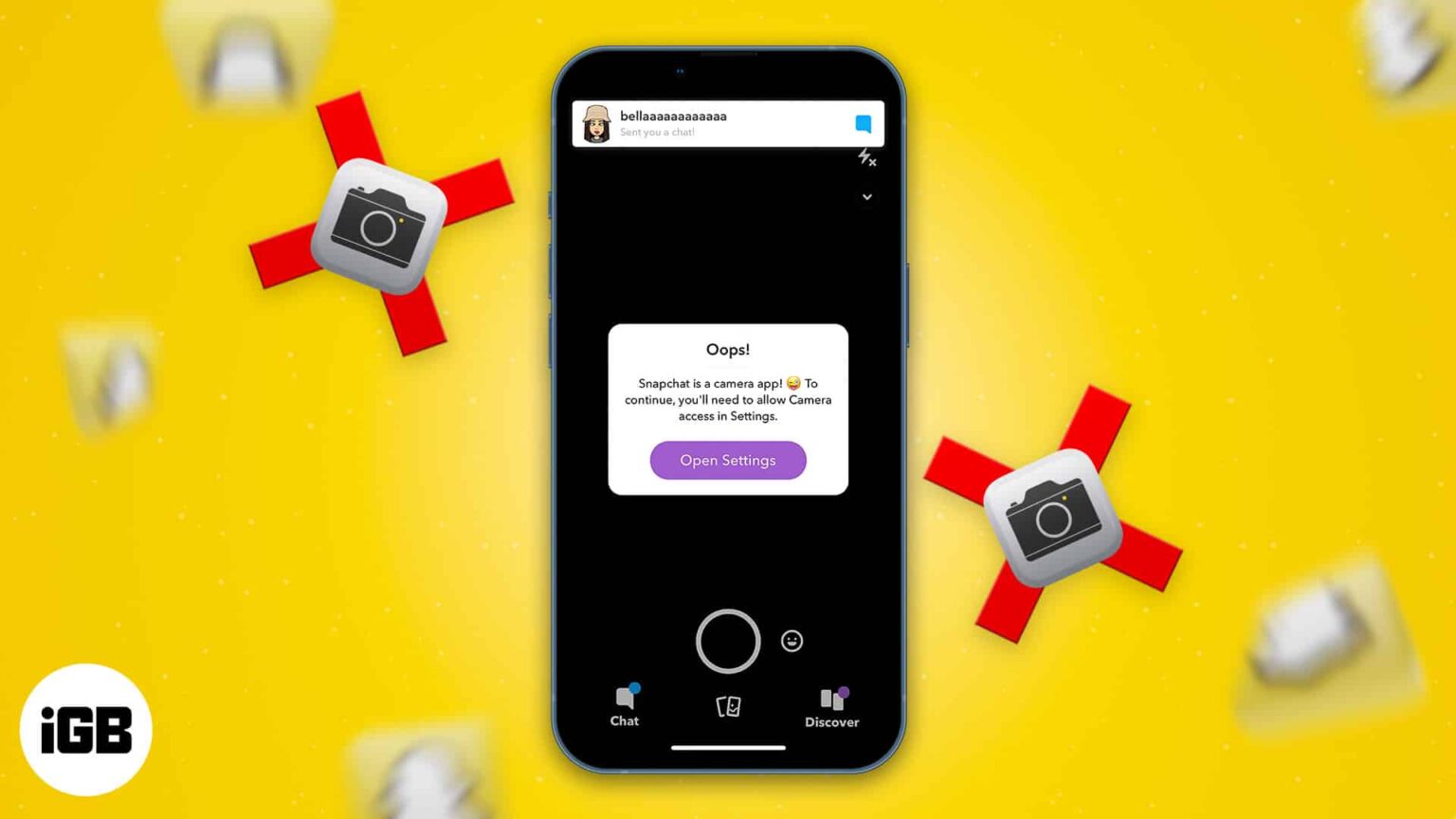
If you are experiencing a noticeable drop in quality compared to your previous device, consider the following steps:
- Check for App Updates: Ensure that your version of Snapchat is fully updated via the Google Play Store, as developers frequently release patches to optimize camera performance for new flagship hardware.
- Software Updates: Verify that your Galaxy S26 Ultra is running the latest version of One UI. Samsung provides periodic system updates that can improve camera driver stability.
- Clear App Cache: Sometimes, residual data from a previous device migration can cause performance issues. Clearing the cache for the specific app in your device’s settings menu can occasionally resolve rendering glitches.
The Role of Software Integration
The transition between different generations of hardware, such as the S22 Ultra to the S26 Ultra, involves significant changes in sensor technology and image signal processing (ISP). Because Snapchat and similar platforms process images in real-time to allow for augmented reality filters and rapid sharing, they must balance resolution with processing speed. This balance is why photos taken within these apps may look different from those captured with the dedicated camera software, which is optimized for maximum detail.
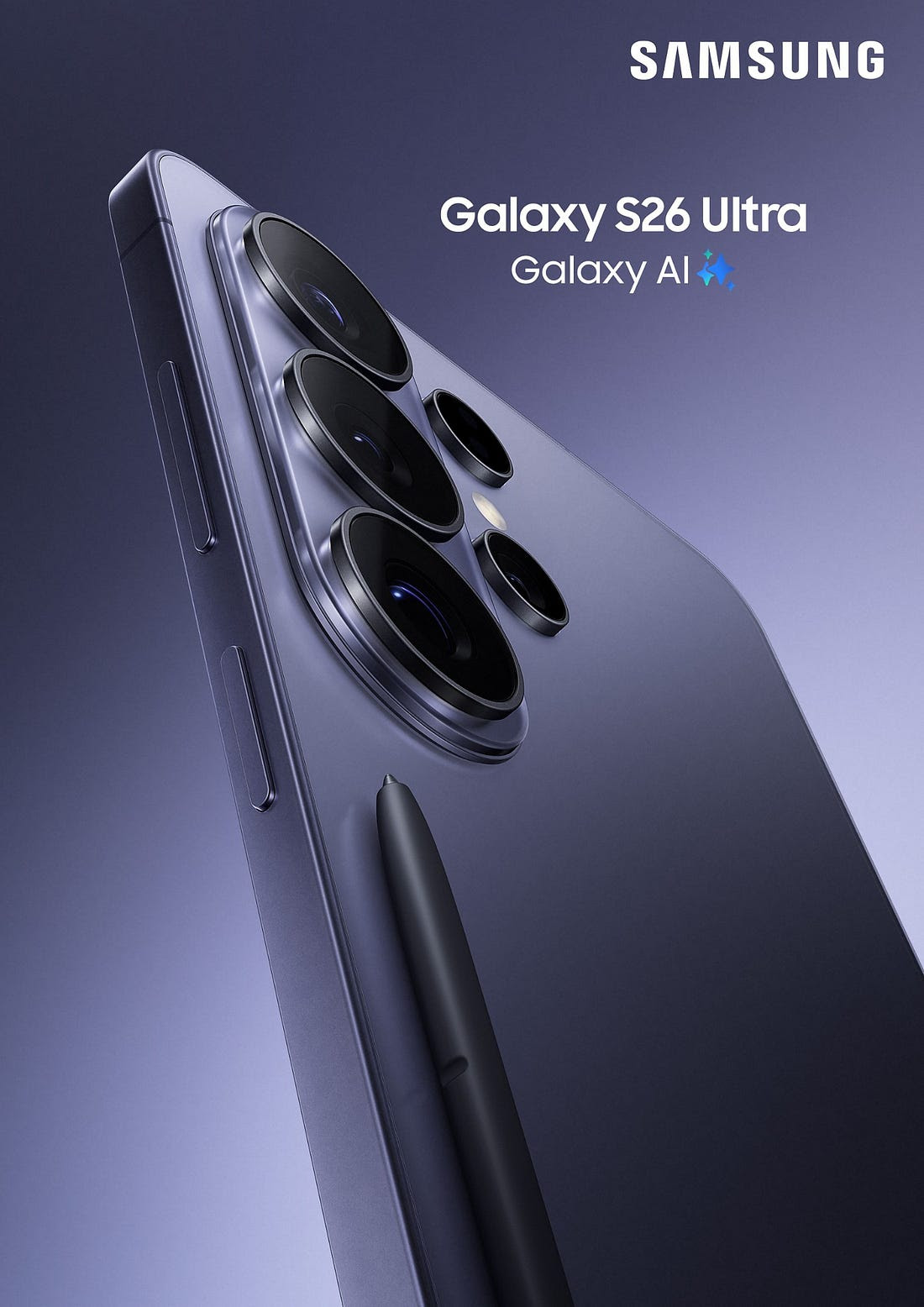
Samsung continues to maintain its lineup of mobile technology, including the Galaxy smartphone ecosystem, with a focus on high-fidelity imaging. While the native camera remains the benchmark for performance, the ecosystem relies on ongoing collaboration with app developers to ensure that the hardware’s advanced capabilities are accessible across the most popular social platforms.
As of June 2026, there have been no official announcements from Samsung regarding a specific hardware fault related to third-party camera graininess. Users experiencing persistent issues are encouraged to provide feedback directly through the Samsung Members app, which allows the technical team to collect diagnostic data regarding app-specific performance. Comments and experiences regarding these software interactions are welcome below as the community continues to monitor performance updates.
Related reading