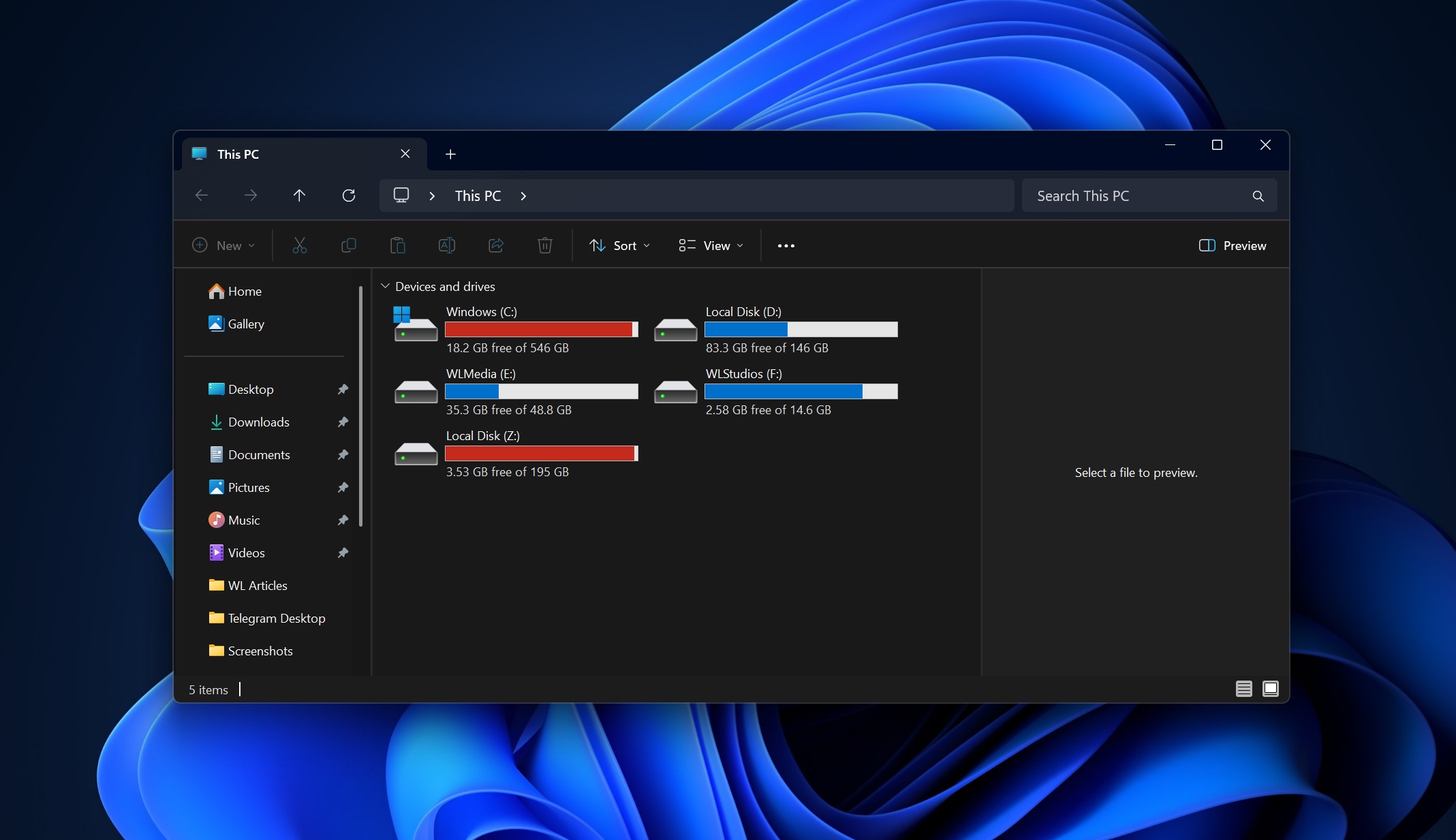
Microsoft is currently testing significant performance improvements for the Windows 11 File Explorer, aimed at accelerating bulk file deletion operations by at least 30%. These optimizations, which are being rolled out to users within the Windows Insider Program, focus on refining how the operating system handles the metadata and indexing processes during large-scale file removal tasks, according to official Microsoft Windows Insider blog documentation.
The update, integrated into recent preview builds, addresses long-standing user feedback regarding the responsiveness of the file management interface when processing thousands of items simultaneously. For power users and developers who frequently manage expansive directory trees, the performance gains are designed to reduce the time spent waiting for the “Deleting” progress bar to clear, effectively minimizing system overhead during high-volume I/O operations.
Why File Explorer Performance Remains a Priority
File Explorer serves as the primary interface for the vast majority of Windows interactions, making its efficiency critical to the overall user experience. Microsoft has faced ongoing scrutiny regarding the software’s performance, particularly since the transition to the Windows 11 interface, which introduced new visual layers and cloud-integrated features that occasionally impacted navigation speeds. By targeting the underlying file-handling logic, the company is attempting to streamline the interaction between the GUI and the NTFS file system, as detailed in Windows 11 performance documentation.
The 30% performance target is based on internal testing of bulk deletion scenarios, where a high volume of small files often creates a bottleneck in the deletion queue. By optimizing how the kernel handles these requests, the updated File Explorer reduces the latency between the user’s command and the final confirmation, a change that reflects a broader shift toward “snappier” system responsiveness in recent Windows updates.
What This Means for Windows 11 Users
For the average user, these changes may result in a noticeably faster experience when clearing out temporary folders, large project directories, or backup files. The technical adjustments focus on reducing the frequency of file system “locking” events, which previously forced the application to wait for each individual deletion confirmation before proceeding to the next task. This shift toward asynchronous processing is a hallmark of the current development cycle for the operating system.
While these improvements are currently limited to the Dev and Beta channels of the Windows Insider Program, they are expected to migrate to the general release version of Windows 11 in future cumulative updates. Users who wish to test these enhancements early can join the Windows Insider Program via their system settings, though it is recommended to do so only on secondary hardware due to the experimental nature of preview builds.
Technical Context and Future Updates
This update follows a series of incremental refinements Microsoft has implemented over the past eighteen months to address UI lag and search indexing speeds. According to the official Windows 11 release history, the company has prioritized “system responsiveness” as a core pillar of its ongoing development roadmap. These improvements are part of a larger effort to optimize the Windows Shell, which governs the desktop environment, taskbar, and file management.
The next major milestone for these features will likely be the upcoming annual feature update, where stability and performance metrics are finalized for the general public. As of now, no specific release date for the wide-scale deployment of these deletion speed optimizations has been confirmed, though history suggests they will be included in the next scheduled “Moment” update or the subsequent version of the Windows 11 operating system.
We encourage our readers to share their own experiences with File Explorer performance in the comments section below. Are you noticing faster deletion speeds in your current build, or are you still experiencing latency in other areas of the file system? Your feedback is valuable as we continue to track these developments across the Windows ecosystem.
Worth a look