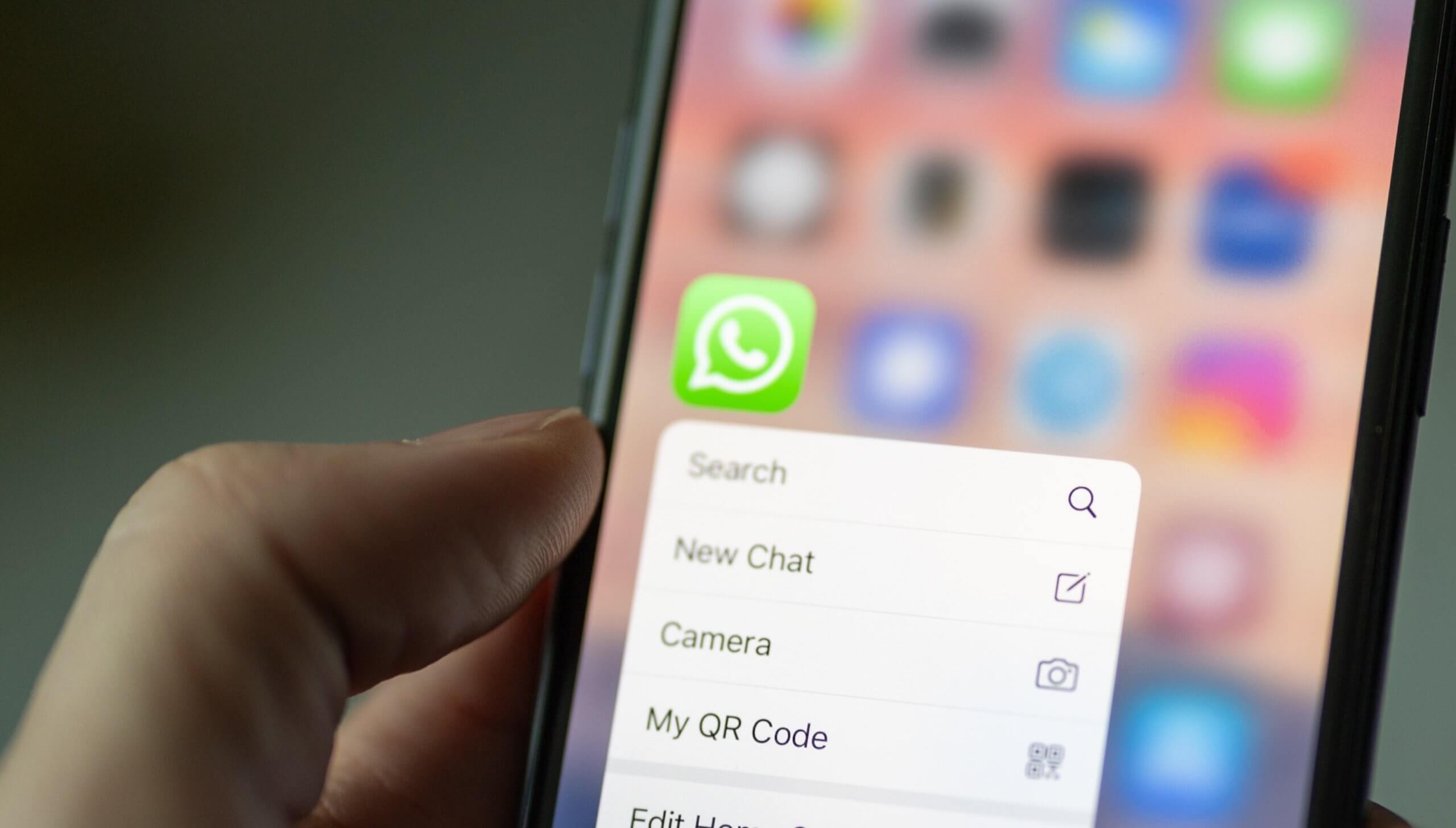
Meta has officially enabled the ability to use multiple WhatsApp accounts on a single device, providing a long-awaited solution for users who manage separate personal and professional profiles. The update allows iOS users to add a second account directly within the application settings, eliminating the need for third-party workarounds or carrying a secondary handset, according to the official WhatsApp Blog.
This functionality, which Meta began rolling out to global markets in late 2023, requires a secondary phone number and a separate SIM card—or a phone that accepts multi-SIM or eSIM technology—to receive the initial verification code via SMS. Once the second account is added, the platform allows users to toggle between profiles within the same interface. Each account maintains its own independent notification settings and privacy preferences, ensuring that data remains segmented between the two profiles.
Configuring Multiple WhatsApp Accounts on iOS
To set up a second account, users must navigate to the application settings menu. According to the WhatsApp Help Center, the process involves selecting the arrow icon next to the user name, followed by the “Add account” option. Users will then be prompted to input their secondary phone number and complete the standard verification process.
It is important to note that the secondary account remains active only while the device has access to the phone number associated with that account. If the SIM card is removed or the service for that specific number is terminated, access to the secondary WhatsApp account may be restricted. Meta specifies that each account is uniquely tied to its respective phone number, and the app does not support cloud-based account switching without the physical or digital SIM verification step.
Privacy and Security Implications
By keeping the accounts distinct, WhatsApp ensures that messages from one profile do not bleed into the other. Each account retains its own chat history, media files, and contact lists. This separation is particularly relevant for users concerned about data privacy, as the platform maintains end-to-end encryption for both accounts independently. As noted by The Verge, the implementation of this feature was a significant technical shift for the platform, which had historically maintained a strict one-device, one-account policy.

Users should remain vigilant regarding notification settings. Because both accounts can be active simultaneously, incoming messages from both profiles will trigger alerts unless manually configured otherwise. Users can customize notification sounds and banners for each account separately through the “Notifications” tab within the settings menu for each individual profile.
The Evolution of Messaging Platform Capabilities
The introduction of multi-account support represents a broader trend among Meta-owned platforms to accommodate the increasing overlap between personal and professional digital lives. Prior to this update, users often relied on the “WhatsApp Business” application as a secondary client to maintain two accounts on one phone. While the business-specific application remains available, the native integration of a second account into the standard WhatsApp interface provides a more streamlined experience for general users.
This development follows the platform’s previous efforts to improve multi-device connectivity, such as the ability to link a single account across multiple computers and tablets simultaneously. According to Reuters, these initiatives are part of a larger strategy to maintain user engagement in an increasingly competitive global messaging market. By removing friction for power users, Meta aims to solidify its position as the primary communication tool for both casual and professional interactions.
Frequently Asked Questions
- Can I use three or more accounts on one iPhone? No, the current implementation is limited to two active accounts per device.
- Do I need two separate SIM cards? Yes, you need a way to receive a verification SMS for the second number, either via a secondary physical SIM or an active eSIM.
- Will my contacts see both of my accounts? No, the accounts are treated as two separate entities by the platform.
- Does this work on WhatsApp Web? Multi-account support is primarily designed for mobile applications; however, the platform continues to update its desktop and web interfaces to support linked devices.
Users are encouraged to ensure their WhatsApp application is updated to the latest version via the Apple App Store to access these features. As of the most recent update, no further changes to the account limit have been announced by Meta. For ongoing updates regarding platform features, users should consult the official WhatsApp Newsroom. Readers are welcome to share their experiences with the multi-account feature in the comments section below.