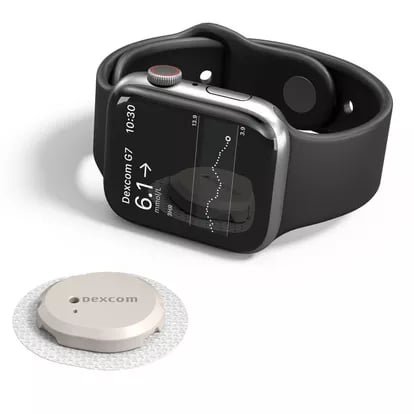
For millions of people managing diabetes, the integration of continuous glucose monitoring (CGM) systems with the Apple Watch has become a primary method for tracking blood sugar levels in real time. While the Apple Watch does not currently feature built-in, non-invasive glucose sensing hardware, users can effectively display data from medical-grade sensors using specialized applications. According to the U.S. Food and Drug Administration (FDA), software used to display or analyze data from a medical device must be cleared for clinical use to ensure patient safety and data accuracy.
The current landscape for Apple Watch glucose monitoring apps relies on a tethered ecosystem. Most CGM systems, such as the Dexcom G7 or FreeStyle Libre series, require a primary connection to an iPhone to process sensor data before pushing that information to the watch face. This reliance on the iPhone as a data hub is a critical distinction for users seeking to understand how their wearable technology interacts with their health monitoring hardware.
How CGM Systems Connect to Apple Watch
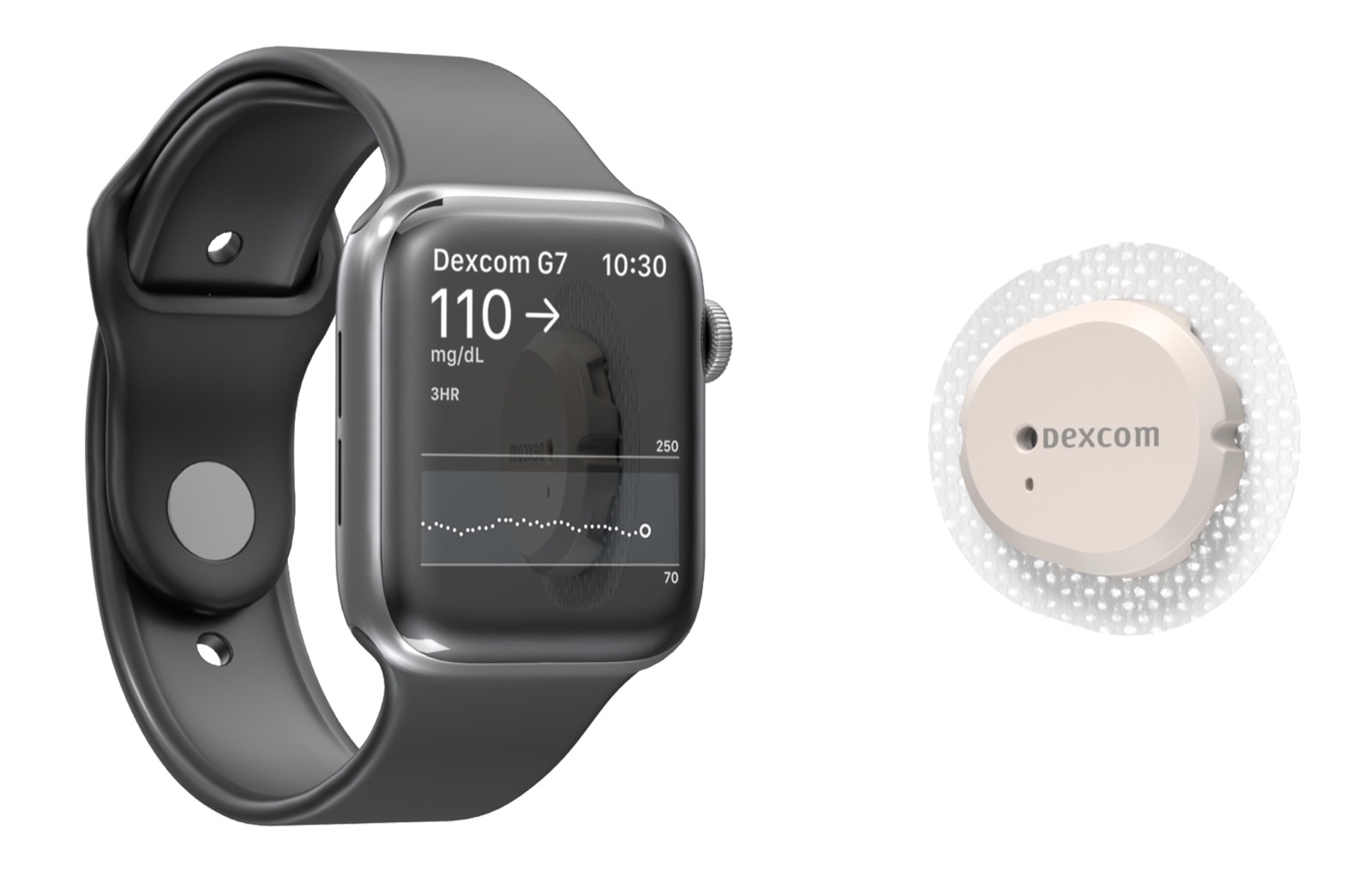
The most common method for viewing glucose levels on an Apple Watch involves using the official companion apps provided by medical device manufacturers. The Dexcom G7 system allows users to view glucose readings, trend arrows, and graph data directly on their watch face via the official Dexcom app. This setup requires the iPhone to be within Bluetooth range of the sensor to maintain a consistent data stream.
Similarly, the FreeStyle Libre 3 system provides integration with the Apple Watch through its dedicated mobile application. Users can view their current glucose reading and trend information on the watch, provided the iPhone is active and connected to the sensor. It is important to note that these apps function as secondary displays; the sensor itself performs the biochemical analysis, and the iPhone acts as the bridge that transmits that data to the watch.
The Role of the iPhone as a Data Hub
A frequent point of confusion for users is the necessity of the iPhone in the signal chain. While the Apple Watch can display data, it is not currently the primary receiver for the Bluetooth signal emitted by most FDA-cleared CGM sensors. According to Apple’s health integration guidelines, the watch functions as an extension of the iPhone’s processing capabilities for third-party medical apps.

When a user is away from their iPhone, the connection between the sensor and the watch may be interrupted, depending on the specific model of the CGM and the watch’s connectivity features. For example, while some newer watch models support independent cellular connectivity, the underlying software architecture for most CGM platforms still requires the iPhone’s processing power to interpret the raw data from the sensor. Users should verify their specific device’s compatibility requirements on the manufacturer’s official support pages to determine if their model supports “direct-to-watch” capabilities, which remain limited in the current market.
Comparing Current Monitoring Solutions
Choosing the right system often depends on personal preferences regarding app interface and sensor longevity. The following table highlights the current status of primary CGM systems integrated with Apple Watch.
| System | Apple Watch Display | iPhone Requirement |
|---|---|---|
| Dexcom G7 | Yes (Official App) | Yes |
| FreeStyle Libre 3 | Yes (Official App) | Yes |
| Eversense | Via Companion App | Yes |
The Eversense E3 system, which uses an implantable sensor, also requires a transmitter and a mobile app to display data. As reported by Ascensia Diabetes Care, the developer of the Eversense system, data is transmitted to the app, which then syncs with compatible smartwatches. The user experience across these platforms is largely dictated by how frequently the mobile app updates the watch face, which can be affected by power-saving settings on both the iPhone and the watch.
Safety and Clinical Accuracy
It is vital for users to remember that these apps are intended to assist in diabetes management, not to replace medical advice or professional diagnostic tools. The American Diabetes Association emphasizes that CGM data should be used to identify trends rather than making immediate clinical decisions without verifying with a blood glucose meter if symptoms do not match the sensor reading. Calibration and sensor placement remain critical factors in the accuracy of the readings displayed on the Apple Watch.
Technological advancements continue to move toward more seamless integration, but users must remain vigilant about software updates. Both Apple and the CGM manufacturers frequently release firmware and app updates that can change how data is displayed or how the devices pair. Checking the “What’s New” section in the App Store or the manufacturer’s clinical support portal is the best way to stay informed about changes to device connectivity.
The next major update for many of these applications is expected to follow the release of new watchOS versions, typically announced by Apple during their annual developer conferences. Users are encouraged to monitor their device manufacturer’s official communication channels for specific guidance on compatibility with future operating systems. For those managing chronic conditions, staying current with these updates ensures the most stable and accurate monitoring experience possible.
Related reading