
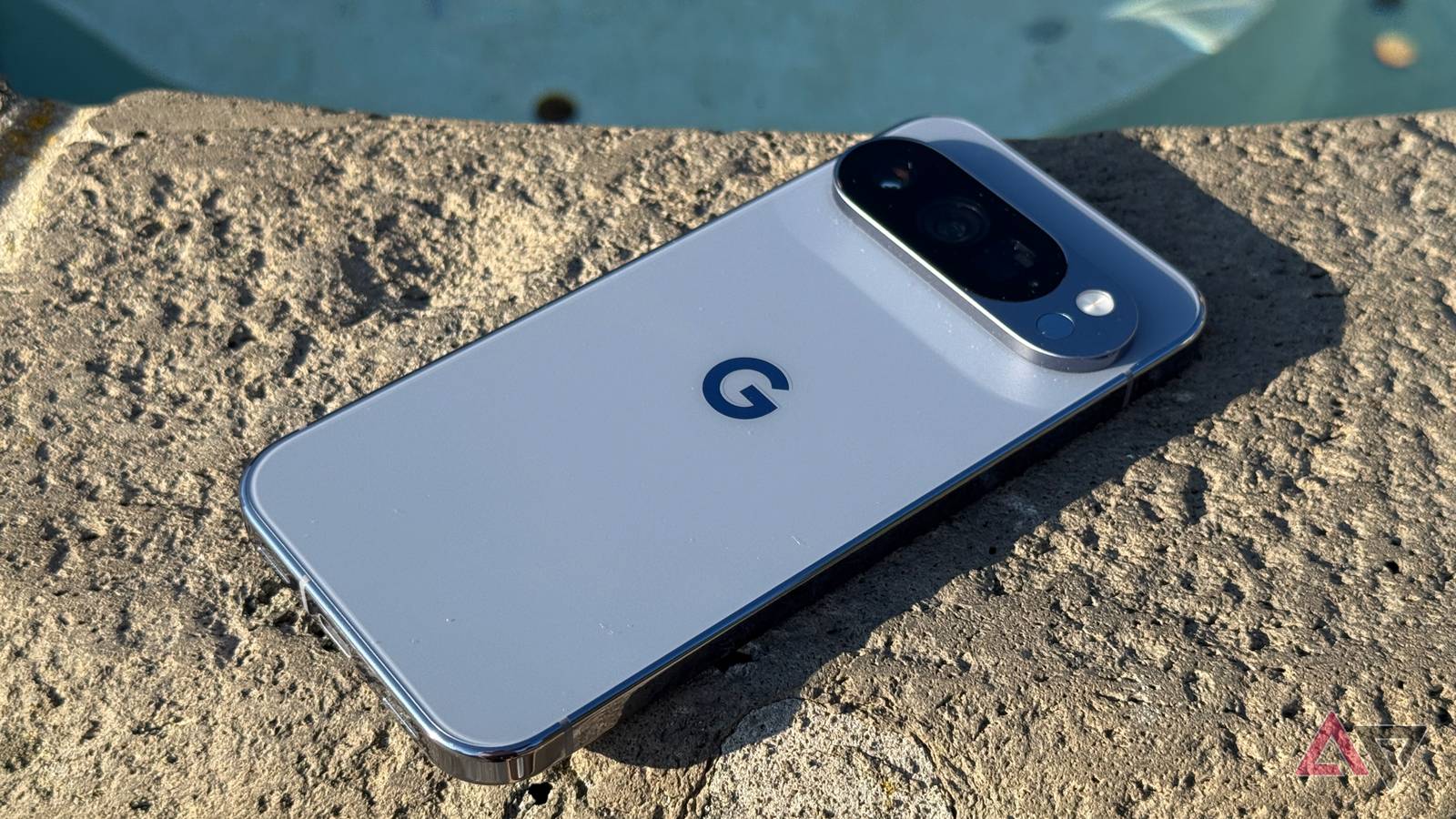
Android 16 QPR3 Beta 3: Addressing the Bootloop issue & Recovery Options
Google recently released the third beta of Android 16 QPR3, but quickly paused the over-the-air (OTA) update due to reports of devices getting stuck in a bootloop. While the factory images and OTA files remain available for advanced users, the rollout has been temporarily halted to protect a wider audience. this article provides a comprehensive overview of the issue, its causes, and detailed steps you can take to recover your Pixel if you’ve already encountered the bootloop.
Understanding the Problem
Reports began surfacing almost immediately after the Beta 3 release, indicating that Pixel devices – spanning from older models to the latest – were failing to boot correctly after attempting the update. Several users pinpointed a specific setting as the culprit: Desktop Experience, found within the hidden Developer options.
Fortunately, a simple workaround exists, but many beta testers were unaware of it before initiating the update, leading to soft-bricked devices.google responded by pausing the OTA rollout to prevent further issues.
Preventing the Bootloop: A Proactive Step
If you’re still considering installing the Android 16 QPR3 Beta 3 via manual download, take this crucial step before you begin:
* Disable Desktop Experience: Navigate to Developer options on your Pixel and turn off the desktop Experience feature. This preventative measure has proven effective in avoiding the bootloop issue.
Recovering From a Bootloop: Your Options
If your Pixel is already stuck in a bootloop after installing the beta, don’t panic. Several recovery methods are available, ranging from simple commands to more involved procedures. Remember, exiting the Android Beta Program won’t resolve this issue, as your device needs to be functional to download a stable build.
Here’s a breakdown of your recovery options:
1. ADB Shell Command (Data-Preserving)
This method offers the best chance of restoring your Pixel without losing data, but requires some technical setup.
* Prerequisites: You must have the Android Debug Bridge (ADB) enabled on your computer and be able to access the shell on the boot screen.
* Steps:
- Connect your pixel to your computer.
- Open a command prompt or terminal.
- Run the following ADB command:
adb shell settings put global override_desktop_experience_features 0 - Reboot your device.
2. USB-C Keyboard Method (No ADB Required)
This choice solution doesn’t require ADB access, but you will need a compatible USB-C keyboard.
* Steps: Detailed instructions can be found in this Reddit thread: https://www.reddit.com/r/android_beta/comments/1o8d9ui/i_fixed_my_android_qpr2_beta_3_bootloop_without/
* Follow the instructions carefully, as they involve specific key combinations during the boot process.
3. Factory reset (Data Loss)
If the above methods fail, a factory reset is sadly your last resort. This will erase all data on your device.
* Important: Back up any critical data if possible, though this may be arduous in a bootloop state.
* Procedure: The exact steps vary depending on your Pixel model, but generally involve booting into recovery mode and selecting the “Wipe data/factory reset” option.
Staying Informed
Google is actively working to resolve the underlying issue. Keep an eye on official Android Beta Program channels and reputable Android news sources for updates on the OTA rollout and potential fixes.
This situation highlights the inherent risks of beta software. While providing early access to new features, beta programs can occasionally introduce instability. by understanding the issue and following these recovery steps, you can minimize disruption and get your pixel back up and running.





![Coastal Retreat: Climate Change Forces Settlements to Move | [Year] Update](https://i0.wp.com/www.futurity.org/wp/wp-content/uploads/2025/12/climate-change-coastal-settlements-1600.jpg?resize=150%2C100&ssl=1 "Coastal Retreat: Climate Change Forces Settlements to Move | [Year] Update")