
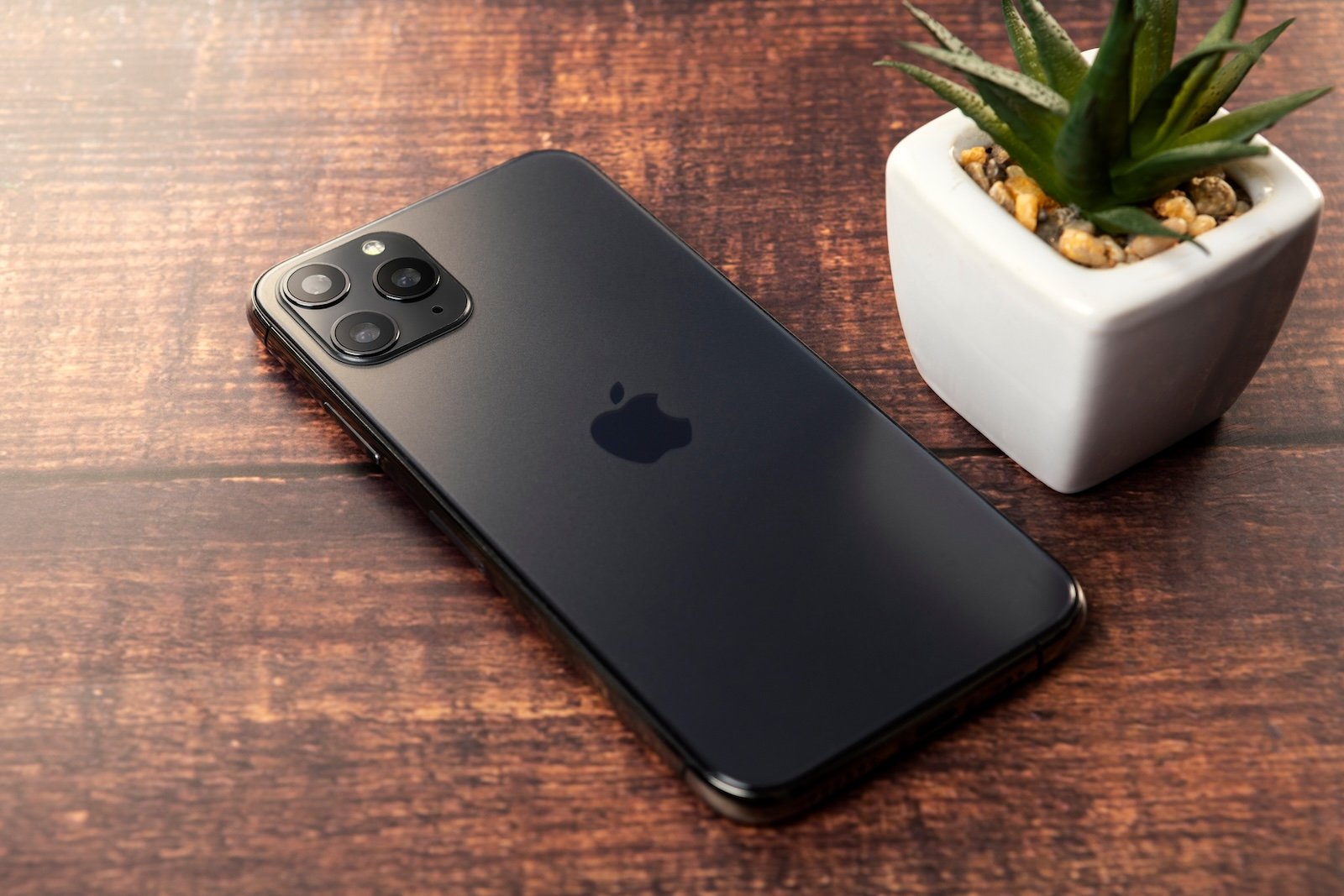
Apple has updated its official support documentation, adding several dozen iPhones, Macs, and Apple Watches to its vintage and obsolete lists. This routine but significant update determines whether a device can still be serviced by the company and indicates the long-term viability of older hardware for global users.
For many owners of older Apple hardware, these designations serve as a critical signal regarding the lifespan of their devices. When a product is moved to these lists, it fundamentally changes the relationship between the consumer and Apple’s official support infrastructure, specifically regarding hardware repairs and the availability of genuine replacement parts.
As a technology journalist with a background in software engineering, I have seen this cycle repeat many times, but the implications for the average user remain the same: once a device is labeled obsolete, official hardware support effectively ends. This shift often prompts users to consider upgrading their hardware to ensure continued security and functionality.
Defining Apple’s Vintage and Obsolete Categories
To understand the impact of these updates, it is necessary to distinguish between the two categories Apple uses to classify its aging hardware. According to MacRumors, these classifications are based primarily on the time elapsed since the product was last sold by the company.

Vintage products are defined as those that have not been sold for more than five years but less than seven years. For devices in this category, hardware service may or may not be available. Apple’s ability to provide repairs for vintage devices depends on the current state of their parts inventories and specific legal requirements in various jurisdictions.
Obsolete products are those that have been discontinued for at least seven years. Once a device reaches this status, Apple no longer provides any hardware service for the product. So that official Apple Stores and authorized service providers will generally no longer be able to perform repairs or provide genuine replacement parts for these models.
Affected Devices and Notable Changes
The latest update spans a wide range of the Apple ecosystem, including popular iterations of the iPhone, MacBook, and Apple Watch. While the full list is extensive, some specific transitions highlight the passage of time in the tech industry.
Notably, the 2013 “Trash Can” Mac Pro has been added to the vintage list. This move comes 12 years after the device was first released, marking a significant milestone in the lifecycle of one of Apple’s most distinct professional workstation designs .
Beyond the Mac Pro, the update affects dozens of other devices. For iPhone users, the transition to the obsolete list is particularly critical. As reported by Forbes, the release of a latest obsolete devices list often coincides with warnings that certain models will no longer receive software updates, potentially leaving them vulnerable to security risks or incompatible with newer applications.
What This Means for the End User
The transition of a device to the vintage or obsolete list has immediate practical consequences for the owner. If you are using a device that has just been classified as obsolete, Make sure to be aware of the following impacts:
- Hardware Repairs: Official repair channels are closed. If a screen cracks or a battery fails on an obsolete device, you will likely need to rely on third-party repair shops, which may use non-genuine parts.
- Software Support: While the obsolete list specifically refers to hardware service, there is often a correlation with the end of software updates. Devices that no longer receive OS updates cannot access the latest features or critical security patches.
- Resale Value: Devices listed as obsolete typically spot a sharp decline in market value, as they are no longer supported by the manufacturer.
Key Takeaways for Device Owners
| Status | Time Since Last Sold | Hardware Service Availability |
|---|---|---|
| Supported | Less than 5 years | Fully available |
| Vintage | 5 to 7 years | Limited (based on parts/law) |
| Obsolete | 7+ years | None provided by Apple |
Next Steps for Users
If you are unsure about the status of your current hardware, the most reliable method is to check the official Apple support page. By identifying your specific model and year, you can determine if your device has transitioned to vintage or obsolete status.
For those with obsolete devices, the recommendation is to begin planning for a transition to newer hardware, especially if the device is used for professional work or handles sensitive personal data. This ensures that you remain protected by the latest security updates and have access to reliable hardware support.
Users should monitor Apple’s support pages for further updates to the device lists as the company continues to cycle out older hardware. We will continue to track these updates and provide analysis on how they affect consumer electronics longevity.
Do you have an older Apple device that you’re still using? Let us realize in the comments how it’s holding up or if you’ve had to seek third-party repairs.