Taking Back Control: how to Hide, Deactivate, or Delete Yoru Threads Profile
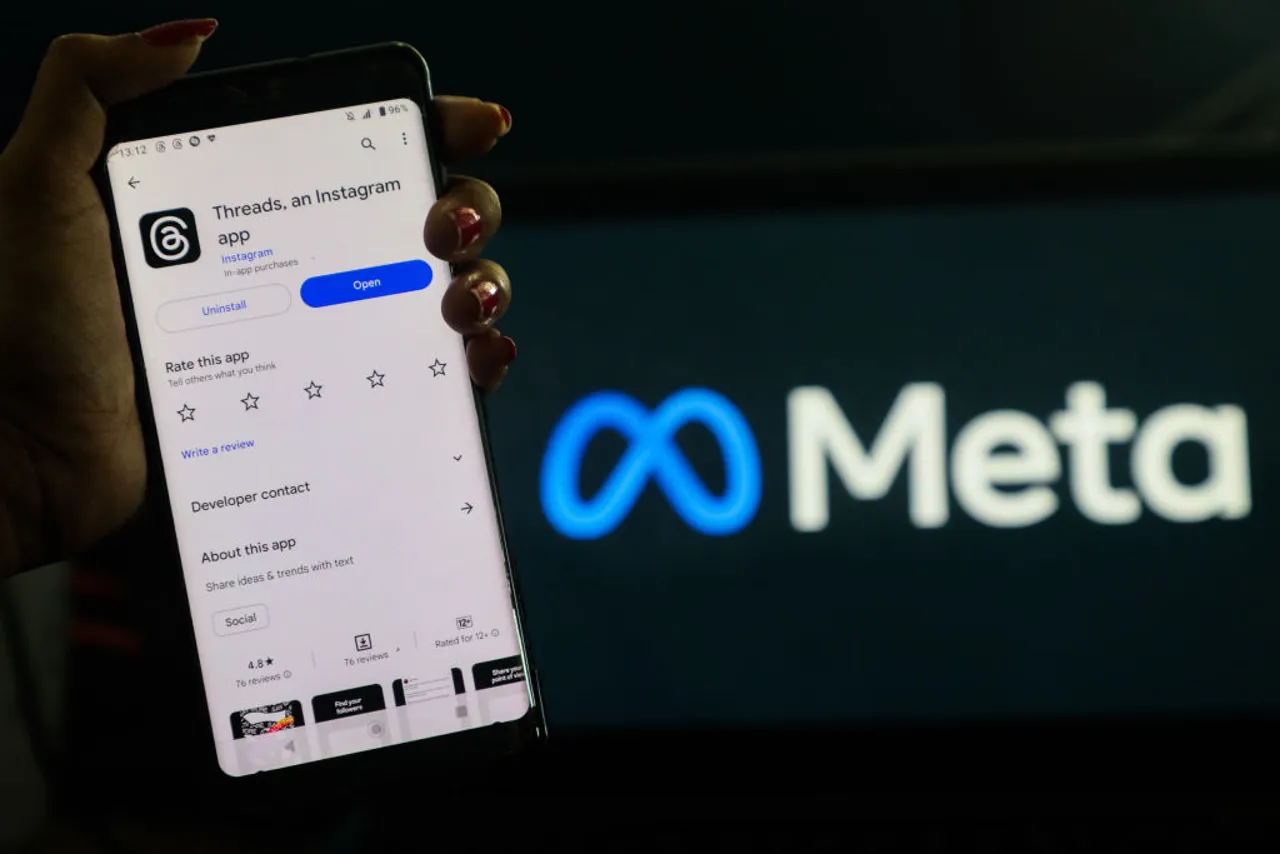
Threads burst onto the scene as Instagram‘s text-based companion, but what happens when it doesn’t quite fit into your social media landscape? Many users, myself included, have found themselves wanting to streamline their online presence. This guide walks you through everything you need to know about managing your Threads account – from simply hiding the badge on Instagram to permanently deleting your profile.
I’ve personally navigated each of thes options, and I’m here to share my experience and provide clear, step-by-step instructions.Let’s get started.
Hiding the Threads Badge on Instagram: Reclaiming Your Feed
Initially, linking Threads to Instagram meant a prominent badge appeared on your profile. For some, this felt intrusive, disrupting the aesthetic they’d carefully curated. Fortunately, you can remove it.
Removing the badge restores your instagram profile to its original look and feel. Its a fast way to regain control without abandoning Threads entirely. However, keep this in mind:
It’s a one-way street. Once you hide the badge, you can’t reinstate it later. Be certain this is what you want before proceeding.
how to Hide the Threads Badge: A Quick Guide
- Open the Instagram app.
- Go to your profile.
- Tap the three lines in the top right corner to open the menu.
- Select “Settings and privacy.”
- Choose “Account Center.”
- Tap “Linked accounts.”
- Select ”Threads.”
- Toggle off “Show Threads badge on your profile.”
Deactivating Your Threads Account: A Temporary Pause
Perhaps you’re not ready to delete Threads completely, but need a break.Deactivation offers a simple solution. It allows you to temporarily disappear from the platform while preserving your content and the option to return.
I found deactivation ideal when I wanted to step back without losing my posts. Here’s how I did it:
- Open the Threads app.
- Tap your profile picture.
- Tap the menu button (three horizontal lines in the top right).
- select “Account.”
- Choose “deactivate or delete profile.”
- Tap “Deactivate profile.”
- Confirm your decision.
Your profile will vanish from Threads, but your data remains safe. You can reactivate it anytime by simply logging back in.
Deactivation limits apply. You can only deactivate your account once per week. consider this if you anticipate frequently changing your mind.
Permanently Deleting Your Threads profile: A Clean Break
If you’ve decided Threads isn’t for you, permanent deletion offers a definitive solution. This removes your profile, posts, likes, and followers entirely.
I ultimately chose this path, finding it liberating to completely disconnect. Here’s the process:
- Open the Threads app.
- Tap your profile picture.
- Tap the menu button (three horizontal lines in the top right).
- Select “Account.”
- Tap “Deactivate or delete profile.”
- Select “Delete profile.”
- Confirm your decision.
Deletion is irreversible. Once your profile is deleted, it’s gone for good. There’s no turning back.
Will This Impact Your Instagram Account?
A common concern is whether these actions will affect your Instagram profile. The good news is: they won’t.
I tested this extensively, and can confidently say that hiding the badge, deactivating, or deleting your Threads account has no* impact on your Instagram profile, followers, messages, or content. Your Instagram experience remains completely unaffected.
final Thoughts: You’re in Control
Exploring new apps is valuable, but it’s perfectly acceptable to move on from those that don’t align with your needs. Threads was a worthwhile experiment for me, but ultimately wasn’t a long-term fit.
Ultimately,you have the power to curate your online experience. Whether you choose to hide the badge, deactivate temporarily, or delete permanently, these processes are straightforward and

![Healthcare Printing & Mailing Costs: Strategies to Save | [Year]](https://i0.wp.com/mailmystatements.com/wp-content/uploads/2025/07/Cost-Saving-Strategies-for-Healthcare-Print-and-Mail.png?resize=150%2C150&ssl=1 "Healthcare Printing & Mailing Costs: Strategies to Save | [Year]")