
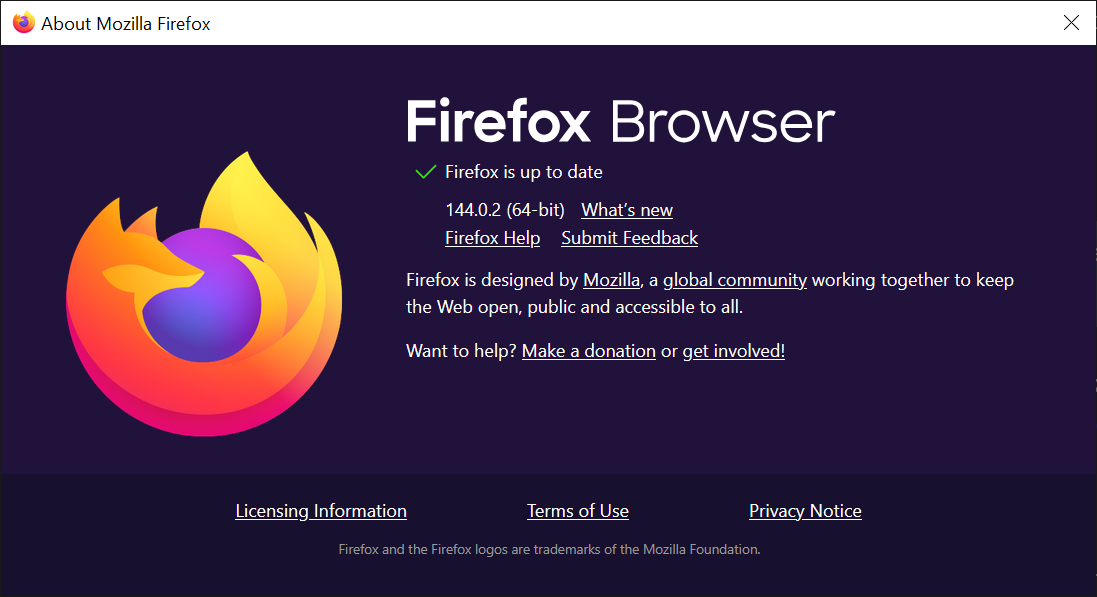
Firefox 144.0.2 Now Available: Addressing Security & stability Concerns
Mozilla has released Firefox 144.0.2, a point update focused on bolstering security, resolving crashes, and refining the overall user experience. This update arrives shortly after Firefox 144.0, with a unique rollout - Android users received version 144.0.1, while desktop users jump directly to 144.0.2.
The update is rolling out automatically, but you can expedite the process. Simply navigate to the Firefox menu (three horizontal lines), select “Help,” and then “About Firefox” to initiate the update check and installation.
Key Improvements in Firefox 144.0.2
This release addresses a critical security vulnerability alongside several impactful bug fixes.Here’s a detailed breakdown:
Security Fix:
* High-Severity Vulnerability: A user-after-free flaw in WebGPU has been patched. This issue, introduced in Firefox 142, could have allowed attackers to escape the browser’s sandbox, possibly compromising your system. Mozilla details the vulnerability in MFSA2025-86.
Stability & Performance Enhancements:
* Windows Crash Fix: A crash affecting users with certain security software installed – specifically avast, but potentially others - has been resolved.
* macOS 14.6 Hangs: Firefox 144.0.2 eliminates a hang issue on macOS 14.6 caused by circular references within bookmark folders.
* macOS Performance & Video Playback: improved performance and smoother video playback on macOS 14.6 systems under heavy load.
User Interface & Functionality Improvements:
* macOS Emoji picker: The emoji picker shortcut and menu now function reliably on macOS, even after switching between applications.
* macOS Image Dragging: Dragging images from Firefox to other macOS applications is now more stable and predictable.
* Unified Search Dropdown: The search engine selection dropdown is now consistently displayed and accessible via keyboard navigation.
* OneDrive Photos: Resolved a loading issue on Microsoft’s OneDrive Photos “For You” webpage.
* About:Settings Page: Fixed a listing issue on the browser’s internal about:settings page.
Why This Update Matters to You
Mozilla prioritizes user security and a stable browsing experience. This update directly addresses a potentially serious security risk and resolves frustrating issues impacting Windows and macOS users. Staying current with browser updates is a essential security practice, protecting you from emerging threats.
what’s Next for Firefox?
Firefox 145 is slated for release on November 11th.Weather another point update will arrive before then remains to be seen.
Have you experienced any of the issues addressed in this update? Share your experiences in the comments below – your feedback helps the community and Mozilla refine Firefox for everyone.
(Source: https://www.ghacks.net/2025/10/28/firefox-144-0-2-is-out-fixes-a-crash-bugs-and-security-issues/)





