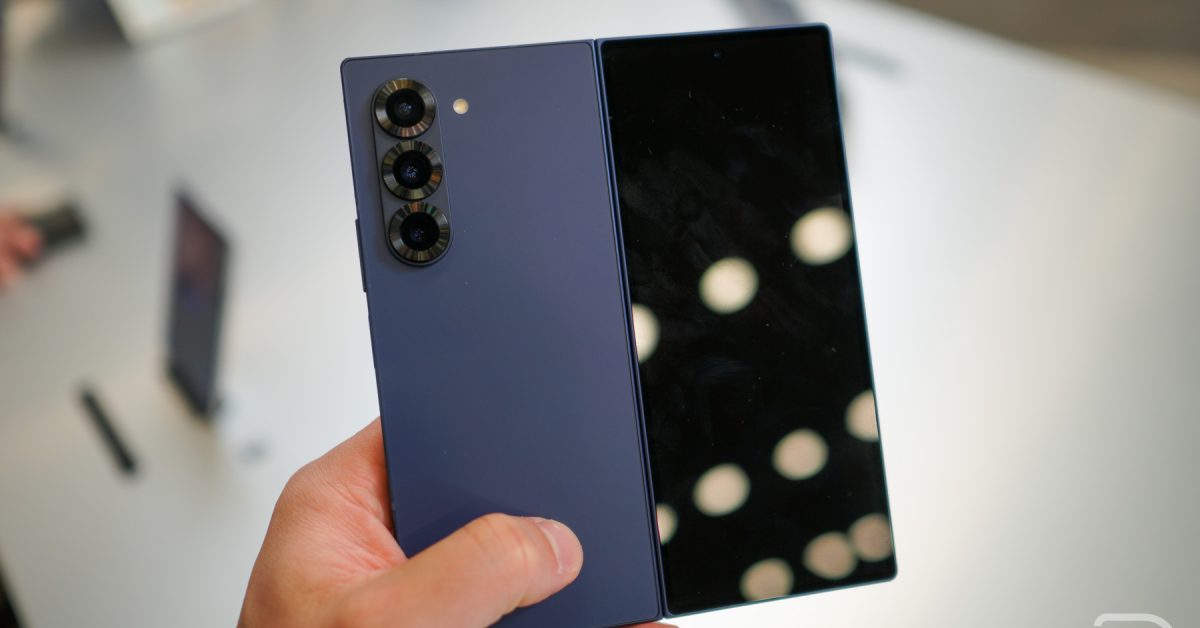
Samsung Galaxy Z Fold 6 & Z Flip 6: Your Complete guide to the android 16 & One UI 8 Update
The highly anticipated Android 16 update, bundled with Samsung’s One UI 8, has officially arrived for the Galaxy Z Fold 6 and Galaxy Z Flip 6. Following the rollout to the Galaxy S24 series, Samsung is keeping its commitment to simultaneous updates across its flagship lines. This means a fresh, feature-rich experience is now available for owners of these innovative foldable devices. The update brings a host of improvements, from enhanced AI capabilities to refined user interface elements.
What’s New in One UI 8 for Your Foldable?
samsung’s One UI 8 is a notable leap forward, focusing on personalization, intelligence, and seamless usability. But what exactly does this mean for you? Let’s break down the key changes.
* Enhanced AI Integration: Building on previous advancements, One UI 8 further integrates AI features powered by Gemini. Expect smarter suggestions, improved photo editing, and more intuitive device interactions.
* Refined User Interface: The update introduces subtle yet impactful UI tweaks, making navigation more fluid and visually appealing.
* Improved Privacy & Security: Samsung continues to prioritize your data security with enhanced privacy controls and protection against emerging threats.
* Camera enhancements: Expect improvements to image processing, low-light performance, and new camera modes.
* Customization Options: One UI 8 offers even greater control over personalization, allowing you to tailor your device to your exact preferences.
Update Details: Build Numbers & carrier Availability
Currently, Samsung is rolling out builds F956USQU2CYI7 for the Galaxy Z Fold 6 and F741USQU2CYI6 for the Galaxy Z Flip 6 in the US, initially for Verizon users.Other carriers are expected to follow suit shortly.
According to recent data from Statista (November 2023), Samsung holds approximately 22.6% of the global smartphone market share, making these updates crucial for a large user base. This widespread availability ensures a consistent experience for most Samsung foldable owners.
Droid Life first reported on the initial rollout, and this beta changelog provides a solid overview of the changes you can expect. Verizon has also published a detailed change list specifically for its users.
How to Check for and install the Update
Updating your Galaxy Z Fold 6 or Z Flip 6 is a straightforward process:
- Navigate to Settings: Open the Settings app on your device.
- System Updates: Tap on ”System updates.”
- Check for Updates: Select “Check for system updates.”
- Download & Install: if an update is available,tap “Download now” and follow the on-screen instructions.
Crucial: Ensure your device is connected to Wi-Fi and has sufficient battery life (at least 50%) before initiating the update.
Addressing Common Concerns & Troubleshooting
* Update Not Showing Up?