
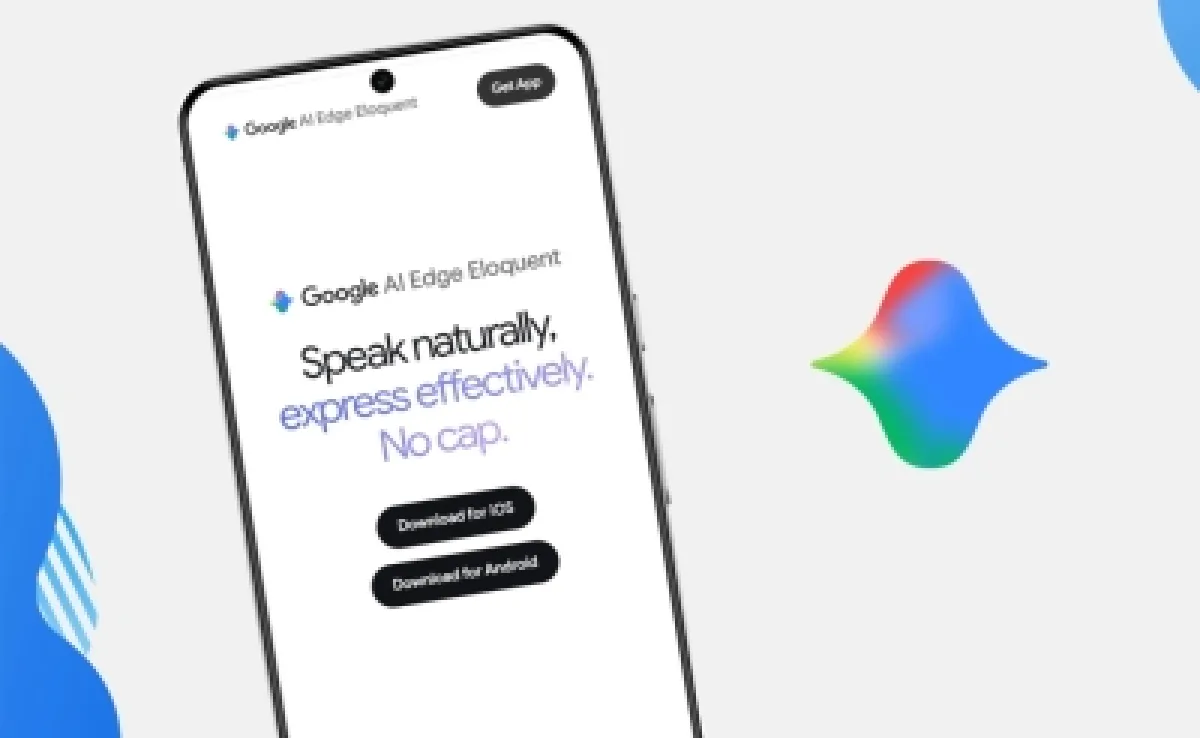
Google is making a strategic push into the “Edge AI” landscape with the launch of a recent, specialized tool designed to bring high-performance speech-to-text capabilities directly to the iPhone. The application, titled Google AI Edge Eloquent, allows users to transcribe voice recordings into written text without requiring an active internet connection, marking a significant shift toward on-device processing for AI-driven productivity tools.
For professionals, students, and creators, the ability to dictate notes or draft documents in real-time without worrying about connectivity or data latency is a substantial quality-of-life improvement. By leveraging local machine learning models, the app ensures that the transcription process is nearly instantaneous and, more importantly, highly private. This move positions Google to compete more aggressively in the voice-assistant and dictation market, specifically targeting iOS users who prioritize efficiency and data security.
The deployment of Google AI Edge Eloquent highlights a broader industry trend toward “Edge AI”—the practice of running AI algorithms locally on a device rather than relying on distant cloud servers. This approach not only reduces the reliance on bandwidth but also eliminates the privacy concerns associated with sending sensitive voice data across the web. According to technical reports on the launch, the app operates locally after the user downloads the necessary speech recognition models, ensuring that voice data remains on the device.
Beyond Transcription: Intelligent Text Refinement
While many dictation tools simply transcribe words verbatim, Google AI Edge Eloquent is designed to act as an AI editor. The application does not just capture speech; it actively improves the quality of the resulting text. The AI is programmed to automatically identify and remove repetitive words and “filler” sounds—the common “ums” and “ahs” that typically clutter spoken recordings.

the app can rearrange sentence structures to enhance clarity and professionalism. This means a rambling spoken thought can be transformed into a concise, well-structured paragraph. Users are also provided with versatile output options, allowing them to convert their transcribed text into different formats, such as formal documents or condensed summaries, depending on the intended use case.
This level of automated refinement is a key differentiator in a crowded market of AI dictation apps. By combining transcription with linguistic polishing, Google is attempting to move the tool from a simple utility to a comprehensive writing assistant that lives on the user’s smartphone.
Privacy, Performance, and the Cloud Trade-off
One of the most compelling arguments for the use of Google AI Edge Eloquent is the inherent privacy of its architecture. Given that the core processing happens on the iPhone’s own hardware, voice data does not leave the device to be processed on cloud servers. This “local-first” approach provides a layer of security for users handling confidential information or those who are simply wary of cloud-based data harvesting.
Even though, Google recognizes that cloud-based models often have access to more massive datasets and computing power, which can lead to higher accuracy in complex linguistic environments. To address this, the app includes an optional cloud mode. Users can choose to activate this feature to improve results by utilizing additional cloud-based models, effectively giving the user control over the balance between maximum privacy and maximum precision.
The app is offered for free, which suggests that Google’s primary objective is not immediate monetization, but rather the establishment of a strong foothold in the Edge AI ecosystem. By providing a high-value tool for free, Google can increase its presence on iOS devices and gather insights into how users interact with on-device AI models.
Key Features of Google AI Edge Eloquent
- Offline Functionality: Full speech-to-text capabilities without an internet connection after initial model download.
- Automatic Polishing: AI-driven removal of redundant words and filler sounds for a cleaner transcript.
- Structural Optimization: Intelligent rearranging of sentences to improve professional clarity.
- Format Versatility: Ability to transform raw transcripts into formal texts or summaries.
- Privacy-Centric Design: Local processing ensures voice data remains on the device by default.
- Hybrid Mode: Optional cloud activation for those seeking enhanced accuracy.
Strategic Impact on the AI Market
The launch of this tool comes amidst fierce competition in the AI-powered productivity space. With Apple and other tech giants integrating AI more deeply into their operating systems, Google’s decision to release a dedicated, high-performance AI tool for the iPhone is a calculated move to remain relevant in the mobile productivity ecosystem. The focus on “Edge AI” is particularly important as hardware—such as the latest chips in iPhones—becomes more capable of handling complex neural networks locally.
By optimizing for the “edge,” Google reduces the cost of server maintenance and provides a faster, more reliable experience for the finish user. This shift is likely to trigger further innovation in how AI apps handle data, pushing the industry away from total cloud dependency and toward a more distributed model of intelligence.
| Feature | Local Processing (Edge AI) | Cloud Processing |
|---|---|---|
| Internet Requirement | None (after setup) | Constant connection required |
| Privacy | High (data stays on device) | Lower (data sent to servers) |
| Latency | Ultra-low/Instant | Dependent on connection speed |
| Accuracy | High (standard models) | Potentially higher (massive models) |
As AI continues to evolve, the ability to process information locally will develop into a benchmark for premium software. Google AI Edge Eloquent is a clear signal that the future of productivity is not just about “smarter” AI, but about where that AI resides. For now, iOS users have a powerful, free alternative for their dictation needs that doesn’t require a signal to function.
While there are no further official release dates for additional platforms mentioned at this time, the success of this Edge AI approach on iOS may dictate how Google rolls out similar features across its other software suites. We will continue to monitor updates regarding expanded language support and further model optimizations.
What are your thoughts on the shift toward Edge AI? Do you prefer the privacy of local processing or the power of the cloud? Let us know in the comments below.