
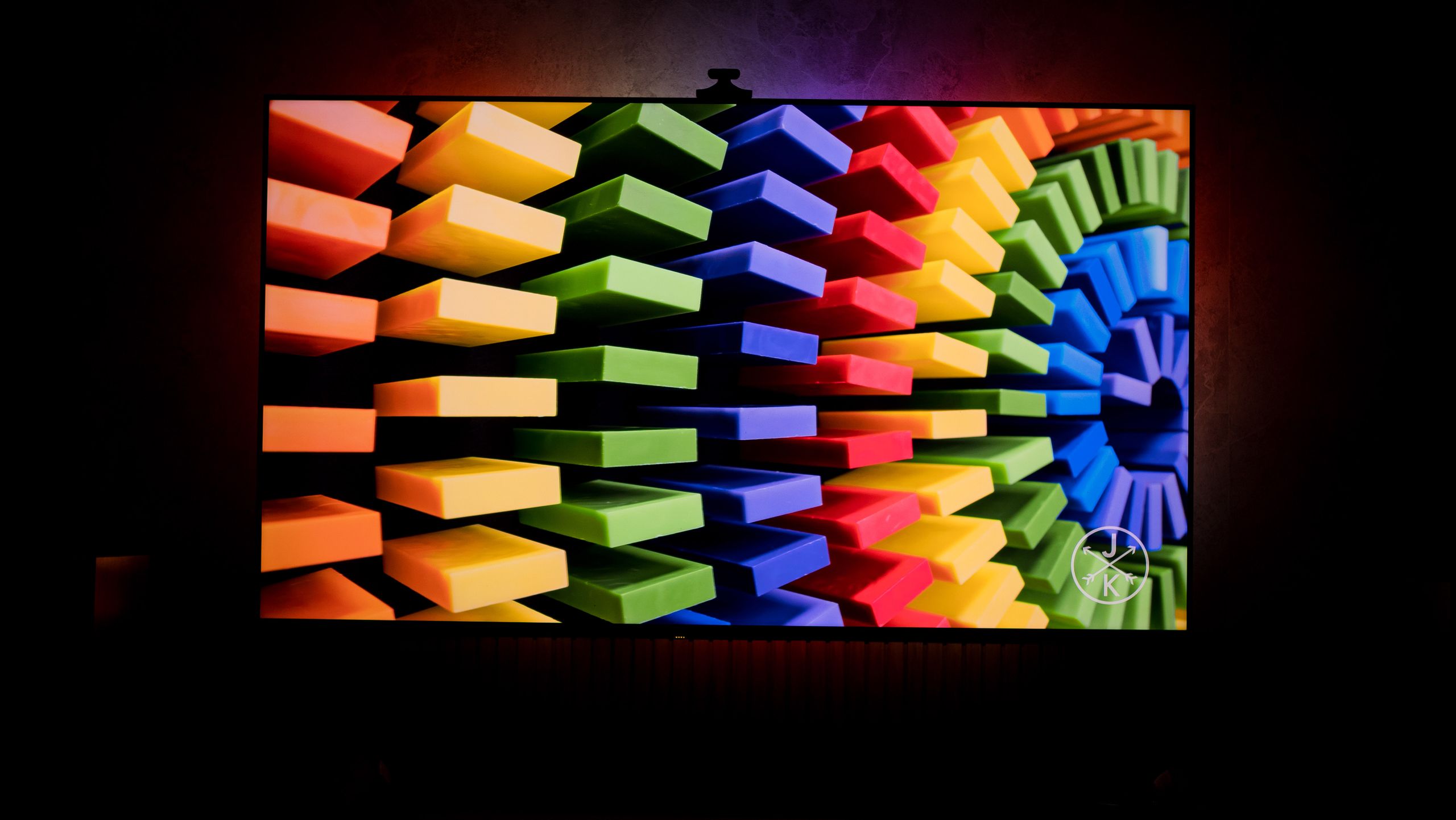
Elevate Your Viewing Experience: A Deep Dive into TV Backlights
Are you looking to transform your home theatre and immerse yourself fully in your favorite movies and shows? A TV backlight might be the perfect solution. these innovative devices attach to the back of your television, projecting light that dynamically adjusts to the on-screen content, creating a more vibrant and engaging viewing experience.
Why consider a TV Backlight?
Initially, TV backlights were primarily about aesthetics – adding a cool glow behind your TV. However,modern backlights,like the Govee TV Backlight 3 Pro,have evolved significantly. Here’s what you can expect:
* Enhanced contrast: Backlights reduce eye strain by decreasing the contrast between the bright screen and the dark surrounding habitat.
* Immersive Experience: Dynamic lighting that mirrors on-screen action draws you deeper into the content.
* Reduced Eye strain: A softer, more diffused light source is easier on your eyes, especially during extended viewing sessions.
* Ambiance creation: Backlights can set the mood for any occasion, from movie nights to gaming sessions.
Understanding the Technology
Several types of TV backlights are available,but LED strip lights are the most common.These flexible strips adhere to the back of your TV and emit light in a variety of colors. More advanced models, like the Govee TV Backlight 3 Pro, offer features like:
* RGBWWIC: This means the backlight can produce a wider spectrum of colors, including true white, for more accurate color representation.
* HDR Integration: HDR (High Dynamic Range) compatibility ensures the backlight responds to the nuances of HDR content, enhancing the visual impact.
* Camera-Based Color Matching: Some backlights use a camera to analyze the colors on your screen and dynamically adjust the backlight to match,creating a seamless and immersive effect.
* Music Sync: Many backlights can synchronize with your music, creating a dynamic light show that complements your audio.
Choosing the Right Backlight for Your TV
Selecting the right backlight depends on several factors. Consider these points:
* TV Size: Ensure the backlight is long enough to cover the perimeter of your TV.The Govee TV Backlight 3 Pro is designed to work with TVs up to 85 inches.
* Connectivity: Most backlights connect to your TV via USB or HDMI. Check your TV’s ports to ensure compatibility.
* Features: Determine which features are most important to you.Do you want HDR integration, camera-based color matching, or music sync?
* Ease of Installation: Look for a backlight that is easy to install and set up. Peel-and-stick adhesive strips simplify the process.
Installation and Setup: A Quick Guide
installing a TV backlight is generally straightforward. Here’s a basic overview:
- Clean the Back of Your TV: Wipe down the surface to ensure proper adhesion.
- Peel and stick: Carefully peel off the adhesive backing and attach the LED strip to the back of your TV, following the perimeter.
- Connect to Power: Plug the backlight into a USB port on your TV or a wall adapter.
- Configure Settings: Use the accompanying app or remote to customize the colors, brightness, and dynamic modes.
Beyond the Basics: Maximizing Your Backlight Experience
To truly unlock the potential of your TV backlight, consider these tips:
* Experiment with Modes: Explore the different dynamic modes to find the ones that best suit your viewing preferences.
* Calibrate Colors: fine-tune the colors to match your TV’s settings for a more

![NFL Power Rankings: Tom Brady’s Impact & Week [Current Week Number] Updates](https://i0.wp.com/a57.foxsports.com/statics.foxsports.com/www.foxsports.com/content/uploads/2025/10/1408/814/rqbfszgpedgd848t.jpg?resize=150%2C150&ssl=1 "NFL Power Rankings: Tom Brady’s Impact & Week [Current Week Number] Updates")



![Austrian Dinner Tradition: From Resistance to Love | [Your Blog Name]
or
Weird Austrian Dinner Habit: Why I Changed My Mind
or
Austrian Food Culture: My Unexpected Dinner Revelation](https://assets.thelocal.com/cdn-cgi/rs:fit:1200/quality:75/plain/https://apiwp.thelocal.com/wp-content/uploads/2023/03/watermarks-logo-pexels-fauxels-3184183.jpg@webp "Austrian Dinner Tradition: From Resistance to Love | [Your Blog Name]
or
Weird Austrian Dinner Habit: Why I Changed My Mind
or
Austrian Food Culture: My Unexpected Dinner Revelation")