
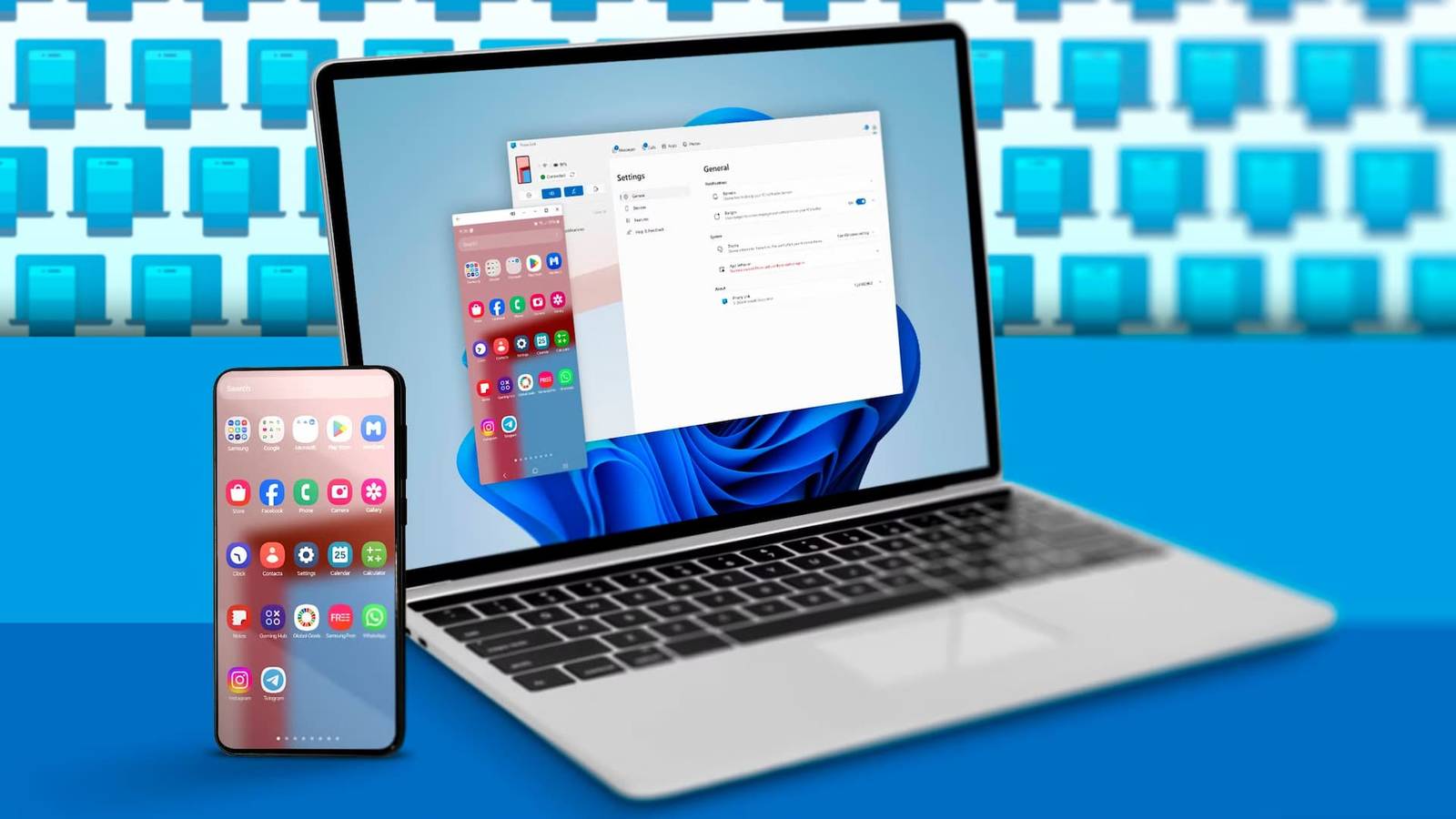
Bridging the Gap: A Realistic Look at Phone Link for iPhone on Windows
Connecting your iPhone to a Windows PC used to be a frustrating experience. Fortunately, Microsoft’s Phone Link app has emerged as a solution, promising to streamline interactions between your devices. But how well does it actually work? This article provides a comprehensive assessment, moving beyond simple feature lists to deliver a nuanced understanding of Phone Link’s capabilities and limitations.
What Phone link Offers – And Doesn’t
Phone Link aims to bring key iPhone functionalities to your Windows desktop. it’s significant to understand upfront that it’s not a seamless mirroring of your iOS experience. Apple’s tightly controlled ecosystem restricts the level of access Microsoft can achieve.
Here’s a breakdown of what you can expect:
* notifications: Receive your iPhone notifications directly on your PC, allowing you to stay informed without constantly checking your phone.
* Messaging: send and receive basic SMS and MMS messages from your computer.
* Calling: Make and receive phone calls through your PC, utilizing your iPhone’s connection.
* limited Access: Don’t expect full photo libary syncing, app access, or iMessage-level features. These remain exclusive to the Apple ecosystem.
These features function reliably, offering a convenient way to manage communications while focusing on your desktop work. Though, the limitations are significant, stemming directly from Apple’s restrictions on third-party access.
Phone Link vs. Apple’s Ecosystem: A Clear Distinction
Apple’s integration between iPhone and Mac is a different beast entirely. Features like Messages syncing, AirDrop, Universal Clipboard, and seamless photo access create a truly unified experience. Your iPhone and Mac essentially function as extensions of each other.
Phone Link, while helpful, simply can’t compete with this level of integration. If you’re accustomed to the fluidity of Apple’s ecosystem, Phone Link will feel like a lightweight choice. Still, it’s a worthwhile option if you frequently operate in both Windows and iOS environments.
Is Phone Link Right for You?
Ultimately, the value of Phone Link depends on your needs and expectations. It’s not a revolutionary tool,but it addresses a common pain point: minimizing distractions from your phone while working on your PC.
Consider these points:
* Focus on Convenience: If you primarily want to avoid constantly switching devices for texts and calls, Phone Link delivers.
* Realistic Expectations: Don’t anticipate a full-fledged iPhone experience on your Windows machine.
* Ecosystem Awareness: Understand that Apple’s restrictions limit Phone Link’s capabilities.
For many, the convenience of handling basic communications from your desktop is enough to justify using Phone Link. It’s a practical solution for those who navigate both Windows and iOS worlds, offering a subtle but valuable betterment to your workflow.
Phone Link isn’t a replacement for apple’s continuity features. It is a useful tool for enhancing your Windows setup and streamlining basic iPhone interactions. It’s a bridge, not a complete integration, and understanding that distinction is key to appreciating its value.



![CIOs: Aligning Tech & Business for Success | [Year] Trends](https://i0.wp.com/eu-images.contentstack.com/v3/assets/blt69509c9116440be8/blt67447c792ac58deb/69417806211d3e583ae91b64/IT_leadership.jpg?resize=330%2C220&ssl=1 "CIOs: Aligning Tech & Business for Success | [Year] Trends")


![CIOs: Aligning Tech & Business for Success | [Year] Trends](https://i0.wp.com/eu-images.contentstack.com/v3/assets/blt69509c9116440be8/blt67447c792ac58deb/69417806211d3e583ae91b64/IT_leadership.jpg?resize=150%2C100&ssl=1 "CIOs: Aligning Tech & Business for Success | [Year] Trends")