Unlock Your Kindle‘s Full Potential: Expert Tips for Every Reader
Are you a Kindle user looking to elevate your reading experiance? you’re in the right place. I’ve spent years immersed in the Kindle ecosystem, and I’m excited to share a collection of tips – from the commonly known to the delightfully obscure – that will help you get the most out of your eReader.
Beyond the Basics: Mastering Your Kindle
Many readers stick to the basic features, but the Kindle offers so much more. let’s dive into ways to personalize your device and optimize your reading flow.
Customizing Your Reading Experience:
* Adjust Font Size and Style: Finding the perfect font is crucial for comfortable reading. Experiment with different sizes and styles within the settings menu.
* Play with Margins and Spacing: Adjusting margins and line spacing can considerably impact readability, especially for longer reading sessions.
* Explore Page Turn Options: Choose between swipe, tap, or physical page turn buttons – whichever feels most natural to you.
* Warmth Adjustment: Kindles with a Paperwhite display offer warmth adjustment. Reduce blue light for comfortable nighttime reading.
Managing Your Library with Ease:
* Collections are Your Friend: Organize your books into collections based on genre, author, or reading status. This keeps your library tidy and makes finding what you want a breeze.
* utilize Goodreads Integration: Seamlessly sync your Kindle with your Goodreads account to track your reading progress, discover new books, and connect with fellow readers.
* Send articles and Documents: Did you know you can email articles and documents directly to your Kindle? Simply find your Kindle’s email address in your account settings.
* Cloud Storage: Your Kindle automatically backs up your books and settings to the cloud, ensuring your library is safe and accessible across devices.
Kindle’s Hidden Gems: Features you Might have Missed
Even seasoned Kindle users can discover new functionalities. These features can truly transform how you interact with your books.
* X-Ray: This powerful feature provides a detailed overview of characters,places,and themes within a book.It’s perfect for complex novels with large casts.
* Word Wise: If you’re reading a challenging book, Word Wise displays short definitions above difficult words.It’s a fantastic tool for expanding your vocabulary.
* Highlighting and Note-Taking: The Kindle excels at note-taking. Highlight passages,add notes,and easily access them later.
* Share Highlights: Share your favorite quotes and insights directly to social media or with friends.
* Look Up Words Instantly: Simply tap and hold a word to instantly access its definition.
Troubleshooting Common Kindle Issues
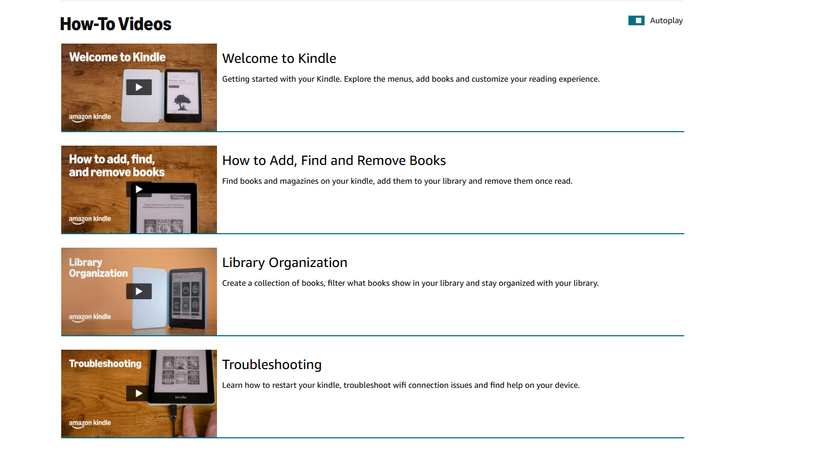
Even the best devices encounter occasional hiccups. Here are a few quick fixes for common problems:
* Frozen Screen: A simple restart usually resolves a frozen screen. Hold the power button for 40 seconds.
* Wi-Fi Connectivity: Ensure your Wi-Fi is connected and that you’re within range of a strong signal.
* Slow Performance: Clear the Kindle’s cache and restart the device.
* Syncing Issues: Verify your Wi-fi connection and manually sync your Kindle thru the settings menu.
I’ve found that taking the time to explore these features can dramatically enhance your reading experience. The Kindle is more than just an eReader; it’s a versatile tool for lifelong learning and enjoyment.
Don’t hesitate to delve into the settings and experiment.