
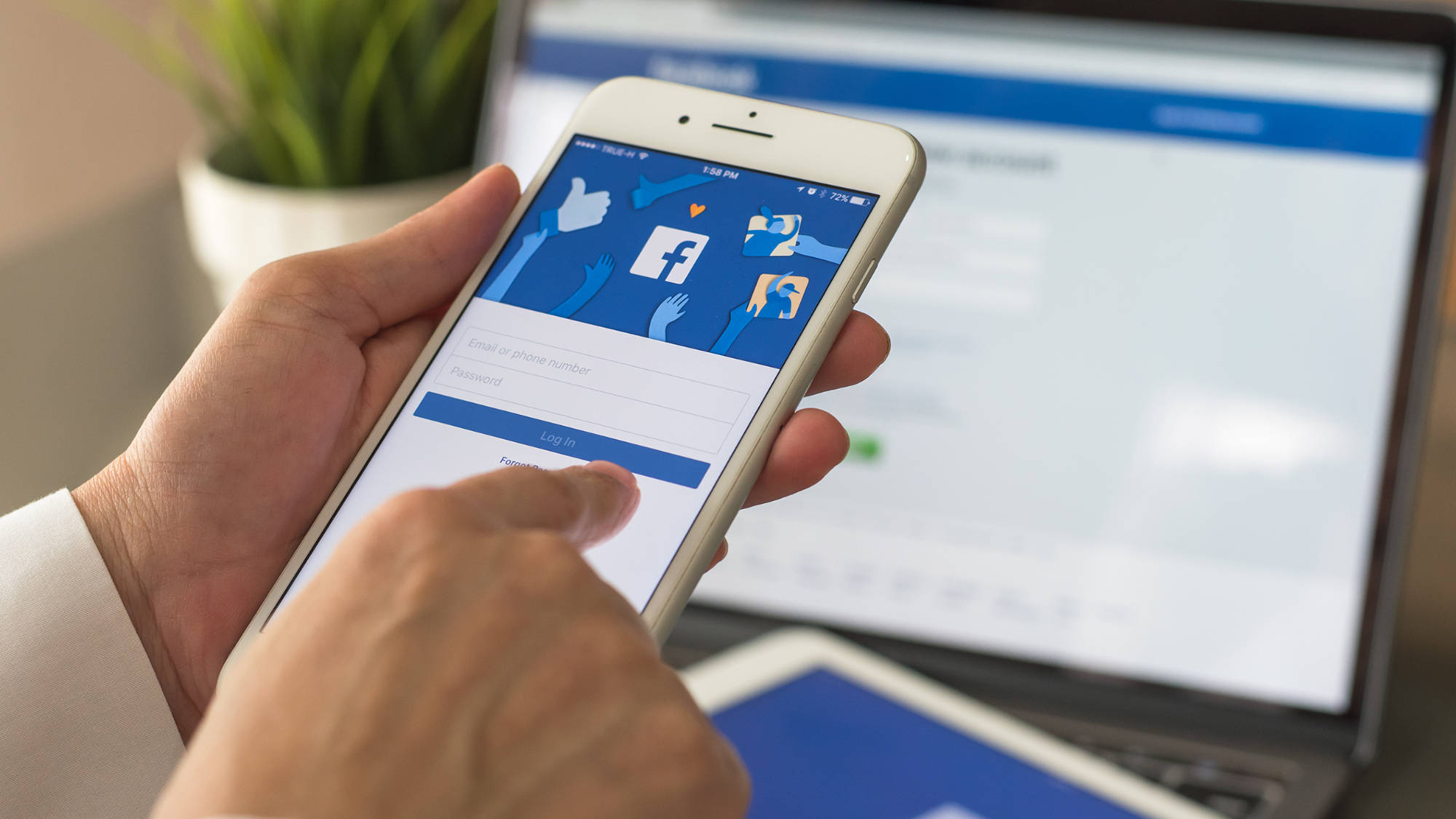
facebook Account takeovers: A Growing Malvertising Threat
Malicious actors are increasingly leveraging compromised Facebook accounts too distribute malware, and the sophistication of their methods is escalating. Recent research reveals a concerning trend: attackers aren’t just trying to advertise malware on Facebook – they’re exploiting existing, verified business accounts to bypass Meta’s security measures. This allows them to reach a wider audience with malicious campaigns.
how the Scam Works
the scheme centers around selling access to hijacked Facebook accounts. Here’s a breakdown of how it unfolds:
* Lure with Verification Guides: Ads direct users to websites offering seemingly helpful tutorials on verifying Facebook and Instagram accounts. Thes guides are the bait.
* hidden Malware Payload: These websites don’t just offer advice. They deliver malware, often hosted on legitimate cloud storage services like Box.
* Data Theft: Once installed, the malware steals your IP address and Facebook session cookies. This information is than sent to a Telegram bot controlled by the attackers.
* Account Profiling: Some malware variants even interact with the Facebook Graph API to gather additional details about the compromised accounts.
* Profit Through Sale: Bitdefender researchers believe the attackers are then selling access to these compromised accounts on underground forums.
Essentially, criminals are capitalizing on the trust associated with verified accounts to spread their malicious software. Meta’s robust ad screening processes make launching a malicious campaign from scratch arduous. Stealing an existing, reputable account circumvents these defenses.
Why Verified Accounts?
Attackers specifically target verified business accounts with established,clean advertising histories. This is a strategic move. A compromised account with a good reputation is far less likely to trigger meta’s security alerts.
This tactic allows them to:
* Mass-Generate Links: Create numerous malicious links quickly and efficiently.
* Automate Embedding: Automatically embed these links within the tutorial content.
* Continuously Refresh Campaigns: Maintain a constant stream of malicious advertisements.
The Industrialization of Malvertising
bitdefender notes this trend represents a broader “industrialization” of malvertising. Attackers are moving beyond manual efforts and automating the creation of everything from ad images to instructional videos. This allows for a significantly larger scale of operation.
Who’s Behind It?
Researchers suspect a Vietnamese-speaking threat actor is responsible, based on language used in the malicious tutorial videos. This highlights the global nature of cybercrime and the diverse origins of these threats.
Protecting Yourself
So, what can you do to protect yourself and your business?
* Be Wary of Verification Guides: Exercise extreme caution when clicking on ads promising easy account verification. Official Facebook help resources are the safest source of information.
* Strong, Unique Passwords: Use strong, unique passwords for all your online accounts, including Facebook.
* Enable Two-Factor Authentication (2FA): 2FA adds an extra layer of security, making it much harder for attackers to gain access even if they have your password.
* Regularly Review Account Activity: Monitor your Facebook account for any suspicious activity, such as unfamiliar logins or changes to your profile.
* Keep Software Updated: ensure your operating system, browser, and security software are up to date with the latest security patches.
This evolving threat underscores the importance of vigilance and proactive security measures. By understanding how attackers operate, you can better protect yourself and your business from becoming a victim of malvertising.
Further reading: You can find more details on this threat from The Hacker News.





