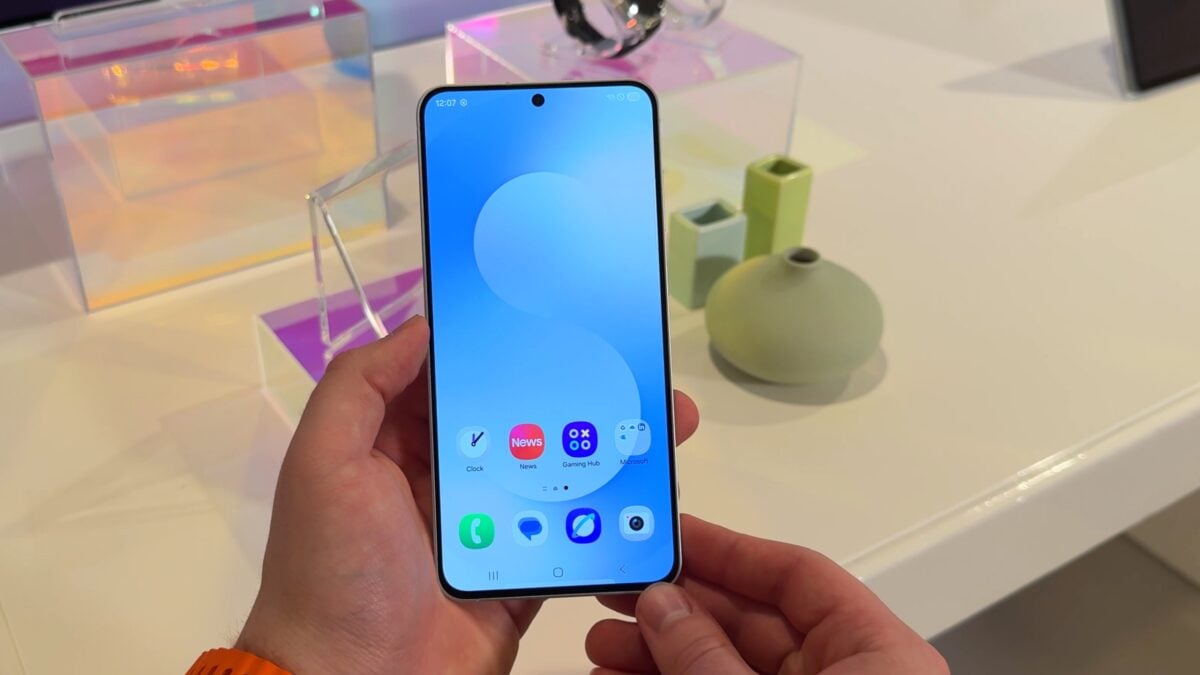
Device care is getting a significant visual overhaul. You’ll instantly notice wider bars displaying crucial data like memory usage,storage capacity,and battery level. These bars now prominently feature percentage figures for rapid, at-a-glance understanding of your device’s health.
Previously, One UI 8.0 used an emoji to indicate device condition. However, One UI 8.5 replaces this with clear, concise text. This change offers a more direct and easily understood assessment of your phone’s status.
Here’s a breakdown of what this means for you:
* Improved readability: Percentage displays offer precise data.
* Clearer status: Text-based condition reports eliminate ambiguity.
* Enhanced user experience: The redesigned interface is more intuitive and user-pleasant.
I’ve found that these subtle yet impactful changes contribute to a more streamlined and informative device management experience. Here’s what works best: regularly checking the Device Care section to proactively maintain your phone’s performance and longevity. This proactive approach ensures your device runs smoothly and efficiently.