
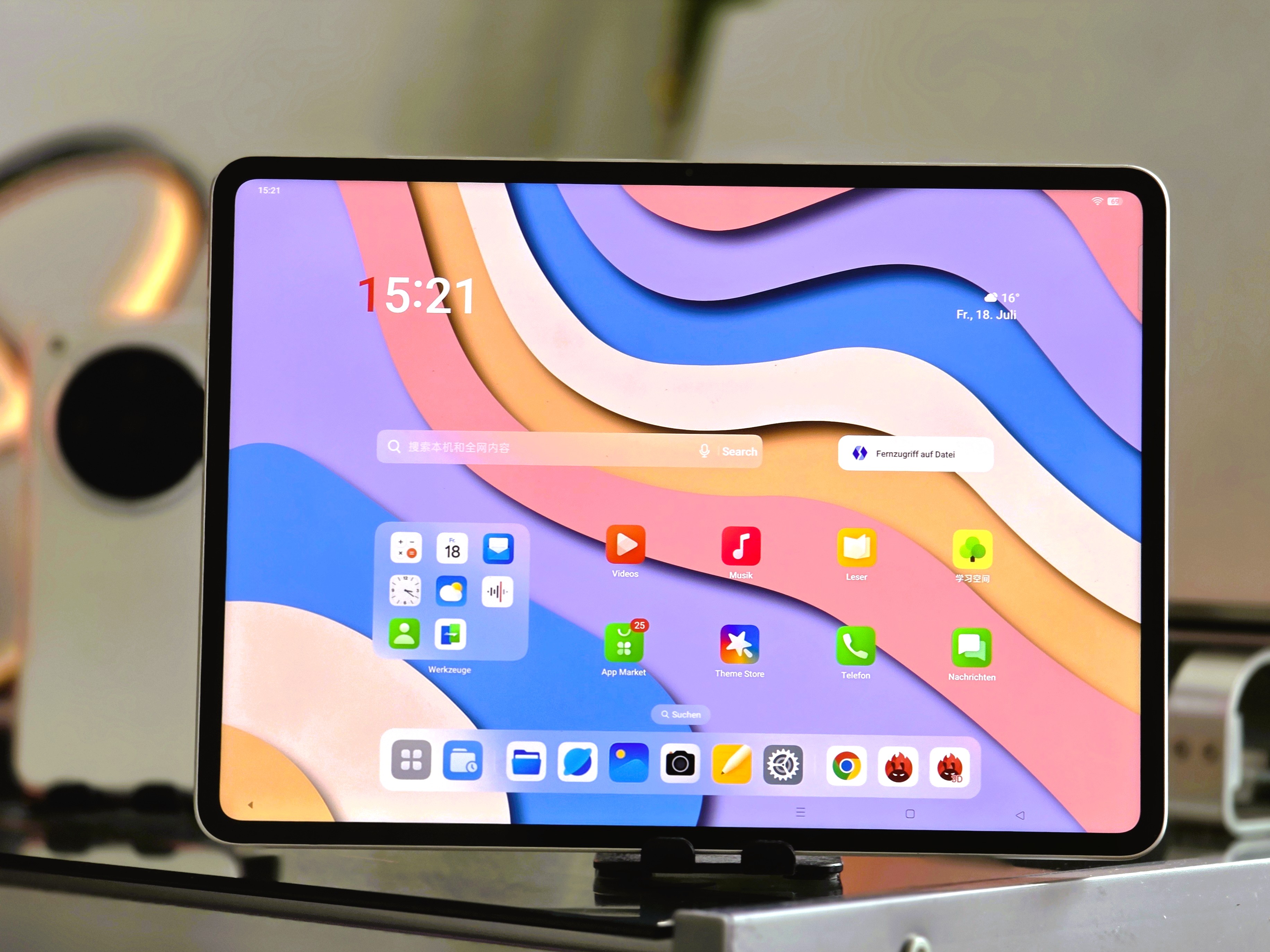
The Definitive guide to Tablet Display Technology: A Deep Dive into the OnePlus Pad 2 Pro’s Screen
(last Updated: July 27, 2025, 03:43:40)
Are you searching for a tablet with a truly remarkable display? In today’s market, a vibrant, sharp, and comfortable screen is paramount.This comprehensive guide delves into the intricacies of tablet display technology, focusing specifically on the impressive screen found in the OnePlus Pad 2 Pro. We’ll explore it’s technical specifications, compare it to competitors like the Apple iPad Pro 13 (2024), and discuss the factors that contribute to a superior viewing experience. This isn’t just a review; it’s a deep dive into what makes a great tablet display, and how the OnePlus Pad 2 Pro stacks up.
Understanding Tablet Display Specifications: Beyond Resolution
The resolution is often the first number consumers look at, but it’s only one piece of the puzzle. The OnePlus Pad 2 Pro boasts a stunning 3,392 x 2,400 pixel resolution packed into a 13.2-inch screen, resulting in a pixel density of 315 PPI (pixels per inch). But what does that mean?
Did You Know? A PPI of 300 is often considered the “magic number” where the human eye can no longer discern individual pixels at a typical viewing distance. The OnePlus Pad 2 Pro surpasses this benchmark, delivering an incredibly sharp and detailed image.
This high PPI significantly surpasses the 264 PPI found in the 13-inch Apple iPad Pro (2024) – a direct competitor. While both displays are excellent, the higher pixel density of the OnePlus Pad 2 Pro translates to finer details, sharper text, and an overall more immersive visual experience. However, resolution isn’t everything. We also need to consider panel type, refresh rate, and technologies like PWM dimming.
The Importance of Panel Technology: 12-Bit Color Depth & PWM Dimming
The OnePlus Pad 2 Pro utilizes a 12-bit LCD panel. This is a crucial detail. A 12-bit panel can display over a billion colors, offering a significantly wider color gamut and smoother gradients compared to the more common 8-bit panels.this results in richer, more accurate colors and a more lifelike image.
Pro Tip: Don’t underestimate the impact of color depth. While the difference might not be immediately obvious in everyday use,photographers,video editors,and anyone who values color accuracy will appreciate the benefits of a 12-bit panel.
Perhaps even more importantly, the OnePlus Pad 2 Pro’s panel is free from PWM (Pulse Width Modulation) flickering. PWM is a technique used to dim the screen, but it can cause eye strain and headaches in sensitive individuals. Many tablets, even high-end ones, utilize PWM. The absence of flickering on the Pad 2 Pro is a major advantage, particularly for extended use.I’ve personally experienced eye fatigue with other tablets using PWM, and the difference with the OnePlus Pad 2 Pro is immediately noticeable.
Adaptive Refresh Rate: Balancing Smoothness and Battery Life
The OnePlus Pad 2 Pro features an adaptive refresh rate, dynamically adjusting between 60Hz and 144Hz.A higher refresh rate (144Hz) results in smoother animations and scrolling, making the tablet feel more responsive. However, it also consumes more battery power. The adaptive refresh rate intelligently switches between these settings based on the content being displayed, maximizing battery life without sacrificing visual fluidity. This is a smart implementation that balances performance and efficiency.
Brightness and Contrast: Real-World Performance
OnePlus advertises a maximum brightness of 600 cd/m² (candelas per square meter). Our testing confirms this, reaching 600 cd/m² with a pure white background. Though, the display truly shines when measuring APL18 (Average Picture Level 18), a more realistic measure of brightness in typical usage scenarios. The OnePlus Pad 2 Pro achieved a remarkable 929 cd/m² with an APL18 pattern, nearly matching the advertised 900 nits. This high brightness ensures excellent visibility even in brightly lit environments.Here’s a quick comparison table:




