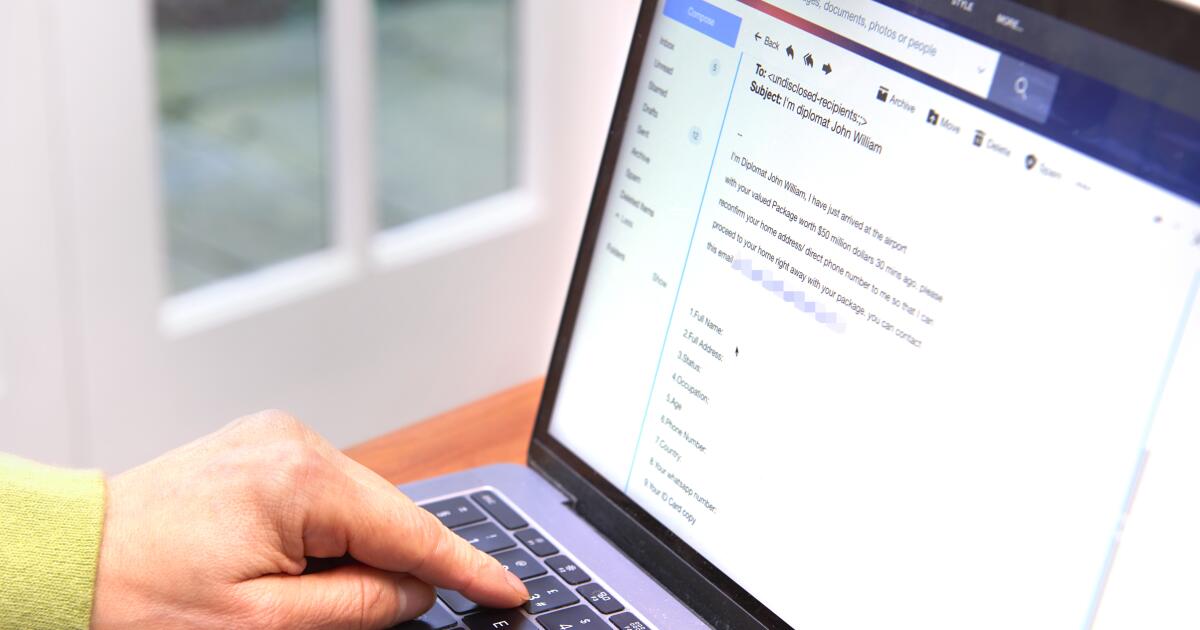
staying Ahead of the Curve: protecting Yourself From the Latest Online Scams
The digital landscape is constantly evolving, and unfortunately, so are the tactics used by cybercriminals. Staying vigilant is crucial to protecting your personal information and online accounts. As a seasoned security strategist with years of experience tracking these threats,I’m here to break down the latest scams and provide actionable steps you can take to defend yourself. This guide will cover phishing invitations, multi-factor authentication (MFA) attacks, and the dangers lurking within seemingly harmless HTML email attachments.
The Resurgence of Phishing Invitations: A Cautionary Tale
Phishing attacks, where criminals attempt to trick you into revealing sensitive information, are far from a thing of the past. A current trend involves fraudulent meeting invitations designed to steal your credentials or install malware.Here’s what you need to know:
the Setup: You receive a calendar invite, frequently enough appearing to be from someone you know.
The Risk: Clicking on the invite can lead to a malicious link or prompt you to share login details.
What you can do:
Verify, Don’t Click: Don’t reply directly to the invite. Instead, contact the supposed sender through a known, trusted channel (like a phone call or separate email) to confirm the meeting details.
Follow Official Guidance: For detailed instructions on reporting and blocking suspicious invitations, refer to google’s support documentation: https://support.google.com/a/answer/10985109?hl=en.
Multi-Factor Authentication (MFA) – A Double-Edged Sword?
Multi-factor authentication, often called two-step verification, is generally a powerful security measure. It adds an extra layer of protection by requiring a code from your phone or authenticator app in addition to your password. However,scammers are now targeting MFA itself.
The Scam:
You start receiving a flood of authentication requests you didn’t initiate. This is a tactic designed to overwhelm you into approving a login, granting a hacker access to your account.Warning Signs:
Unexpected verification requests or codes appearing in your authenticator app.
Multiple, rapid-fire notifications from the app, even when you haven’t attempted to log in anywhere.
Protect Yourself:
Pause and Think: Never approve a login request you didn’t make.Approving an unknown request is like handing over the keys to your digital life.
choose Your Authenticator Wisely: Opt for authenticator apps that generate verification codes (like 2FAS, Aegis Authenticator, Microsoft Authenticator, Stratum, or Google Authenticator) rather than those relying solely on “yes/no” push notifications. Push notifications are easier for scammers to exploit.
Regular Password Updates: Changing your passwords frequently limits the damage if one is compromised.
Decoding the Danger: Emails with Suspicious HTML Attachments
This is an old trick, but it remains remarkably effective. Emails containing unknown HTML attachments can be a gateway to phishing websites or malware infections.
How it effectively works:
HTML files can contain malicious code (like JavaScript) that can:
Steal your login credentials. Download harmful software onto your device. Redirect you to a fake website designed to look legitimate.
Red Flags:
The email is from an unknown sender.
The attachment is unexpected and appears suspicious.
Your Defense Strategy:
Exercise Extreme Caution: Think before you click. Never open attachments from senders you don’t recognise.
Spot the Typosquatting: Carefully examine the URL of the attachment. Scammers often use slightly altered domain names (typosquatting) to trick you. For example, “gooogle.com” instead of “google.com.”
Question Unsolicited Emails: If an email appears out of the blue,always be skeptical of its authenticity.
Staying Proactive: Building a Strong Security Mindset
Protecting yourself online isn’t a one-time fix; it’s an ongoing process. Here are a few final thoughts:
Trust Your Gut: