
Decoding Packet Loss: Why Your Connection Isn’t Just About Speed
For years, we’ve obsessed over internet speed. But what if I told you speed is onyl part of the story? Understanding packet loss – and how to measure it - can dramatically improve your online experience. It’s a shift in outlook that transformed how I troubleshoot network issues, and it can do the same for you.
What Exactly Is Packet Loss?
Packet loss isn’t about how fast data travels, it’s about whether it arrives at all. Even a small percentage of lost data packets can cause significant problems, especially in real-time applications. Think dropped video call frames or glitches during streaming – that’s packet loss in action.
It’s surprisingly subtle. You might not notice it while casually browsing the web. Modern streaming services buffer data, masking occasional hiccups. However, packet loss becomes painfully obvious during large file transfers or remote sessions like SSH, where consistency is key.
Why Should You Care about Packet Loss?
Consider this: a consistently reliable, moderately fast connection is far superior to a blazing-fast, unreliable one. You need a stable connection for smooth operation of critical applications. Here’s why focusing on packet loss matters:
* Real-time communication suffers: Voice and video calls become choppy and frustrating.
* File transfers are interrupted: Large files may fail to complete or take substantially longer.
* Remote access becomes unstable: SSH and remote desktop sessions can freeze or disconnect.
* Online gaming experiences lag: high latency and dropped connections ruin gameplay.
Diagnosing Packet Loss: Tools and Techniques
So, how do you identify packet loss on your network? Several tools can help:
* Ping: A basic but effective tool to send packets and measure response times. Look for “Request timed out” messages, indicating lost packets.
* Traceroute/Tracert: Maps the path your data takes to a destination, highlighting potential problem areas.
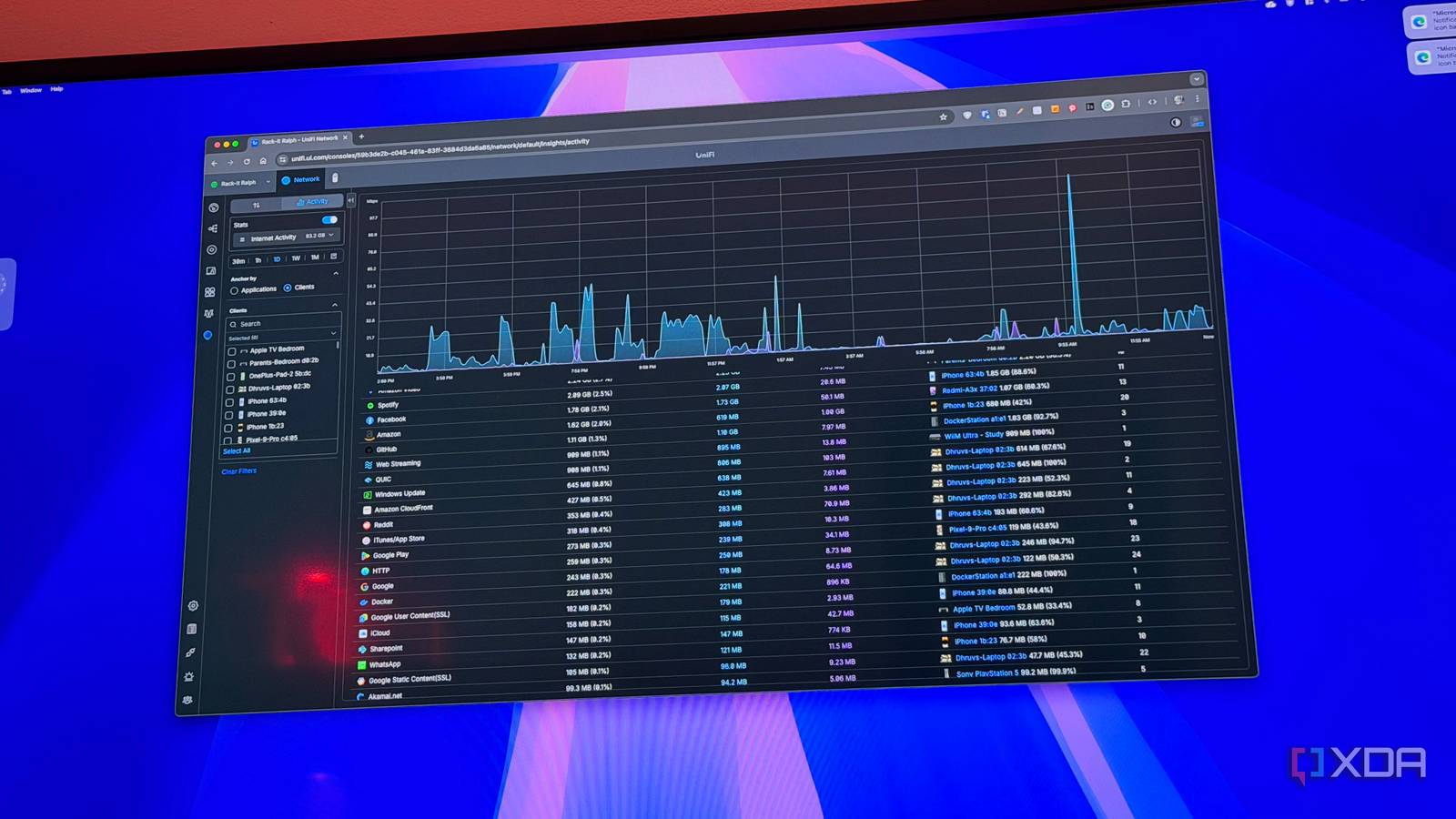
* Wireshark: A powerful network protocol analyzer that allows you to capture and inspect network traffic, providing detailed insights into packet loss. (See image above for a Wireshark packet counter example).
* Dedicated Network Monitoring Tools: Several commercial and open-source tools offer continuous monitoring and alerting for packet loss.
From Speed Tests to Reliability Checks
I used to rely solely on speed tests. Now, I view them as a secondary metric. When I experience network issues, I promptly investigate deeper metrics like latency and, crucially, packet loss.
I once spent days troubleshooting a frustratingly intermittent connection. Speed tests showed acceptable results, but something felt off. Measuring packet loss revealed a consistent pattern of dropped packets. The root cause? An upstream routing issue wiht my internet service provider.
The Importance of Buffer Management and Error Handling
This experience fundamentally changed my approach to evaluating networking hardware. While peak speeds are appealing, buffer management and error handling are far more critical for a stable, reliable connection. A router’s ability to handle packet loss gracefully can make all the difference.
Beyond the Basics: A Shift in Perspective
Looking beyond speed to understand reliability has been a game-changer. It’s empowered me to proactively identify and address network issues before they significantly impact my work and leisure. Don’t just chase faster speeds; prioritize a consistent, reliable connection. You’ll be amazed at the difference it makes.





