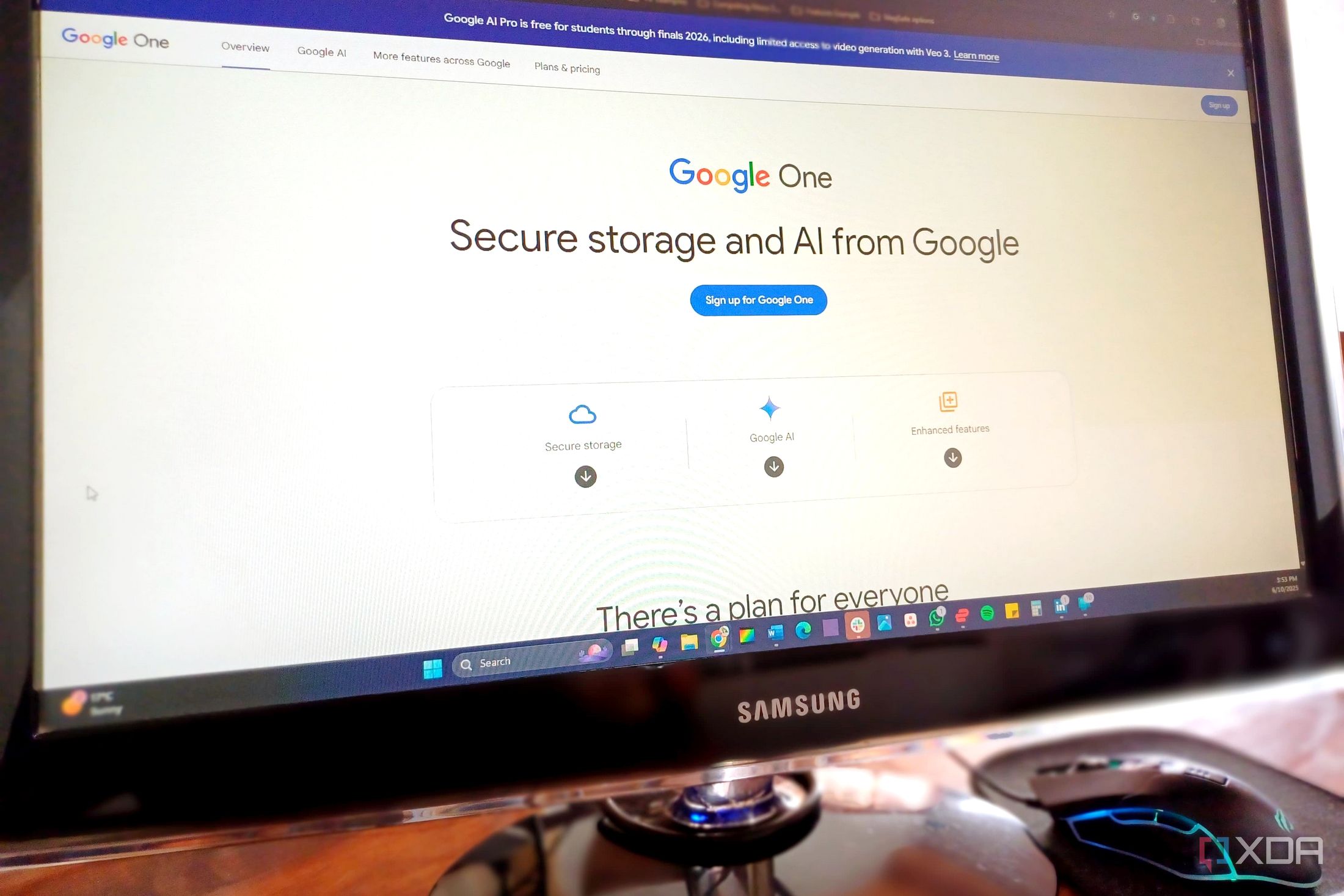
Breaking Free From Google One: A Gradual Path too Personal Cloud Control
For many, Google One has become a convenient, almost invisible part of their digital lives.It’s the easy solution for backing up photos, securing WhatsApp chats, and expanding Gmail storage. However, a growing number of us are questioning the reliance on large tech ecosystems and seeking more control over our personal data. This is my journey - a deliberate, phased approach to moving away from a paid Google One subscription without sacrificing reliability or security.
My Current Situation & Why the Change?
Currently, I utilize the $1.99/month Basic Google One plan, comfortably within my 100GB storage limit with around 52GB used. It’s a relatively small expense, less than streaming services like Spotify or Netflix, and significantly cheaper than a Microsoft 365 subscription. Yet, the desire for greater data ownership and a reduced dependence on a single provider fuels my transition.
I realized I wasn’t actively leveraging the AI features bundled with my subscription. the vast majority of my storage is dedicated to Google Photos, prompting me to explore alternatives.My goal is to eliminate the paid google One account before needing to upgrade to a larger tier.
The Plan: A Phased Approach
Moving away from Google one isn’t about a sudden, disruptive switch.It’s a carefully considered process, prioritizing stability and security. Here’s how I’m approaching it:
Prioritize Photo Migration: I’ve begun transitioning my photo library to Immich, a self-hosted photo and video management solution. This is the biggest storage consumer, and successfully moving it will dramatically reduce my Google One footprint.
Leverage Existing Free Storage: Google One will remain essential for WhatsApp backups and Gmail temporarily. However, once my photos are migrated, the remaining free 15GB should comfortably accommodate these needs.
Evaluate Alternatives Carefully: I briefly considered Proton Drive,but its current pricing is more than double my Google One cost. While appealing, it doesn’t align with my goal of minimizing expenses during this transition.
Building a Robust Personal Cloud
A successful move away from Google One requires a solid foundation. I’m not rushing this stage, understanding that a poorly implemented self-hosted solution can be more problematic than sticking with a familiar service.
Here’s what I’m focusing on:
Thorough Research: I’m dedicating time to learning from others’ experiences and identifying potential pitfalls. Knowledge is key to avoiding common mistakes.
Security First: Data security is paramount. I’m researching best practices for securing a self-hosted environment, including encryption, access controls, and regular backups.
Reliability & Redundancy: A personal cloud needs to be dependable. I’m exploring options for ensuring uptime and data redundancy to prevent loss.
Google One as a Safety Net
Right now, Google One serves as a crucial safety net while I build my personal cloud infrastructure. It provides peace of mind knowing my data is secure while I learn and experiment. This isn’t the immediate “de-Googling” I initially envisioned, but it’s a pragmatic approach that works for me.
Ultimately, the goal isn’t simply to remove Google One, but to replace it with a solution that offers greater control, privacy, and long-term sustainability. It’s a journey,not a race,and I’m committed to building a personal cloud that truly meets my needs.