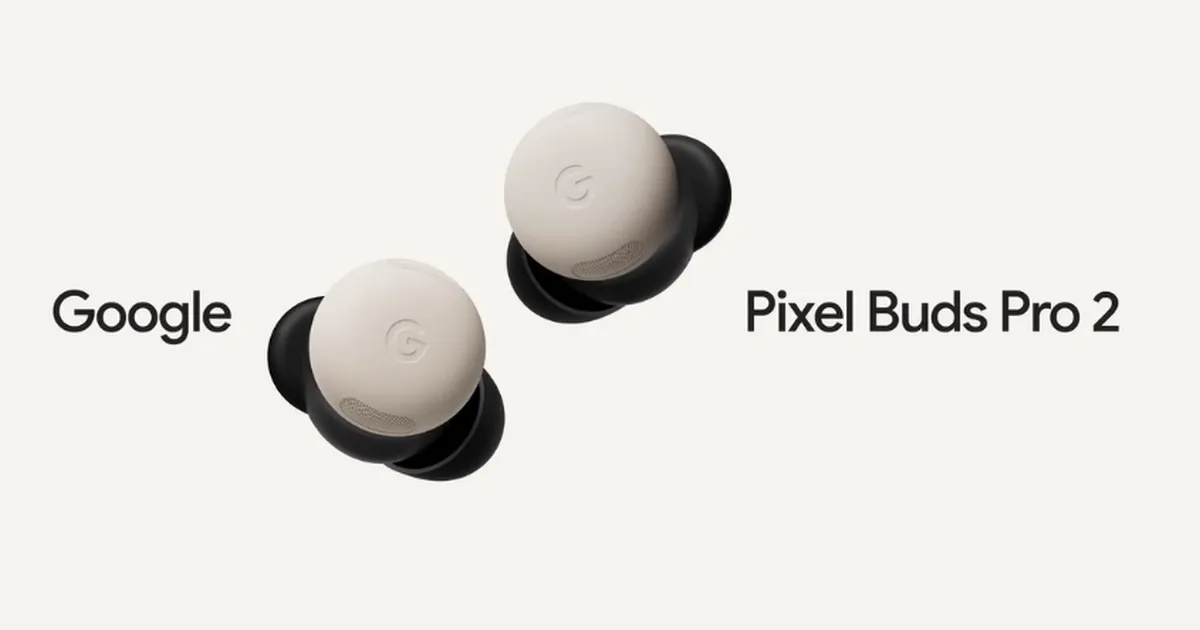
Pixel Buds Pro 2: The Definitive Guide to the Latest Update – Adaptive Audio, Safety & More
Are you a Pixel Buds Pro 2 user looking to unlock the full potential of your earbuds? Wondering what all the buzz is about the latest firmware update? Or perhaps you’re considering an upgrade and want to know if the new features are worth it? This comprehensive guide dives deep into the Pixel Buds Pro 2’s version 4.467 update, exploring its groundbreaking features, benefits, and how to ensure your earbuds are running the latest software. Let’s explore how Google is redefining your audio experience.
What’s New in the Pixel Buds pro 2 Firmware 4.467 Update?
Google recently released a important software update - firmware version 4.467 – for the pixel Buds Pro 2. This isn’t just a bug fix; it’s a feature-packed upgrade designed to enhance sound clarity, prioritize ear safety, and streamline usability.Here’s a breakdown of the key improvements:
* Adaptive Audio: Dynamically adjusts sound based on your environment.
* Loud Noise Protection: Automatically reduces the volume of sudden,jarring sounds.
* Head Gestures: Control calls and texts with simple nods and shakes.
* Enhanced Gemini Live: Crystal-clear voice transmission even in noisy settings.
Adaptive Audio: A Soundscape Tailored to You
Imagine earbuds that intelligently adapt to your surroundings. That’s the power of adaptive Audio. Whether you’re navigating a bustling city street, hitting the gym, or enjoying a quiet walk, the Pixel Buds Pro 2 now intelligently adjusts the sound profile.
This means reduced unwanted noise while preserving crucial environmental sounds - like traffic or announcements. You can fully immerse yourself in your audio content and stay aware of your surroundings.It’s a game-changer for safety and convenience.
Protecting Your Hearing with Loud Noise Protection
Sudden,loud noises can be damaging to your hearing. The new loud noise Protection feature proactively mitigates this risk. When a sharp sound - a siren, a construction blast, or a loud alarm - is detected, the Pixel Buds Pro 2 automatically lowers the volume.
This instant reduction helps protect your ears from potential harm, allowing you to enjoy your audio without the risk of unexpected sonic jolts. It’s a thoughtful addition that demonstrates Google’s commitment to user well-being.
Hands-Free Control: Head gestures for Seamless Dialog
ever wished you could answer a call or dismiss a notification without lifting a finger? Now you can. The Pixel Buds Pro 2 introduces intuitive head gesture controls.
* Nod your head: Answer calls or reply to messages.
* Shake your head: Reject calls.
This hands-free functionality is incredibly useful when you’re on the move, multitasking, or simply want a more convenient way to manage your communications.
Crystal-Clear Conversations with Improved Gemini Live
Gemini Live, Google’s real-time translation feature, just got a significant upgrade. The latest update dramatically improves voice clarity during Gemini live conversations.
Background noise is effectively suppressed, ensuring your voice comes through crisp and clear, even in challenging environments. This makes voice chats and calls more productive and enjoyable.
How to Update Your Pixel Buds Pro 2
Updating your Pixel Buds Pro 2 is a straightforward process. Here’s how to ensure you’re running the latest firmware:
Automatic Updates:
- Ensure your Pixel Buds Pro 2 are connected to a Pixel device or any android phone running Android 6.0 or higher.
- The update will download automatically when the earbuds are placed in their charging case.
- The process typically takes around 10 minutes.
Manual Updates:
- Place the earbuds in the charging case.
- Open the Pixel buds app on your paired device.
- Navigate to “More Settings” and select “Firmware Update.”
- If an update is available, tap “Manual Update Available.”
- The manual update process takes approximately 15 minutes.
- You can also check for updates at mypixelbuds.google.com.
Beyond the Update: Maximizing Your Pixel Buds Pro 2 Experience
The Pixel Buds Pro 2 are more than just earbuds; they’re a gateway to a seamless audio ecosystem. Here are a few tips to elevate