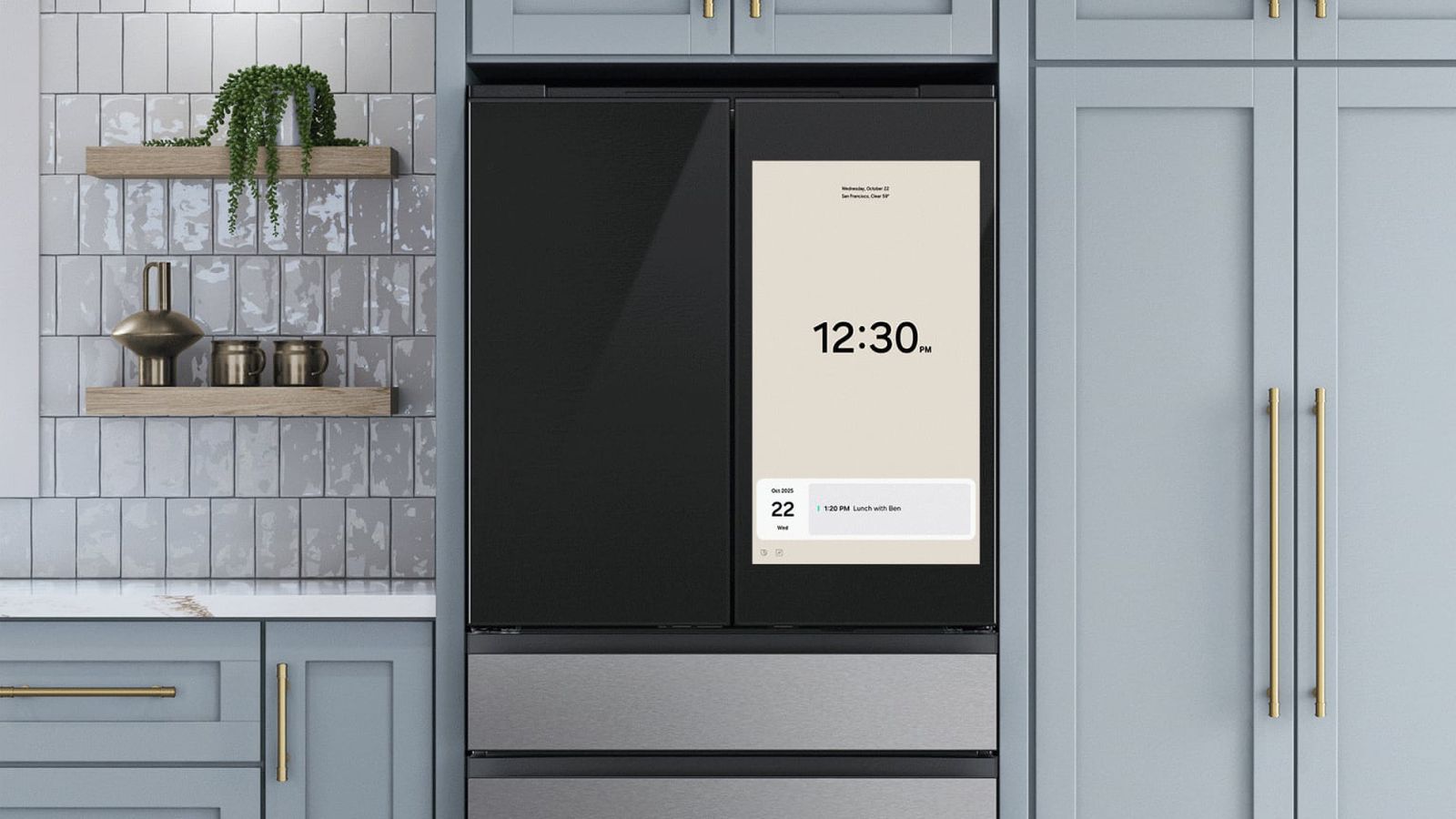
Samsung’s Family Hub Refrigerators Now Display Ads: What You Need to Know
Samsung’s innovative Family Hub refrigerators, known for their integrated touchscreen displays, are about to get a new feature – advertisements. this move has sparked debate among owners, raising questions about privacy, user experience, and teh evolving landscape of smart home devices. Here’s a thorough look at what’s happening, why it matters, and what options you have.
What is the Samsung Family Hub?
The Family Hub isn’t your average refrigerator. Introduced several years ago, these smart appliances boast large, interactive screens (ranging from 21.5 to 32 inches) designed to be a central hub for family organization and entertainment.
Key features include:
* Connectivity: Seamless integration with Google Photos for sharing pictures and videos.
* Organization: Shared calendars, to-do lists, and note-taking capabilities.
* Entertainment: Music streaming and access to various apps.
* Smart Shopping: Direct access to Amazon for grocery ordering.
* Inventory Management: Higher-end models utilize “AI Vision” to track food items inside, reducing waste.
With a price range from $1,899 to $3,499, the Family Hub represents a important investment – one many consumers didn’t anticipate would include advertising.
The Arrival of Refrigerator Ads
Starting November 3rd, 2025, owners of 2024 Family Hub refrigerators will begin seeing ads displayed on the Cover screen when the appliance is idle. This change is being rolled out via a software update.
Initially, Samsung confirmed testing a “pilot program” for “promotions and curated advertisements” in September 2025. Now,the program is expanding to a wider user base. The ads will appear as a new Cover screen widget alongside existing facts like weather, calendar events, and news headlines.
How Can You Opt-Out?
Samsung does offer an opt-out option, but its not without caveats. Users can disable ads through the “Advertisements” tab within the refrigerator’s Settings menu.
However, disabling ads also disables all widget features. This means you’ll lose access to the convenient information displayed on the Cover screen, such as weather updates and calendar reminders.
Furthermore, you can dismiss individual ads from the Cover screen, preventing that specific ad from reappearing during the current campaign. Samsung assures users that ads will not be displayed when the Cover screen is set to display art or album themes.
Why the Backlash?
The introduction of ads has understandably met with criticism. Many customers purchased their Family Hub refrigerators with the expectation of an ad-free experience. The decision to enable ads by default has further fueled frustration, as many users may be unaware of the opt-out option.
This situation highlights a growing concern among consumers: the increasing monetization of smart home devices. As appliances become more connected and feature-rich, the temptation for manufacturers to leverage these platforms for advertising revenue is rising.
Beyond Samsung: the Trend of Ads in Unexpected Places
Samsung isn’t alone in exploring new advertising avenues. Apple is also reportedly planning to introduce ads within its Maps app, possibly as early as next year. This trend suggests a broader shift towards integrating advertising into everyday digital experiences,even in spaces previously considered private or neutral.
what Does This Mean for the Future of Smart Appliances?
The Samsung Family Hub ad rollout serves as a case study in the evolving relationship between consumers and smart home technology.It raises crucial questions about:
* Clarity: Should manufacturers clearly disclose advertising plans upfront?
* User Control: How much control should users have over the advertising thay encounter on their devices?
* Privacy: What data is being collected and used to target ads?
As smart appliances become more prevalent, these questions will become increasingly critical. Consumers will likely demand greater transparency and control over their data and the advertising they are exposed to.
Resources:
* [Fortune – Samsung family Hub Ads](https://fortune.com/