
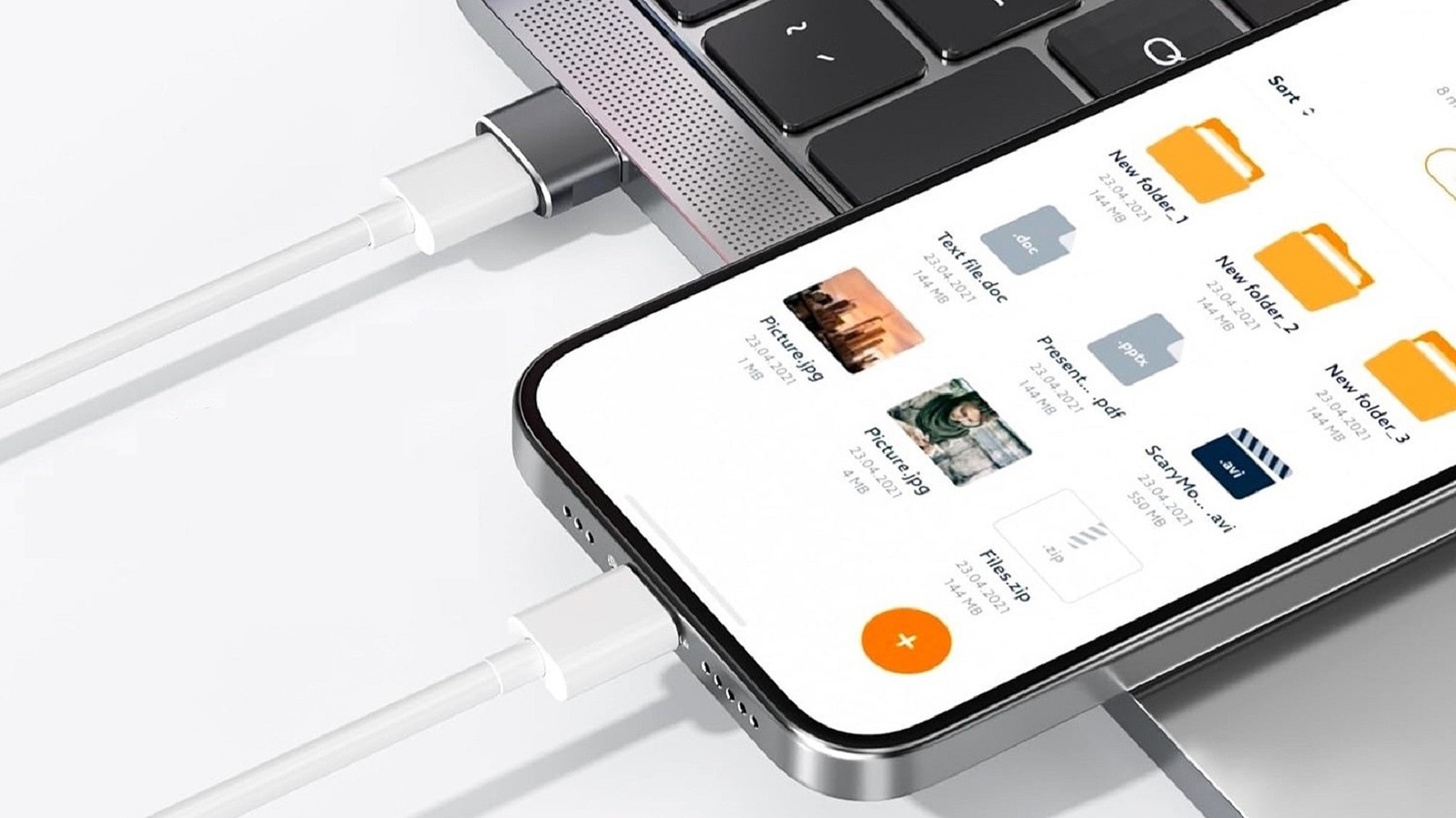
Understanding USB-C and USB-A: What You Need to Know About adapters and Performance
You’ve likely encountered the situation: needing to plug a modern USB-C cable into a traditional USB-A port. Adapters exist for this purpose,and while they can work in a pinch,it’s crucial to understand the performance implications.let’s break down the differences between these standards and what your sacrificing when using an adapter.
The Universal Problem with “Universal”
Despite the name, “Universal Serial Bus” doesn’t mean all USB ports are created equal. Several generations exist, each offering different speeds and capabilities. Most older USB-A ports are either USB 2.0 or USB 3.0.
Here’s a fast overview of the key differences:
* USB 2.0: Caps data transfers at 480 Megabits per second and provides a maximum of 2.5 watts of power.
* USB 3.0: Increases data transfer speeds to 5 Gigabits per second and offers up to 15 watts of power.
* USB 3.1: Further boosts speeds to 10 Gigabits per second while maintaining the 15-watt power delivery.
* USB-C: Can achieve transfer speeds of up to 40 Gigabits per second, depending on the specific implementation.
The Power and Speed Trade-Off
Using an adapter essentially forces your device to operate at the slower speed and lower power capabilities of the USB-A port. I’ve found that this is similar to plugging a faster USB cable into a slower port – you’re promptly limited by the weakest link.
Consider these points:
* Data Transfer: You’ll experience considerably slower file transfers when using an adapter.
* Charging: Charging times will be considerably longer, as the adapter restricts power delivery.
* USB-C’s Potential: USB-C 3.1 can deliver up to 100 watts of power, while the newer Power Delivery (PD) standard can even reach 240 watts. This is essential for quickly charging laptops and other power-hungry devices.
Why Adapters Aren’t Ideal Long-Term Solutions
Adapters are convenient for temporary use, but they shouldn’t be your go-to solution. Here’s what you need to keep in mind:
- Restricted Performance: You’re consistently limiting your device’s potential.
- PD Incompatibility: Adapters typically don’t support the USB-C PD standard, preventing fast charging.
- Future-Proofing: Investing in USB-C ports and cables ensures compatibility with the latest technology and faster speeds.
Essentially, plugging an adapter into a USB-A port is like creating a bottleneck. you’re preventing your device from accessing the full capabilities of USB-C.While it will function, you’re missing out on meaningful improvements in speed and power.
What Works Best: Embracing USB-C
Whenever possible, I recommend utilizing USB-C ports directly. This ensures you’re getting the fastest data transfer speeds and the most efficient power delivery. If your devices lack USB-C, consider upgrading or seeking out USB-C hubs and docks to expand your connectivity options.
Ultimately, understanding these differences empowers you to make informed decisions about your connectivity and maximize the performance of your devices.





![Bangladeshi Singer Attack: 25 Injured as Concert Disrupted in [Location – if known, add here]](https://i0.wp.com/publicnewsupdate.com/wp-content/uploads/2025/12/ibivg8ko_singer-james-concert_160x120_27_December_25.jpg?resize=150%2C100&ssl=1 "Bangladeshi Singer Attack: 25 Injured as Concert Disrupted in [Location – if known, add here]")
![Wearable Tech & Frailty: Early Detection for Seniors | [Year]](https://i0.wp.com/www.futurity.org/wp/wp-content/uploads/2025/12/frailty-wearable-tech-elderly-care-1600.jpg?resize=150%2C100&ssl=1 "Wearable Tech & Frailty: Early Detection for Seniors | [Year]")


