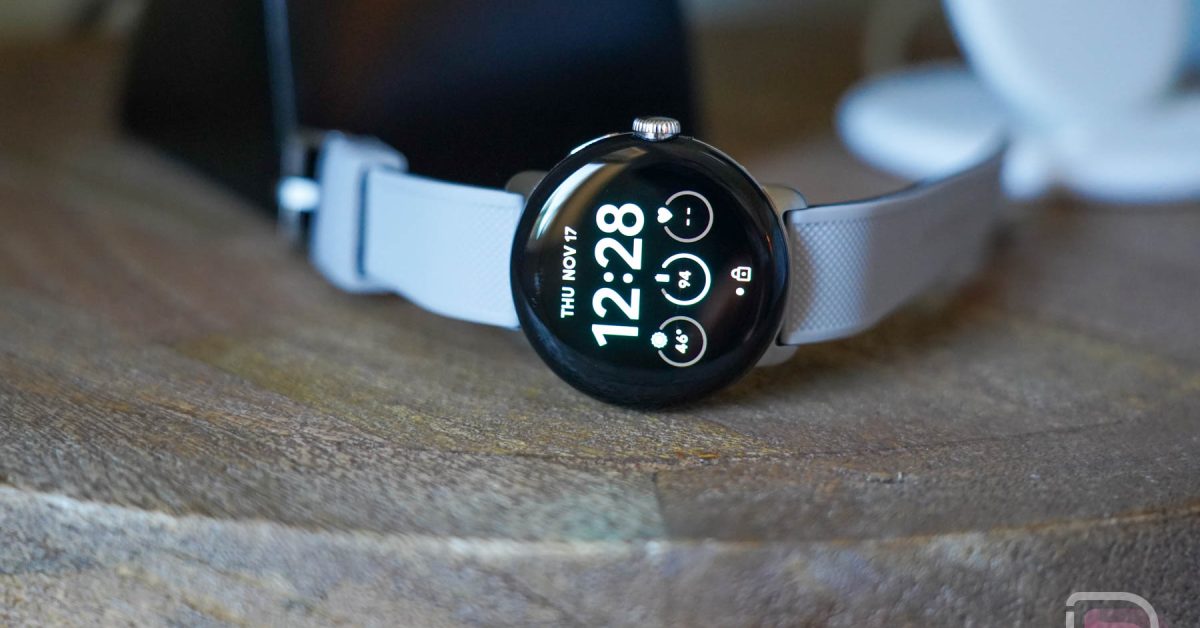
Google weather App on Wear OS: What the Recent Changes Mean for You
Last week, Google announced a shift in its approach to the built-in Weather app for Wear OS 6 and later. The news,initially published on September 11th,sparked confusion among smartwatch users. While Google briefly removed the announcement, it has since been re-posted, leaving many wondering what this means for their devices. Let’s break down the changes and clarify how they’ll impact your Wear OS experience.
The Initial Announcement: A Phased Removal
Google’s original post detailed plans to discontinue offering its native Weather app on Wear OS 6 and newer smartwatches. The reasoning? Many watch manufacturers already include their own dedicated weather applications. Plus, the Google Play Store boasts a wide selection of choice weather apps.
However, the rollout isn’t a blanket change. Here’s a device-by-device breakdown:
* Wear OS 6 & Newer: If your smartwatch runs Wear OS 6 or a later version,you’ll likely lose access to the built-in Google Weather app.
* Wear OS 5 & Earlier: If you’re on an older version of Wear OS, you can continue using the existing Weather app without interruption.
* Pixel Watch (Wear OS 6 & Newer): Pixel Watch owners will automatically receive an upgrade to the new Pixel Weather app. This ensures a seamless transition and continued access to weather data.
* Samsung, OnePlus, & Mobvoi (Wear OS 6 & Newer): for watches from these brands running Wear OS 6 or newer, the Wear OS Weather app won’t be available for new installations. If you already had it installed before upgrading to Wear OS 6, it will remain on your device.
Why the Change? Google’s Rationale
Google’s decision appears to be driven by a desire to streamline the Wear OS experience and avoid redundancy. With many brands offering their own robust weather apps, Google believes users have ample alternatives. This allows them to focus progress efforts elsewhere.
The Brief Removal & Re-Posting: What Happened?
The initial announcement was temporarily pulled from Google’s support pages, leading to speculation about a potential reversal. However, Google quickly re-posted the information, with the content remaining unchanged. This suggests the initial plan is still in affect, though the brief removal highlights the sensitivity surrounding changes to core Wear OS features. You can view an archived version of the original post here.
What Does This Mean for Your Smartwatch?
The impact of these changes depends entirely on your device and Wear OS version. If you rely heavily on the built-in Weather app, now is the time to explore alternatives on the Google Play Store. Consider factors like accuracy, features, and battery consumption when choosing a replacement.
are you concerned about losing the built-in Weather app? what features are most vital to you in a smartwatch weather request?
Evergreen Insights: The Future of Wear OS Apps
This situation underscores a broader trend in the smartwatch ecosystem: increased customization by manufacturers.As Wear OS matures, we’re seeing brands exert more control over the user experience, often prioritizing their own apps and services. this isn’t necessarily negative. It can lead to more tailored and optimized experiences. Though, it also means users may have less consistency across different Wear OS devices.
Looking ahead, expect to see continued fragmentation in the Wear OS app landscape. Google will likely focus on providing core platform features, while manufacturers will differentiate themselves through unique software offerings.Staying informed about these changes is crucial for maximizing your smartwatch experience.
Frequently Asked Questions About the Wear OS Weather App Changes
1. Will the Google Weather app still work on my Wear OS 5 smartwatch?
Yes. If your smartwatch is running Wear OS 5 or an earlier version, the Google Weather app will continue to function as usual. The changes only affect devices running Wear OS 6 and