
- To manage your privacy settings on WhatsApp, you can access the settings menu within the app.
- you have the ability to control who can see your profile photo, “About” data, last seen status, and read receipts.
- Consider adjusting these settings to limit the visibility of your information to specific contacts or to everyone.
- WhatsApp offers end-to-end encryption for all personal conversations,ensuring that only you and the recipient can read your messages.
- However,remember that WhatsApp is owned by Meta,and data sharing practices apply.
- if you’re concerned about your data being used for AI training purposes across other Meta platforms like Facebook and Instagram, you can visit the
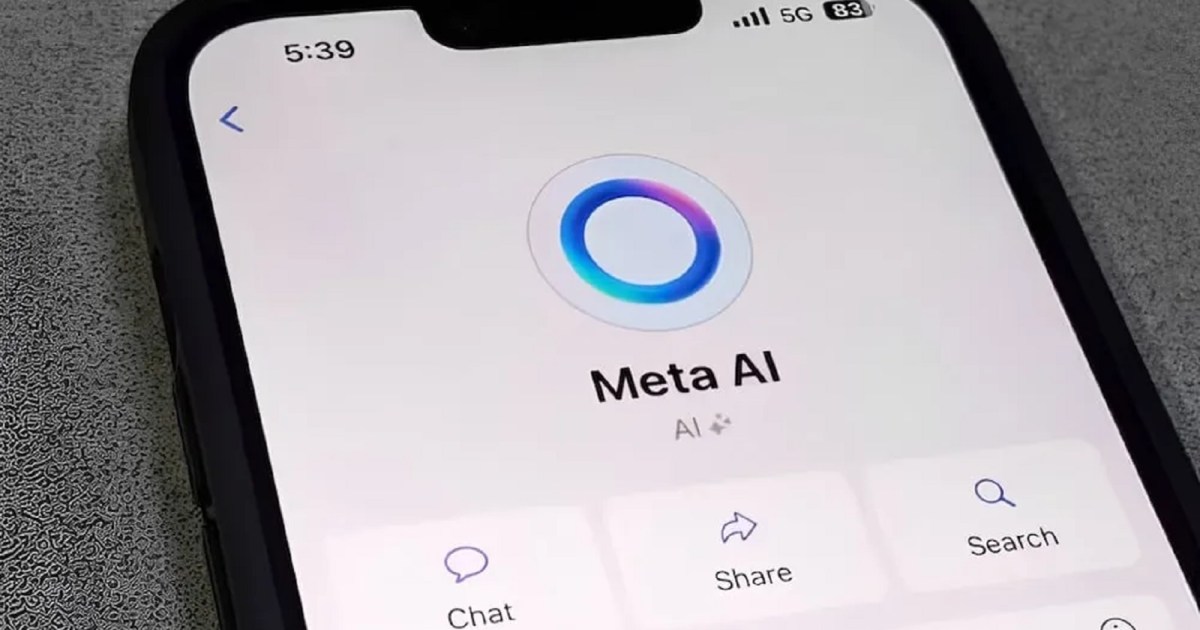
Table of Contents
Previous Article Next Article
When to Stay Out of Conflicts: Choosing Your Battles
January 2026 Events: Top Things to Do This Weekend

Related Posts

Fiat’s 80s Dream Car is Making a Comeback – Fans Are Thrilled! (V ...
January 10, 2026
Jensen Huang Dismisses AI Doomsday Claims & Warns of Harm to Safe ...
January 10, 2026


