
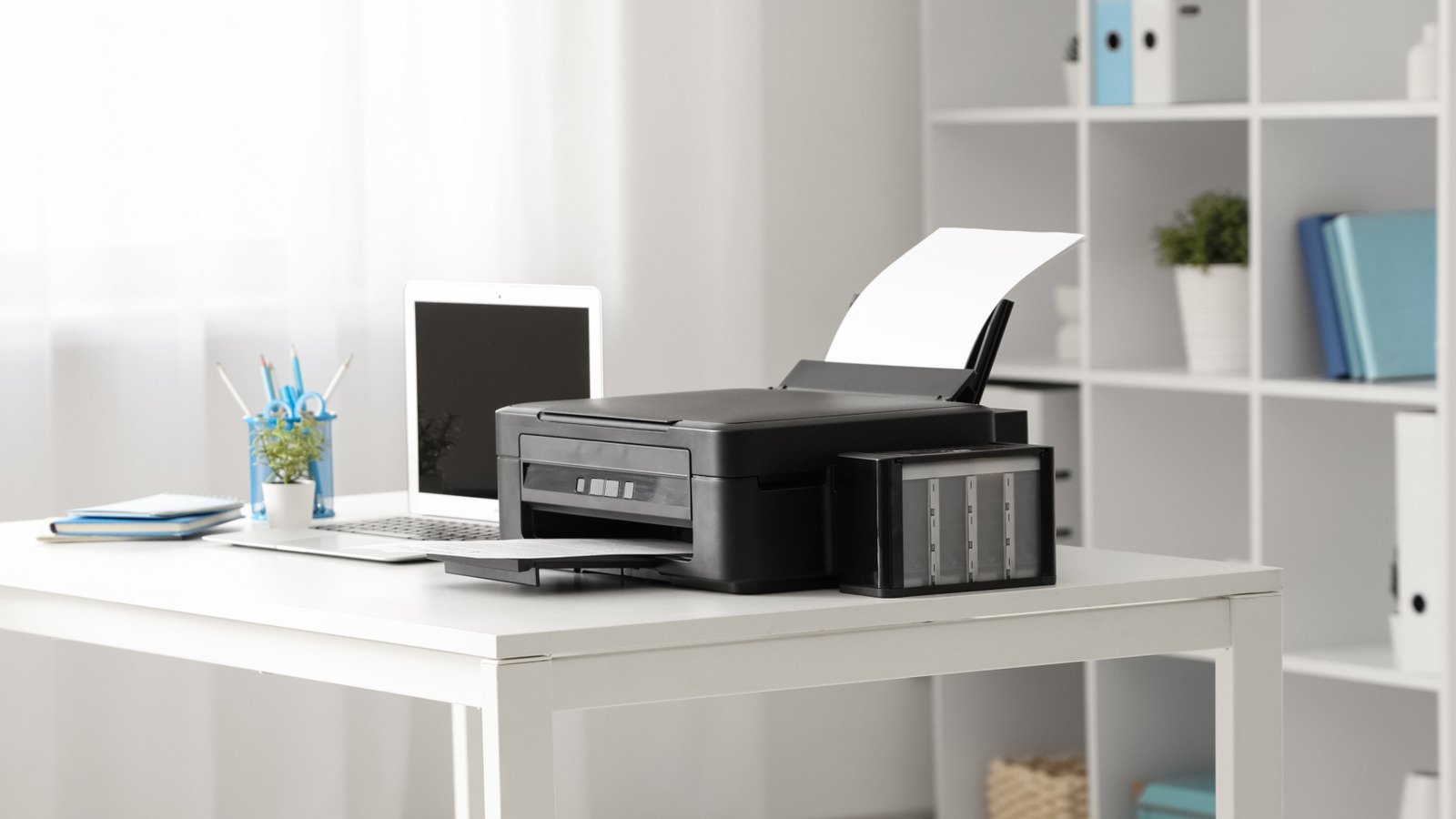
For most of us, the home printer is a dormant piece of hardware, relegated to a dusty corner of the home office. We typically interact with it only when necessity strikes—printing a shipping label, a government form, or a last-minute boarding pass. Between the inevitable paper jams and the frustrating cost of replacement ink, it is straightforward to view the printer as a purely utilitarian tool, a necessary evil of the modern administrative life.
However, as someone who has spent nearly a decade at the intersection of software development and consumer electronics, I have always viewed hardware through the lens of versatility. A printer is not just a document generator; it is a precision ink-application machine capable of working with a vast array of substrates. When you move beyond standard 20-pound bond paper, your printer transforms from a boring office appliance into a creative studio.
Whether you are looking to organize your home, engage your children in screen-free artistic exploration, or start a small-scale hobbyist project, the right supplies can unlock capabilities you likely didn’t know your machine possessed. By leveraging specific materials and a few clever techniques, you can produce professional-grade labels, permanent decals, and custom crafts without investing in expensive specialized equipment.
1. Creating Custom Clear Labels Without a Label Maker
Many households rely on expensive handheld label makers to organize pantries or storage bins. However, you can achieve a similar “clear-backed” professional look using a standard laser printer and a few common household items. This method relies on a simple transfer process that removes the paper backing while leaving the ink adhered to a transparent surface.

To start, design your labels in a column using your preferred word processor or design software. Once printed on standard paper, cover the text with a piece of high-quality clear packing tape. It is critical to ensure the tape is applied smoothly, as any air bubbles trapped between the paper and the tape will create gaps in the final label.
After trimming the excess paper, submerge the taped strip in a bowl of lukewarm water. After about five to six minutes, the paper begins to saturate, and loosen. Gently rub the paper away from the back of the tape with your finger. Because the ink has bonded to the adhesive side of the tape, the lettering remains intact while the paper washes away. Once you apply this transparent strip to glass, plastic, or metal and smooth out the bubbles, you have a custom, clear label. For added longevity, a quick spray of a clear sealant can prevent the edges from peeling over time.
2. Producing Professional Water-Slide Decals
If you are looking for something more permanent and polished than a tape label—specifically for ceramics, glass, or wood—water-slide decals are the gold standard for hobbyists. Unlike standard stickers, which have a visible plastic edge, water-slide decals apply a thin film of ink directly onto the surface, creating a “painted-on” appearance.
The secret to this process is water-slide decal paper, a specialized medium available for both inkjet and laser printers. After printing your design onto the paper, the most important step is the application of a clear acrylic sealer. Because inkjet ink is water-based, it would dissolve the moment it hits the water if not sealed. A light, even coat of acrylic spray locks the ink into the film.
Once the sealer is dry, trim the design and dip it into lukewarm water for approximately 45 seconds. This softens the adhesive backing, allowing the thin film to slide off the paper and onto your target surface. Once positioned and dried, these decals are highly durable and can be further protected with a final clear coat of varnish, making them ideal for customizing home decor or creating personalized gifts.
3. Designing Custom Stickers for Kids
In an era of digital saturation, finding ways to engage children in tactile, creative activities is a priority for many parents. A home printer is an excellent tool for this, provided you move away from plain paper and toward printer-friendly sticker paper. This allows children to move from the digital design phase to a physical product in a matter of minutes.
To facilitate this, I recommend introducing children to basic graphic design tools like Canva. These platforms allow kids to experiment with shapes, colors, and typography to create their own characters or logos. Once the design is complete, printing them onto adhesive sheets allows the children to practice fine motor skills by cutting out their creations with scissors.
This process does more than just produce a sticker; it teaches the fundamentals of digital layout and the concept of “output.” By designing their own assets, children transition from being passive consumers of digital content to active creators, using the printer as the bridge between an idea on a screen and a physical object they can hold.
4. Crafting DIY Masks and Costumes
Beyond simple stickers, the versatility of a home printer extends to larger-scale paper crafts, such as custom masks and costume accessories. This is particularly useful for school projects or Halloween, where store-bought options are often generic or expensive.
By utilizing heavier cardstock—which most modern home printers can handle via the manual feed tray—you can print full-scale character faces, animal masks, or intricate armor patterns. The process involves finding or creating a template, scaling it to the correct size for the wearer, and printing it in high resolution to ensure the colors are vibrant.
To make these masks durable, I suggest laminating the printed cardstock or reinforcing the back with a layer of adhesive foam. This prevents the paper from wilting and provides a sturdy base for attaching elastic bands or ribbons. This application demonstrates that the printer is not just for “flat” documents, but can be the primary component in 3D structural projects.
Technical Considerations for Creative Printing
To get the best results from these projects, it is important to understand the technical limitations and strengths of your hardware. Not all printers are created equal when it comes to non-standard media.
| Feature | Inkjet Printers | Laser Printers |
|---|---|---|
| Best Use Case | Photos, Water-slide decals, High-color art | Clear labels (tape method), Heavy text, Fast drafts |
| Ink Properties | Water-based (requires sealing) | Toner-based (more water-resistant) |
| Media Handling | Better for porous/absorbent papers | Better for smooth, heat-resistant plastics |
| Cost per Page | Higher (ink cartridges) | Lower (high-yield toner) |
Pro Tips for Maximum Quality
- Check Your GSM: Before loading cardstock or sticker paper, check your printer’s manual for the maximum “GSM” (grams per square meter) it can handle. Loading paper that is too thick can cause rollers to slip or, in worst-case scenarios, damage the print head.
- Test on Plain Paper: Always run a test print on standard paper before using expensive decal or sticker sheets. This allows you to verify that your margins are correct and your colors are calibrated.
- Manage Your Ink: For large projects like masks, use the “Draft” or “Normal” setting for internal areas and “High Quality” only for the visible exterior. This preserves your ink levels without sacrificing the final look.
- Avoid Smudging: Inkjet prints, especially on glossy sticker paper, require a few minutes to fully “gas out” or dry. Avoid touching the ink immediately after it exits the tray to prevent smearing.
The home printer is far more than a tool for bureaucracy. By changing the medium—from plain paper to tape, decal film, or cardstock—you change the function of the machine itself. Whether you are organizing your life or inspiring a child’s creativity, these simple shifts in approach can turn a mundane piece of office equipment into a powerhouse of productivity and art.
As home printing technology continues to evolve, One can expect more integration with augmented reality (AR) templates and even more diverse sustainable media options. For now, the most immediate upgrades aren’t in the hardware you buy, but in how you choose to use what you already own.
Do you have a unique way of using your home printer that we missed? Share your creative projects in the comments below or tag us in your photos on social media.