Aliases are huge time savers. They represent a remarkably efficient way to streamline your command-line workflow and reclaim valuable time. Consider how much time you spend typing out repetitive commands daily – it adds up surprisingly quickly.
HearS what works best: crafting custom aliases can dramatically reduce that effort. Essentially,an alias is a shortcut,a nickname you assign to a longer command. When you type teh alias, your terminal automatically executes the full command.Let’s explore some practical examples to illustrate the power of aliases. First, `la` can be aliased to `ls -la`. This simple change transforms a longer command into a concise two-letter shortcut.
Next, `gcm` can be aliased to `git commit -m`. This streamlines the process of committing changes to your Git repository. You’ll find yourself committing code faster and with fewer keystrokes.
Furthermore, `gaa` can be aliased to `git add .`. This quickly stages all modified and new files for your next commit. It’s a significant time-saver when you’re preparing a large batch of changes.
Additionally, `gls` can be aliased to `git log –oneline –decorate –graph –all`. This provides a visually appealing and informative overview of your Git history. It’s a powerful tool for understanding your project’s evolution.
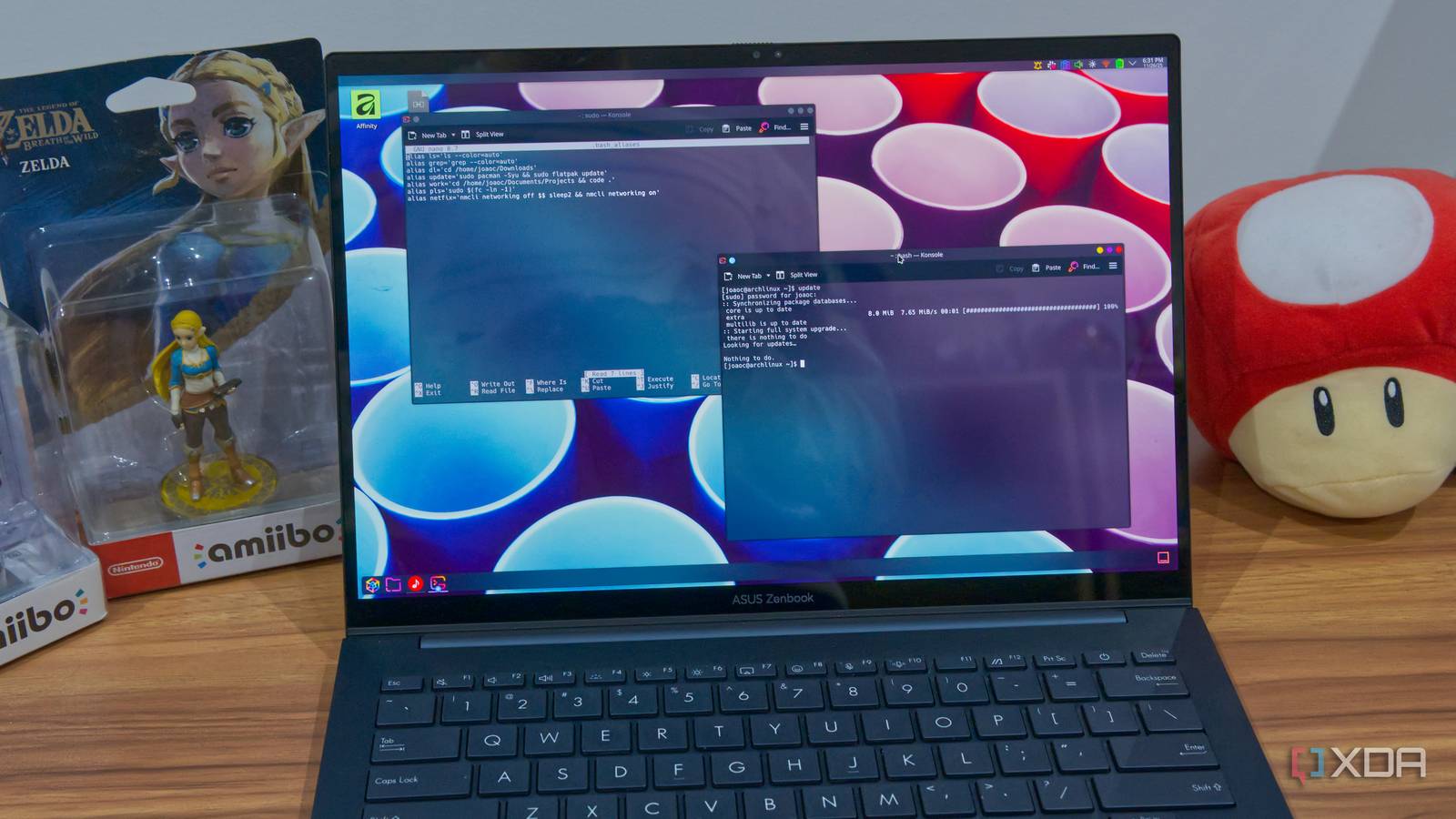
Here’s how to create these aliases. Open your shell configuration file – typically `.bashrc` or `.zshrc` – using a text editor. Then,add lines like `alias la=’ls -la’` for each alias you want to define. save the file and source it using `source ~/.bashrc` or `source ~/.zshrc` to activate the changes.
I’ve found that customizing aliases to match your specific workflow is key. Think about the commands you use most frequently and identify opportunities for simplification. Don’t be afraid to experiment and refine your aliases over time.
These are just a few examples, but you could realistically do this with any terminal command you use frequently. It’s easy to see how it would save you a lot of time. No matter your use case, aliases can cut down on how long you spend typing and memorizing commands. This allows you to put more time into things that matter. I highly recommend exploring the options that suit your needs, in addition to the ones above.