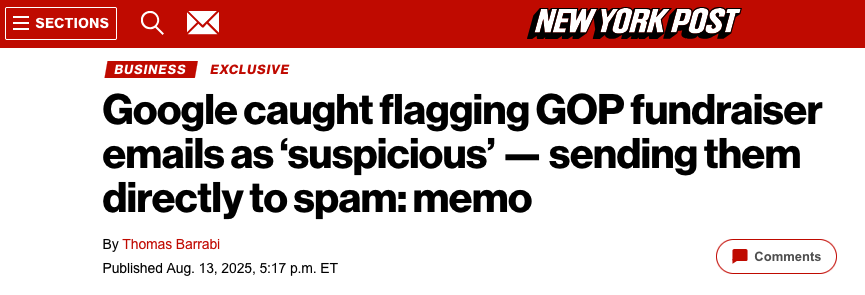
Why Your Political Emails Are Landing in Spam: It’s not Censorship, It’s Sending Practices
You’ve likely heard the claims: gmail and other email providers are biased against conservative messaging. The Federal Trade Commission (FTC) even recently sent a letter to Google’s CEO referencing a study alleging gmail disproportionately filters Republican emails as spam. But the reality is far more nuanced - and has little to do with political agendas. As email deliverability experts, we’re here to break down what’s really happening and why your fundraising and political outreach might be missing the inbox.
The Core Issue: Domain Reputation, Not Politics
Let’s be clear: email providers like Google don’t care about the content of your message – whether it’s political, a product offer, or yes, even advertisements for personal products. What does matter is your sending reputation. If your emails consistently land in spamtrap addresses, it will negatively impact your ability to reach your audience, regardless of your political affiliation.
This isn’t about censorship; it’s about protecting users from unwanted and potentially harmful email.
Debunking the Bias Claims
The 2022 study cited by the FTC, and subsequently amplified by some political outlets, has been widely debunked.As Techdirt’s Mike Masnick points out, the study also found Democratic emails were caught as spam by other providers. However, the focus remained on Gmail because it aligned with a pre-existing “victimization narrative.”
Failed Legal Challenges: Lawsuits and complaints filed with the Federal Election Commission (FEC) alleging an “in-kind contribution” to Democrats were quickly dismissed.
FTC Overreach: Masnick argues the FTC’s intervention is ”political posturing,” as the agency has historically avoided policing political bias in private companies’ editorial decisions – a practice protected by the First Amendment.
Essentially, the narrative of intentional bias doesn’t hold up under scrutiny.
The Real Culprit: Poor Sending Practices & Data Acquisition
The problem isn’t who is being filtered, but how emails are being sent. A key player in this situation is WinRed, the online fundraising platform used by the Trump campaign, the Republican National Committee (RNC), and other GOP organizations.
Here’s what’s happening:
- Spamtrap Hits: WinRed’s emails are frequently landing in spamtrap addresses – email addresses specifically designed to identify spammers.
- Aggressive Tactics: WinRed has faced criticism for aggressive fundraising tactics, notably via text message. A recent lawsuit alleges the RNC (using winred) bombarded a family with donation requests even after repeated unsubscribe requests.
- List Hygiene Issues: The most likely cause of the spamtrap hits? Purchased or poorly maintained email lists. As SURBL’s (Spam URI Realtime Blocklist) Maarten Dijkhoorn explains, WinRed showed little interest in investigating the likely causes of their poor reputation when questioned.
- Ignoring Unsubscribes: Continually sending emails to those who have opted out is a major red flag for email providers.
What are Spamtrap Domains?
Spamtrap domains are email addresses created solely to identify spammers. They aren’t associated with real people. They are often hidden within domain registration records,making them difficult to identify without specialized tools.
Why This Matters to You
If you’re involved in political fundraising or outreach, understand this:
Reputation is Everything: Your sending domain’s reputation is paramount. Poor practices damage that reputation, impacting deliverability for all your emails.
List Quality is Crucial: Don’t buy email lists. Focus on building an organically grown, permission-based list of engaged subscribers.
Respect Opt-Outs: Immediately honor unsubscribe requests.Continuing to send emails to those who’ve opted out is a surefire way to get flagged as a spammer.
Monitor your Reputation: Regularly check your domain’s reputation using tools like SURBL, Sender Score, and Google Postmaster Tools.
What Can You Do to Improve Deliverability?
Here’s a fast checklist:
* Authentication: Implement SPF, DKIM, and DMARC to verify your