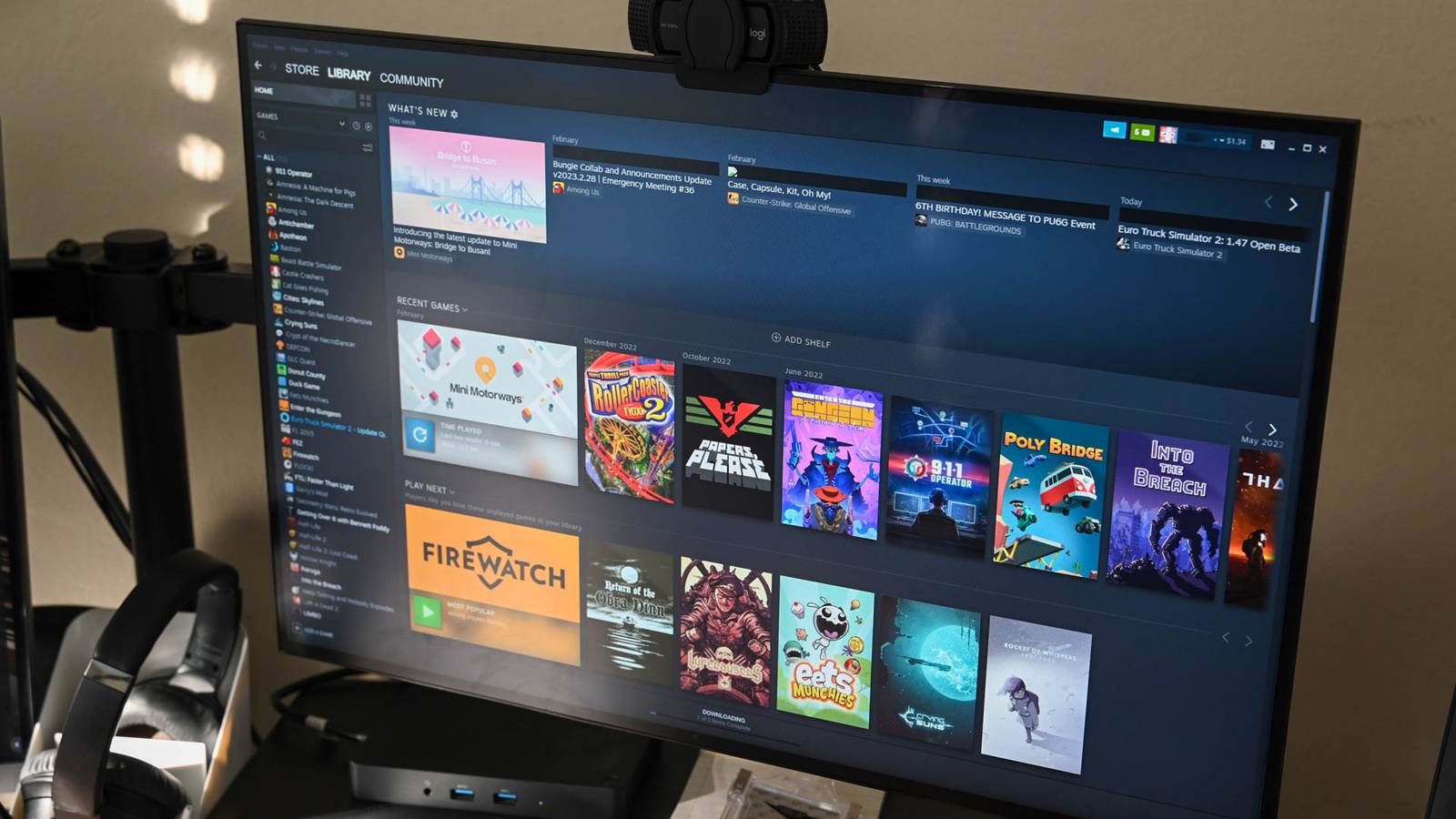
Level Up Your linux Gaming Rig: A Performance Optimization guide
Are you a gamer looking to unlock the full potential of your Linux system? You’ve come to the right place.Linux gaming has evolved dramatically, offering a powerful and customizable experience. This guide will walk you through essential optimizations to ensure your games run smoothly and your system stays responsive.
Why Optimize Your Linux Gaming System?
Optimizing isn’t just about squeezing out extra frames per second; it’s about crafting a gaming experience tailored to your hardware and preferences. A well-tuned system translates to smoother gameplay, reduced input lag, and a more immersive experience. Moreover, regular maintenance keeps your rig running efficiently, preventing slowdowns and maximizing longevity.
Essential Optimization Strategies
Let’s dive into practical steps you can take to boost your Linux gaming performance. These are categorized for clarity, ranging from system-wide tweaks to game-specific configurations.
1. System Updates & Driver Management:
* Keep your system updated. Regularly updating your distribution ensures you have the latest security patches and performance improvements.
* Utilize the latest graphics drivers. Proprietary drivers (Nvidia, AMD) often deliver important performance gains over open-source alternatives, especially for newer titles. Consider using your distribution’s driver manager or installing them directly from the manufacturer’s website.
* Consider a newer kernel. A newer kernel can offer improved hardware support and performance optimizations. However, proceed wiht caution and ensure compatibility with your system.
2. Desktop Environment & Compositor:
* Choose a lightweight desktop environment. Environments like XFCE, LXQt, or even window managers like i3 or Sway consume fewer resources than heavier options like GNOME or KDE Plasma.
* Disable compositing. Compositors add visual effects but can introduce overhead. Disabling them during gaming can free up valuable resources.
* Optimize your desktop environment settings. Reduce animations, transparency, and other visual flourishes to minimize resource usage.
3. Storage & File System:
* Use a solid-state drive (SSD). SSDs dramatically reduce loading times and improve overall system responsiveness compared to customary hard disk drives (HDDs).
* Choose an appropriate file system. Ext4 is a solid default, but consider alternatives like btrfs for advanced features like snapshots and compression.
* Regularly clean up unnecessary files. Uninstalling unused applications and removing temporary files frees up disk space and improves performance.
4. Process Prioritization & Resource Management:
* Utilize a process prioritization tool. Tools like nice or renice allow you to assign higher priority to your game process, ensuring it receives more CPU time.
* Close unnecessary background applications. Before launching a game,close any programs you aren’t actively using to free up RAM and CPU resources.
* Monitor resource usage. Tools like htop or glances provide real-time insights into your system’s resource consumption, helping you identify bottlenecks.
5. Game-Specific Optimizations:
* Adjust in-game graphics settings. Lowering resolution, texture quality, and other visual settings can substantially improve performance.
* Experiment with launch options. Many games support command-line launch options that can tweak performance settings.Check online resources for game-specific recommendations.
* Utilize ProtonDB. If you’re using Steam and Proton to play Windows games,ProtonDB (https://www.protondb.com/) is an invaluable resource for compatibility reports and optimization tips.
The Long Game: Maintaining Peak Performance
Optimization isn’t a one-time task. It’s an ongoing process. Regularly review your system’s performance and adjust your settings as needed.
Remember, the beauty of Linux lies in its flexibility. Don’t be afraid to experiment and find what works best for your setup. You can tailor your gaming experience to your exact preferences, achieving a level of control
Keep reading