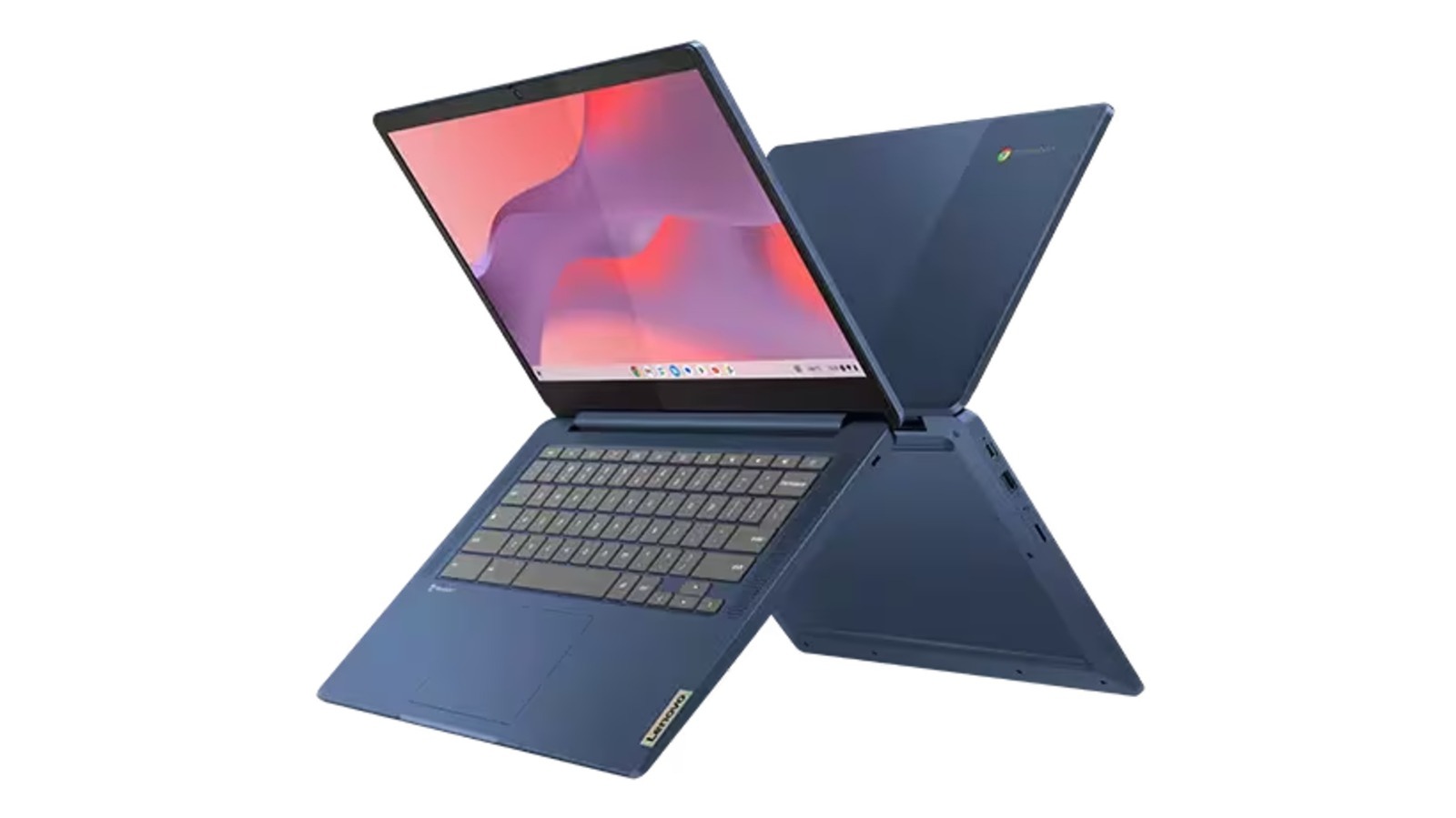
The Lenovo IdeaPad Slim 3 Chromebook: A Detailed Review for Students,Retirees,and Casual Users
Are you searching for an affordable,reliable laptop for everyday tasks? The Lenovo IdeaPad Slim 3 Chromebook presents a compelling option,particularly if long battery life and portability are high on your priority list. This review dives deep into its specifications, performance expectations, user feedback, and overall value, helping you determine if it’s the right fit for your needs.
Key Specifications & What They mean for You
this Chromebook boasts a streamlined design and focuses on essential functionality.Here’s a breakdown of what you can expect:
* Processor: A MediaTek Kompanio 500 processor powers the device, suitable for basic computing.
* RAM: 4GB of RAM is sufficient for light multitasking, but demanding applications may struggle.
* Storage: 64GB of eMMC storage provides ample space for ChromeOS and essential files.
* Battery Life: A standout feature, offering a rated endurance of up to 13.5 hours on a single charge.
* Display: It features a touchscreen display, enhancing usability and interaction.
It’s crucial to understand that these specifications position this Chromebook as a tool for specific use cases. Don’t expect to run resource-intensive programs like high-end video editing software or modern AAA games.
Performance Expectations: What Can you Realistically Do?
The IdeaPad Slim 3 Chromebook excels at core tasks, but it has limitations. You can comfortably handle:
* Web browsing with multiple tabs.
* Email management and communication.
* Document creation and editing using google Workspace (docs,Sheets,slides).
* Streaming video and music.
* Light Android app usage from the Google Play Store.
Though, be aware that pushing the system too hard – opening too many browser tabs or running several Android apps simultaneously – can lead to noticeable slowdowns or even freezing. It’s designed for efficiency, not raw power.
A Notable Value Proposition: Affordability
Currently,the Lenovo IdeaPad slim 3 Chromebook is available for $218,a significant discount from its original comparable value of $399.this represents a savings of $181, or nearly 45%. This price point makes it exceptionally attractive for budget-conscious buyers.
What Are Users Saying? A Look at Real-World Experiences
Customer reviews paint a largely positive picture. With an notable 4.6-star rating based on over 2,025 reviews, the IdeaPad Slim 3 Chromebook clearly resonates with many users.
Here’s what people are highlighting:
* long Battery Life: Consistently praised as a major strength.
* user-Kind Touchscreen: Enhances the overall experience and makes navigation intuitive.
* Portability: Its lightweight design makes it easy to carry around for school, travel, or everyday use.
* Performance for Core Tasks: Many users report excellent performance for schoolwork and Google Workspace applications.
One parent shared their experience, noting their 13-year-old daughter found the touchscreen invaluable for animation projects, even utilizing Adobe programs effectively.Another user appreciated the fast charging and long-lasting battery, while acknowledging the limitations inherent in ChromeOS.
Addressing Concerns: Understanding the Limitations
Some negative reviews center around the Chromebook’s inability to handle advanced tasks. This is not a flaw, but rather a reflection of its intended purpose. it’s crucial to remember that chromeos is designed for cloud-based computing and streamlined performance, not for demanding software.
Is the Lenovo ideapad Slim 3 Chromebook Right for You?
Ultimately, the answer depends on your needs. if you’re a student, retiree, or someone who primarily uses a laptop for basic tasks like browsing, email, and document editing, this Chromebook is an excellent choice. Its affordability, long battery life, and portability make it a compelling option.
However, if you require a powerful machine for gaming, video editing, or other resource-intensive applications, you’ll need to consider a different