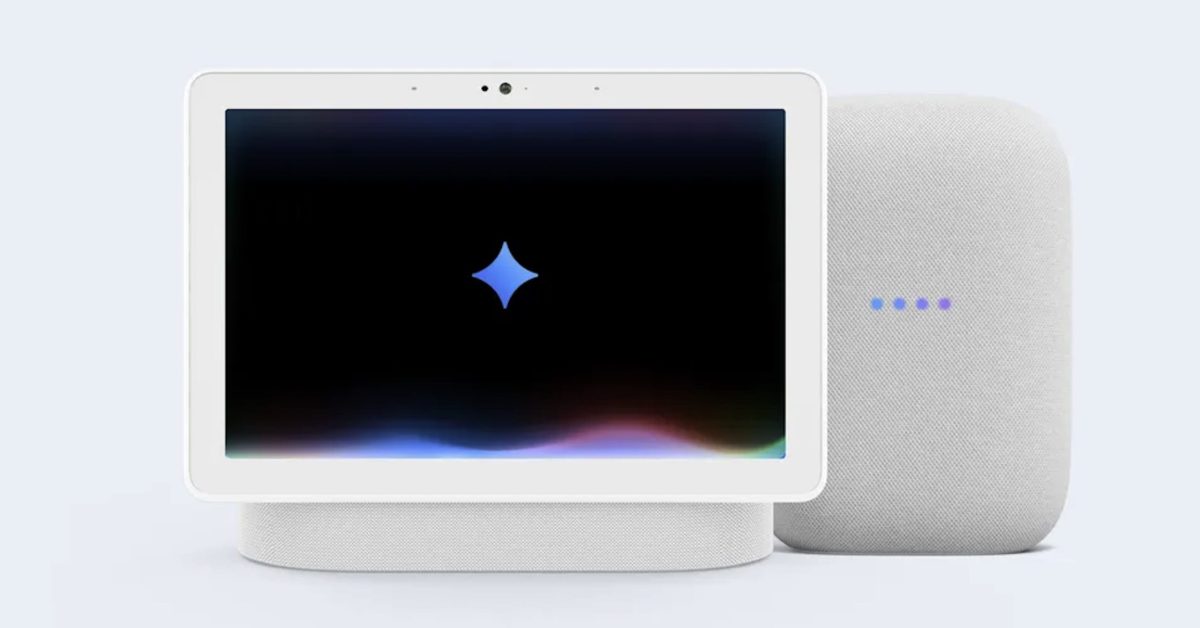
Gemini is Here: How Google’s AI Upgrade Transforms Your Smart Home Experience
For months,the tech world has anticipated it – and now it’s arriving. Google Assistant on your Google home and Nest devices is being replaced by Gemini, Google’s most advanced AI model. This isn’t just a simple update; it’s a fundamental shift in how you interact with your smart home.
This rollout is currently in early access, meaning not everyone will have immediate access. But the potential for more natural, intuitive, and powerful voice control is significant. Let’s dive into what this means for you and how to get started.
Why the switch to Gemini?
Google Assistant was a pioneer, but Gemini represents a leap forward in conversational AI. Here’s what you can expect:
* More Natural Conversations: Gemini understands nuance and context far better than it’s predecessor.Forget rigid commands – you can now have flowing, back-and-forth interactions.
* Complex Task Handling: Gemini can manage multi-step requests with ease. Think “Turn off all the lights except in the bedroom” – a task that often tripped up Assistant.
* proactive Assistance: gemini isn’t just reactive; it can anticipate your needs and offer helpful suggestions.
* Enhanced Reasoning: Gemini can brainstorm, explain complex topics, and even offer expert-level advice.
How to Join the Gemini Early Access Program
Access isn’t automatic. Here’s how to try and get in:
- Open the Google Home app on your smartphone or tablet.
- Tap your profile picture in the top right corner.
- Select “Home Settings.”
- Scroll down and tap “early access.”
- Follow the on-screen prompts to join the program.
Keep in mind that enrollment doesn’t guarantee immediate access.Google is rolling out Gemini in phases, so you may need to wait your turn.
Gemini’s Two Modes: Command vs. Chat
Gemini offers two distinct ways to interact with your devices:
* Standard Mode (“Hey Google”): This is for fast commands – playing music, setting timers, checking the weather. You’ll notice a more natural-sounding voice even in this mode.
* Gemini Live Mode (“Hey Google,let’s chat”): This unlocks Gemini’s full potential. Initiate a conversation to brainstorm ideas,get help with tasks,or simply explore what Gemini can do.
Think of it this way: “Hey Google, play jazz” is a command. “Hey Google, let’s chat about finding a new jazz artist” is a conversation.
Unleashing Gemini’s Power: What to Try First
Now that you (hopefully) have access, here are some things to test out:
* Complex Home Automation: “Turn on the TV, dim the living room lights to 50%, and set the thermostat to 72 degrees.”
* Contextual Awareness: “Turn on the outside lights.” Gemini should intelligently activate both front and back exterior lights.
* Ambiguity Resolution: Ask Gemini to “play some music.” It should learn your preferences over time and offer tailored suggestions.
* Household Management: “Add milk to the grocery list.” or ”Remind me to pay the bills on Friday.”
* Details & Creativity: ”Brainstorm ideas for a weekend getaway.” or “Explain quantum physics like I’m five.”
100 Things to try with Gemini (and Beyond)
Google has compiled a list of 100 prompts to get you started. While some are lighthearted,many demonstrate Gemini’s capabilities for improving your smart home and daily life.
Explore the 100 Things to Try with Gemini
Don’t limit yourself to the list! Experiment with different prompts and see what Gemini can do. The more you use it, the better it will understand your needs and preferences.
Addressing Potential concerns
With any major update, there are bound to be questions. Here are a few things to keep in mind:
* Early Access Means Imperfection: Expect occasional glitches or limitations. Google is actively working to improve Gemini based on user feedback.
* Privacy Considerations: Google assures users that Gemini adheres
Related reading