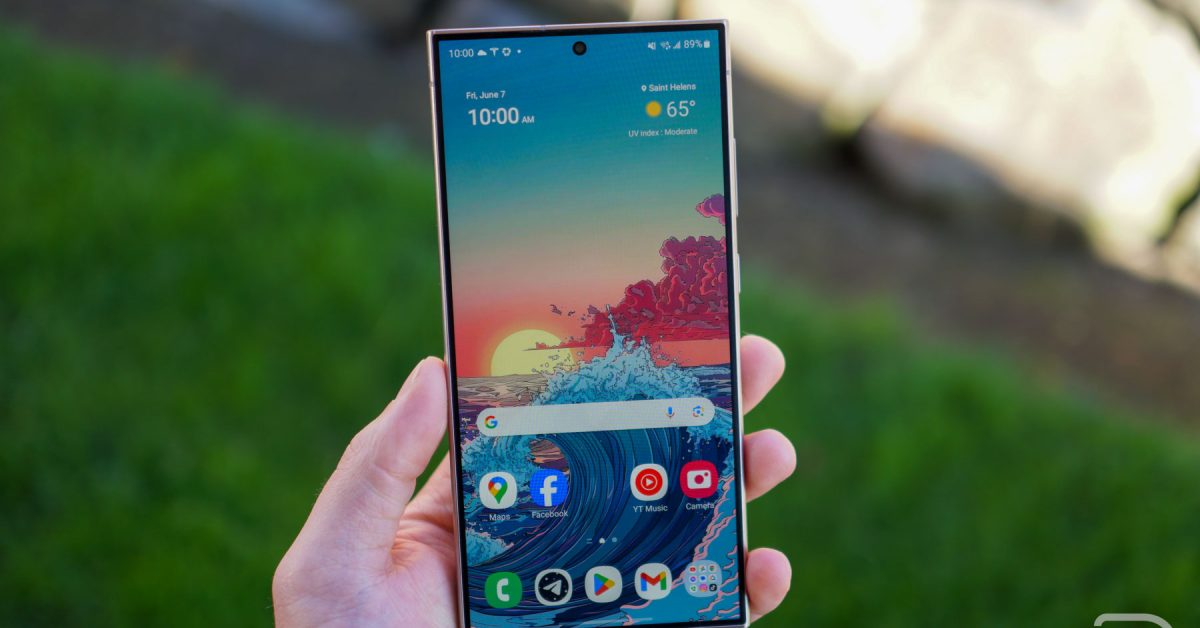
October Security Update Rolls out for Select Samsung Galaxy Devices
Are you a Samsung Galaxy owner looking to keep your device secure and running smoothly? Good news! Samsung is rolling out the October security patch to a range of its flagship devices, ensuring your data and privacy are protected against the latest threats. This update isn’t just about security; it demonstrates Samsung’s commitment to providing ongoing support for your investment.
This article details which Galaxy devices are receiving the update, what you can expect, and how to ensure your phone is protected. Let’s dive in.
Which Galaxy Devices Are Getting the Update?
Currently, the October security patch is being deployed to the following Samsung Galaxy models:
* Galaxy S24
* Galaxy S24+
* Galaxy S24 Ultra
* Galaxy S23
* Galaxy S23+
* Galaxy S23 Ultra
* Galaxy S25 FE
* Galaxy Z Fold 5
* Galaxy Z Flip 5
If you own one of these devices, keep an eye out for the notification. Remember, updates are frequently enough rolled out in stages, so it may take a few days or even a week for the update to reach your specific device.
What Does the October Security Patch Include?
While the current changelog primarily focuses on security enhancements,these patches are crucial for protecting your device. Security updates address vulnerabilities that could be exploited by malicious software or hackers. Specifically, these updates often include fixes for:
* Known exploits affecting Android OS.
* Samsung-specific vulnerabilities.
* Potential privacy risks.
Although this particular update doesn’t list meaningful feature changes, consistent security updates are vital for maintaining a safe and reliable mobile experience.
Software Version Numbers to Look For
To confirm you’ve received the correct update, check your software version. Here’s a breakdown of the version numbers associated with this rollout:
* galaxy S24: S921USQS4CYJ1
* Galaxy S24+: S926USQS4CYJ1
* Galaxy S24 Ultra: S928USQS4CYJ1
* Galaxy S25 FE: S731USQU1AYIB
* Z Flip 5: F731USQS6FYJ3
* Z Fold 5: F946USQS6FYJ3
* Galaxy S23: S911USQS6EYJ5
* Galaxy S23+: S916USQS6EYJ5
* Galaxy S23 Ultra: S918USQS6EYJ5
You can find this data in your phone’s settings under “About Phone” and than “Software Information.”
How to Check for and Install the Update
Don’t worry if you haven’t received a notification yet. You can manually check for the update by following these steps:
- Open your phone’s Settings app.
- Scroll down and tap on Software update.
- Tap on Download and install.
- Your phone will check for available updates. If the October security patch is available, follow the on-screen instructions to download and install it.
Ensure your device is connected to Wi-Fi and has sufficient battery life (at least 50%) before starting the update process. Interrupting the update can perhaps cause issues with your device.
Why Are Timely Security Updates Vital?
Regular security updates are paramount in today’s digital landscape. They protect you from:
* Malware and viruses: Updates patch vulnerabilities that malware can exploit.
* Data breaches: Security flaws can expose your personal information.
* identity theft: Compromised devices can lead to identity theft.
* Phishing attacks: Updates can enhance protection against phishing attempts.
Think of security updates as a shield for your digital life. Ignoring them leaves you vulnerable to a range of threats.
What to Do If You Haven’t Received the Update
If you haven’t
Worth a look