Unlock Digital Freedom: Building Your Portable App Toolkit
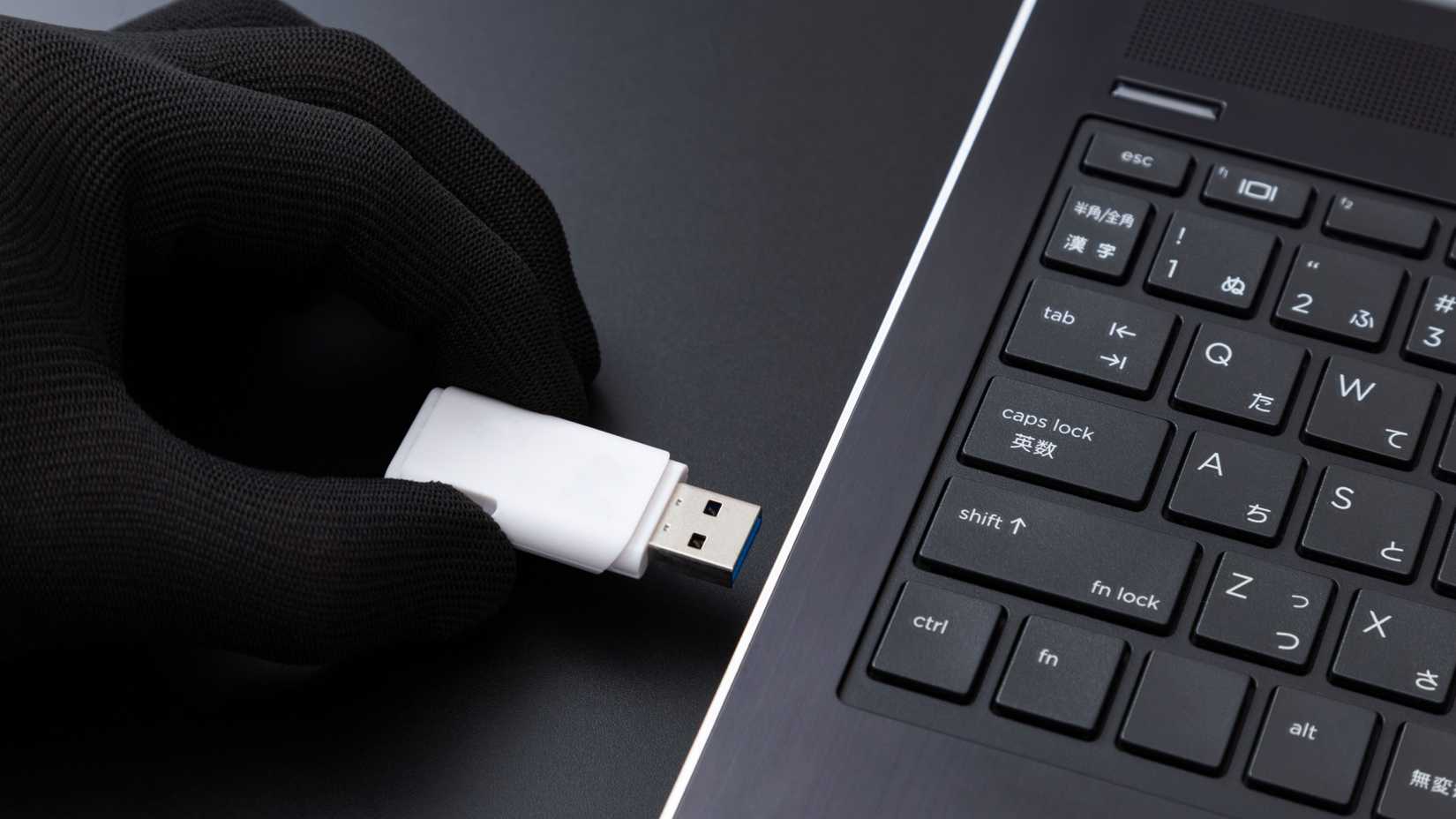
!A gloved hand inserts a USB drive into a laptop.
Credit: years44/Shutterstock.com
Are you ready to carry your digital life with you, seamlessly transitioning between computers without the installation headaches? The world of portable applications offers unbelievable freedom and control. as someone who’s been building and refining portable toolkits for years, I’ll guide you through creating a reliable, personalized system.
Why Go Portable?
Conventional software installation ties you to specific machines. Portable apps break those chains, allowing you to run programs directly from a USB drive - no installation required. This offers several key benefits:
* Privacy: keep your browsing history, passwords, and personal data secure on your drive.
* Convenience: Access your favorite applications on any compatible computer.
* Customization: Maintain a consistent,personalized computing experiance wherever you go.
* Portability: Truly take your digital workspace with you.
Getting Started: Your app Management Hub
The easiest way to organize your portable software is with an application management suite. I highly recommend the Portable Apps website (link opens in a new tab). It functions as a dedicated Start Menu for your portable apps, simplifying installation and organization. You’ll find a wealth of options there,but let’s focus on some essentials.
Must-Have Portable Apps
Here are some applications I consistently recommend for a robust portable toolkit:
1. Web Browser: Mozilla Firefox Portable
A reliable web browser is paramount. Mozilla Firefox, Portable Edition (link opens in a new tab) is an excellent choice.Like Chrome Portable,it allows you to browse the web without leaving a trace on the host computer.
* Your browsing history, cache, extensions, and bookmarks are stored only on your USB drive.
* Enjoy a familiar, customized browsing experience on any computer.
* This is crucial for privacy on shared or public machines.
2. Text & Code Editor: Notepad++ Portable
Don’t underestimate the power of a good text editor. Notepad++ portable (link opens in a new tab) is far more than a simple notepad.
* It’s a feature-rich editor with syntax highlighting for numerous programming languages.
* Multi-tab editing and macro recording boost your efficiency.
* Its small file size makes it ideal for limited storage space.
this app is invaluable for anyone working with config files, scripts, or markdown across multiple computers.
Beyond the Basics: expanding Your toolkit
While Firefox Portable and Notepad++ Portable are excellent starting points, consider these additions:
* Password manager: Keep your logins secure with a portable password manager like KeePass.
* Office Suite: LibreOffice Portable provides word processing, spreadsheets, and presentations.
* Image Editor: GIMP Portable offers powerful image manipulation capabilities.
* Email Client: Thunderbird Portable lets you access your email accounts on the go.
The Future of Computing is Portable
this shift toward portable apps isn’t just a convenience; it’s a basic change in how we interact with our digital tools. By freeing software from traditional installation, you gain unprecedented control and flexibility.
You’ll experience a consistent, personalized computing environment, no matter where you are.Just ensure your USB drive has sufficient storage capacity to accommodate your growing toolkit. Embrace the freedom – your digital life is now truly portable.
Disclaimer: As an expert in portable application usage,I recommend regularly backing up your USB drive to prevent data loss.
Related reading