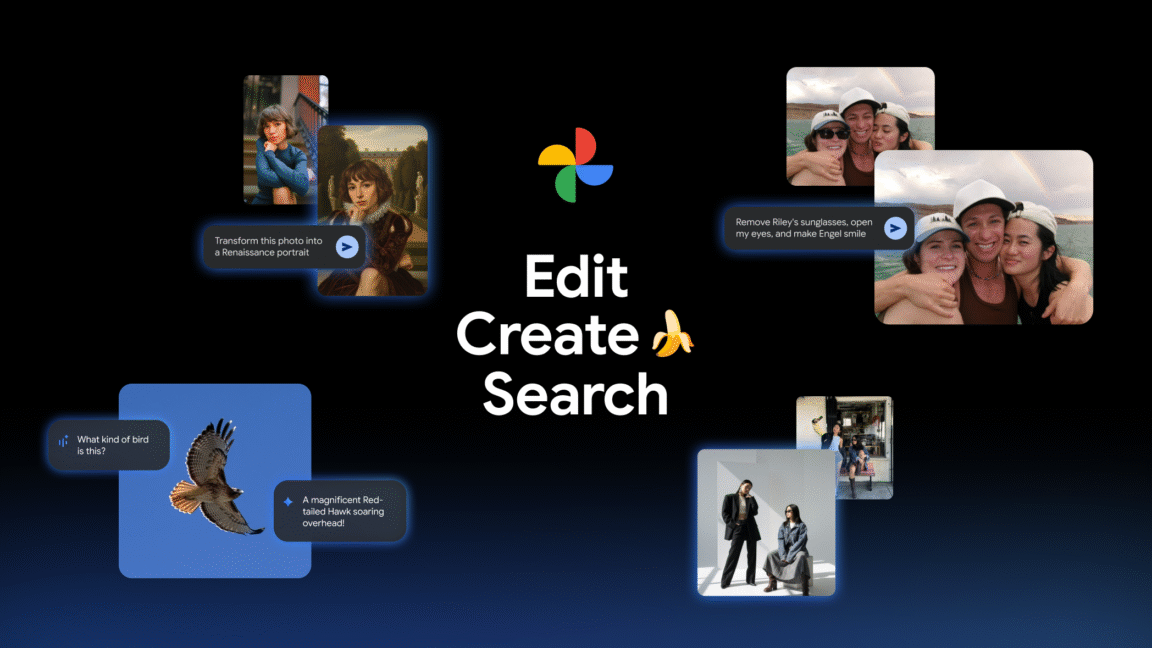
Google photos Gets a Major AI Upgrade with nano Banana
Google Photos is leveling up its editing capabilities with the integration of the groundbreaking Nano Banana AI model. This highly anticipated update brings significantly improved generative AI features directly to your photo editing experience, and it’s available on both Android and iOS.
What is Nano Banana?
Initially showcased as an unbranded demo earlier this year, Nano Banana quickly gained attention for its impressive image editing prowess. Simply provide an image and describe your desired changes, and the model delivers. Google first announced plans to bring Nano Banana to Photos in October, and now the rollout is beginning.
Previously, the “Help Me Edit” feature relied on an older AI model. While functional,the results weren’t as refined. Nano Banana promises to produce higher-quality edits, even if some AI imperfections (“slop”) remain.
How Does Nano Banana Enhance google Photos?
The updated “Help Me Edit” feature, powered by Nano Banana, offers several key improvements:
* Precise Edits with Face groups: Google Photos now leverages your existing face groups. This means you can use names in your editing prompts. For example, you can simply type “Remove Riley’s sunglasses,” and the AI will identify and edit the photo accordingly.
* Creative Style transformations: Beyond simple adjustments, Nano banana allows for more dramatic, stylistic changes to your images. You can completely alter the look and feel of a photo with a single prompt.
* Conversational Editing: The interface remains conversational, making it easy to describe your desired edits in natural language.
This update represents a substantial leap forward in AI-powered photo editing, offering you more control and creative possibilities than ever before. Expect a more intuitive and powerful editing experience within Google Photos.
[Video demonstrating Nano Banana in Help Me Edit]
Related reading