Unlock Your Apple watch’s Full Potential: 10 Practical Tweaks
The Apple Watch is a remarkably capable device, but often its true power remains hidden beneath layers of default settings.Many useful features are either disabled by default or tucked away in the settings menu. Fortunately, a few simple adjustments can dramatically reduce distractions, accelerate everyday tasks, and make your watch feel truly personalized.
Here’s how to refine your Apple Watch experience and get the most out of this powerful technology.
1. Master the Control Center.
quickly access essential settings like flashlight, camera control, and Do Not Disturb by swiping up from the bottom of your watch face. Customizing the Control Center with your frequently used features saves valuable time.
2. Simplify notifications.
Constant buzzing can be overwhelming. Dive into the Watch app on your iPhone and refine your notification settings. You can mirror your iPhone’s settings, customize notifications per app, or even silence specific apps entirely.
3. Embrace Wrist Raise Detection.
Raise to Speak is a game-changer.Enabling this feature in the “Raise to Speak” settings allows you to automatically answer calls when you bring your wrist up to your ear. It’s surprisingly convenient, especially when your hands are full.
4. Customize your Complications.
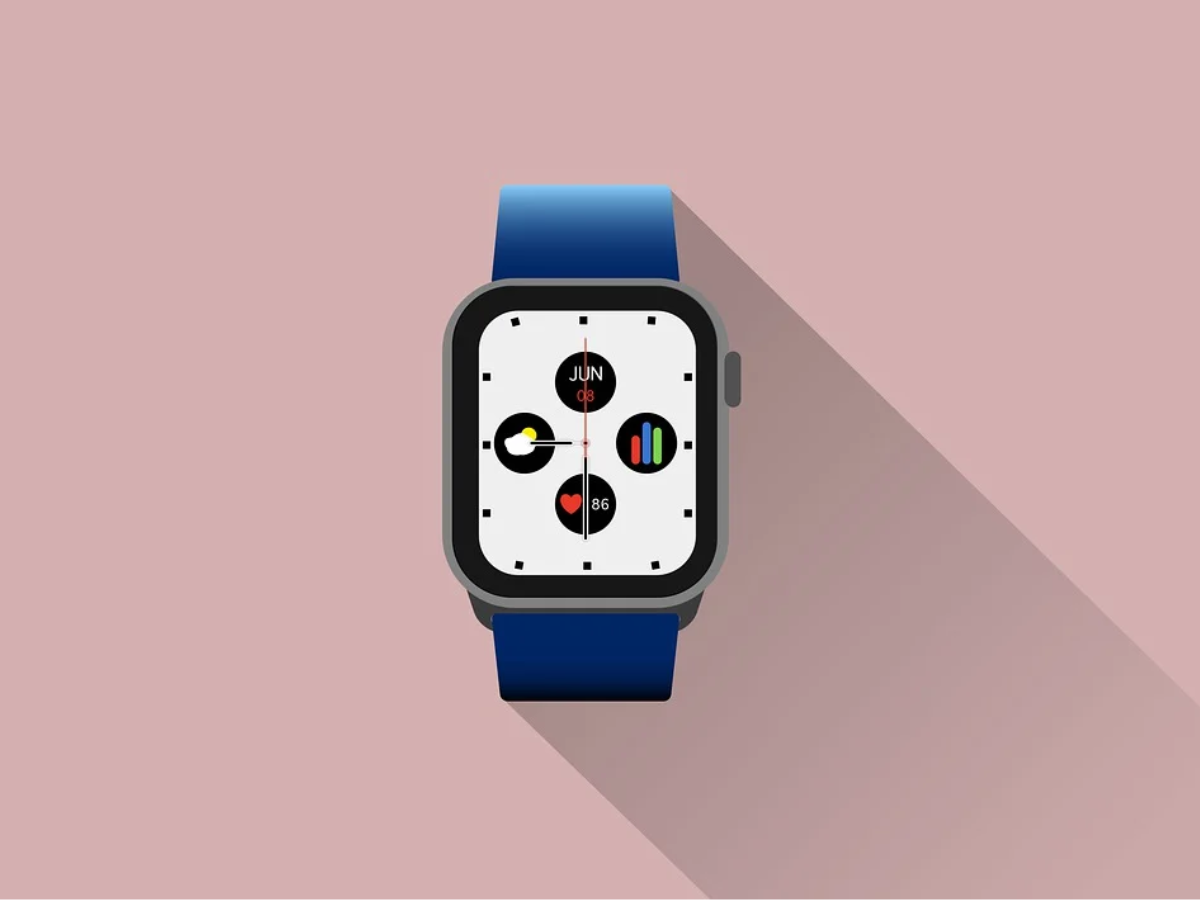
Complications are the small bits of details displayed on your watch face. They’re incredibly versatile.Tap and hold on your watch face to edit them, adding data like upcoming calendar events, activity progress, or weather updates.
5. Optimize Haptic Feedback.
Subtle vibrations can make a big difference. Adjust the haptic feedback intensity in the ”Haptics” settings to find a level that’s noticeable without being jarring. I’ve found that a more subtle setting is less disruptive during meetings.
6. Utilize Theater Mode Effectively.
Going to the movies or a performance? Theater Mode silences all sounds and dims the screen, preventing unwanted distractions. Activate it quickly from the Control Center.
7. Streamline app access.
Rearrange your app grid for optimal access. Long-press on an app icon to enter jiggle mode, then drag and drop apps to your preferred locations. Prioritize the apps you use most frequently.
8. Enable Speedy Responses.
Responding to messages on your watch can be cumbersome with the default keyboard. Set up quick responses in the Watch app on your iPhone. This allows you to reply with pre-written phrases with just a tap.
9. Explore the water Lock Feature.
Swimming or showering with your Apple Watch? Activate Water Lock to prevent accidental screen presses and ensure accurate activity tracking. A simple swipe and a tap will eject any water from the speaker afterward.
10. Fine-Tune Your Activity Goals.
your Apple Watch encourages a healthy lifestyle. However, the default activity goals might not be right for you.Adjust your Move, Exercise, and Stand goals in the Activity app to align with your fitness level and aspirations.
These tweaks represent just the tip of the iceberg. Taking a few minutes to explore your Apple Watch’s settings can unlock a more efficient, personalized, and enjoyable experience. Don’t be afraid to experiment and discover what works best for your lifestyle.
Related reading