Building your Own Linux Home Office Server: A Guide to Digital Peace of Mind
Are you tired of juggling cloud services, worrying about data privacy, and feeling at the mercy of someone else’s infrastructure? Consider building your own Linux home office server. It’s a surprisingly accessible project that can fundamentally change how you work and reclaim your digital life.
Why Run a Server at Home?
Many of us rely on a patchwork of online tools for file storage,backups,and remote access. This approach introduces friction, security concerns, and a constant reliance on internet connectivity. A home server solves these problems by giving you control.
Here’s what a dedicated server can offer:
* Complete Data Ownership: Your files reside on hardware you control, eliminating concerns about third-party access or policy changes.
* Enhanced Privacy: You dictate the security measures, keeping your data shielded from prying eyes.
* Reliable Remote Access: Access your files and applications from anywhere, without relying on potentially unstable cloud connections.
* Customization & Flexibility: Tailor the server to your exact needs, installing only the software you require.
* Cost Savings: Over time, a self-hosted solution can be more economical than recurring subscription fees for cloud services.
What Hardware Do You Need?
You don’t need a powerhouse machine to get started. In fact, many peopel repurpose old computers for this purpose. Here’s a basic breakdown:
* Hardware: An older desktop or laptop, a Raspberry Pi 4 or 5, or a small form factor PC are all viable options.
* Storage: A dedicated hard drive or SSD for your data. Consider RAID configurations for redundancy.
* Networking: A stable internet connection and a router capable of port forwarding.
* Operating System: A Linux distribution like Ubuntu Server, Debian, or Fedora Server. These are free, open-source, and well-documented.
Essential Software & Services
Once your server is up and running, you’ll want to install some key software. Here are a few recommendations:
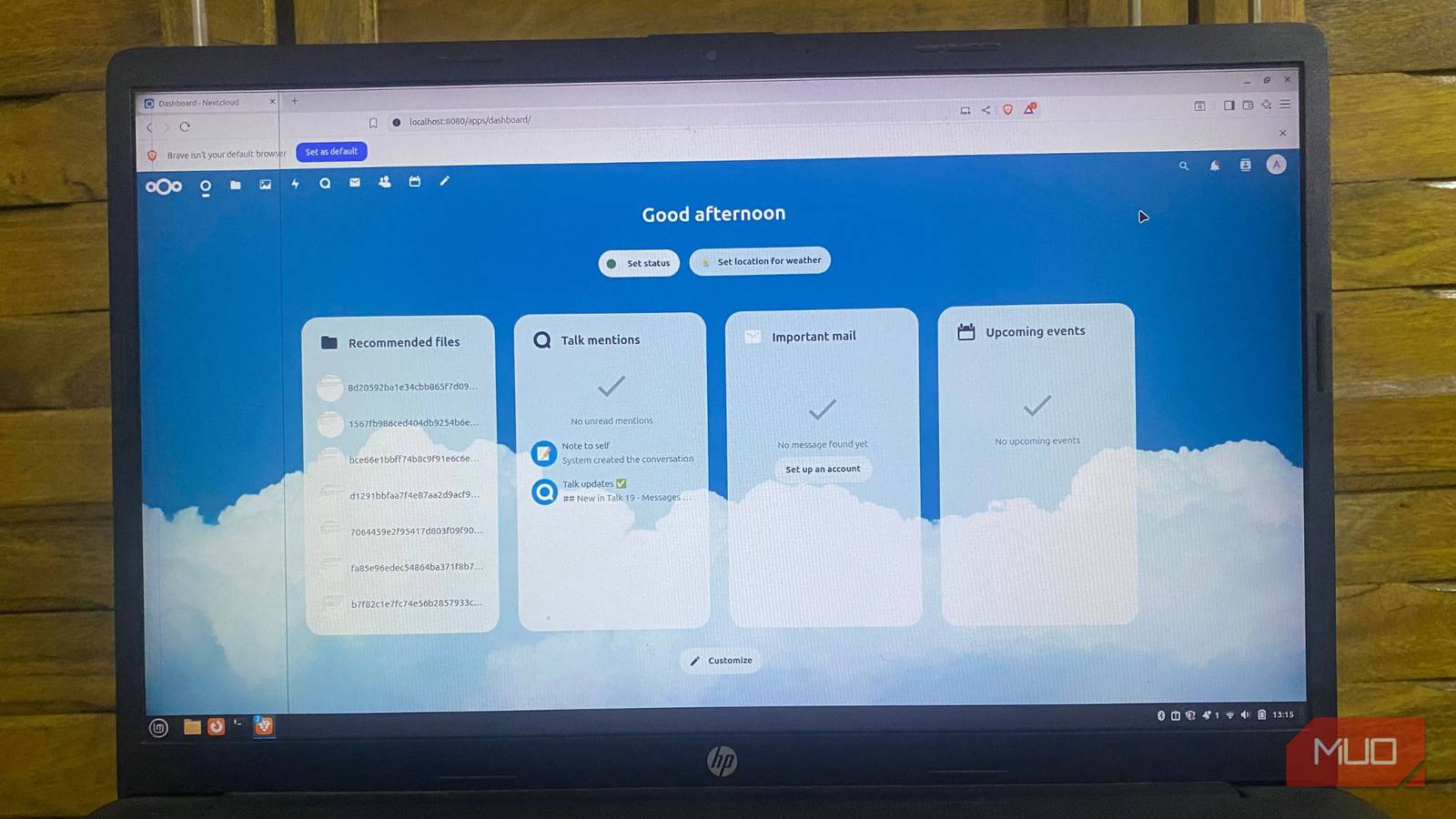
* Nextcloud: A self-hosted option to Dropbox and Google Drive, offering file syncing, sharing, and collaboration.
* Joplin: A powerful note-taking application that can sync across devices.
* Bitwarden: A secure password manager that you control.
* Duplicati/Restic: Robust backup solutions for protecting your data.
* docker: A platform for running applications in isolated containers, simplifying installation and management.
* SSH: For secure remote access.
Securing Your Server: A Non-Negotiable Step
Security is paramount. Don’t skip this step.
* Firewall: Configure a firewall (like ufw on Ubuntu) to restrict access to only necessary ports.
* SSH Hardening: Disable password authentication and use key-based login. Change the default SSH port.
* Regular Updates: Keep your operating system and software up to date with the latest security patches.
* remote Access: Avoid exposing services directly to the internet. Use a VPN like Tailscale or WireGuard for secure remote access.
Why This Changes How You Work
A Linux home office server isn’t about becoming a tech wizard. It’s about eliminating the small, constant frustrations that chip away at your productivity. You’ll stop worrying about where your files are stored, whether your backups are working, or if a cloud service will suddenly change its terms.
Your tools will become more reliable, your workflow will stabilize, and you’ll experience a newfound sense of digital peace of mind.The server fades into the
Related reading