
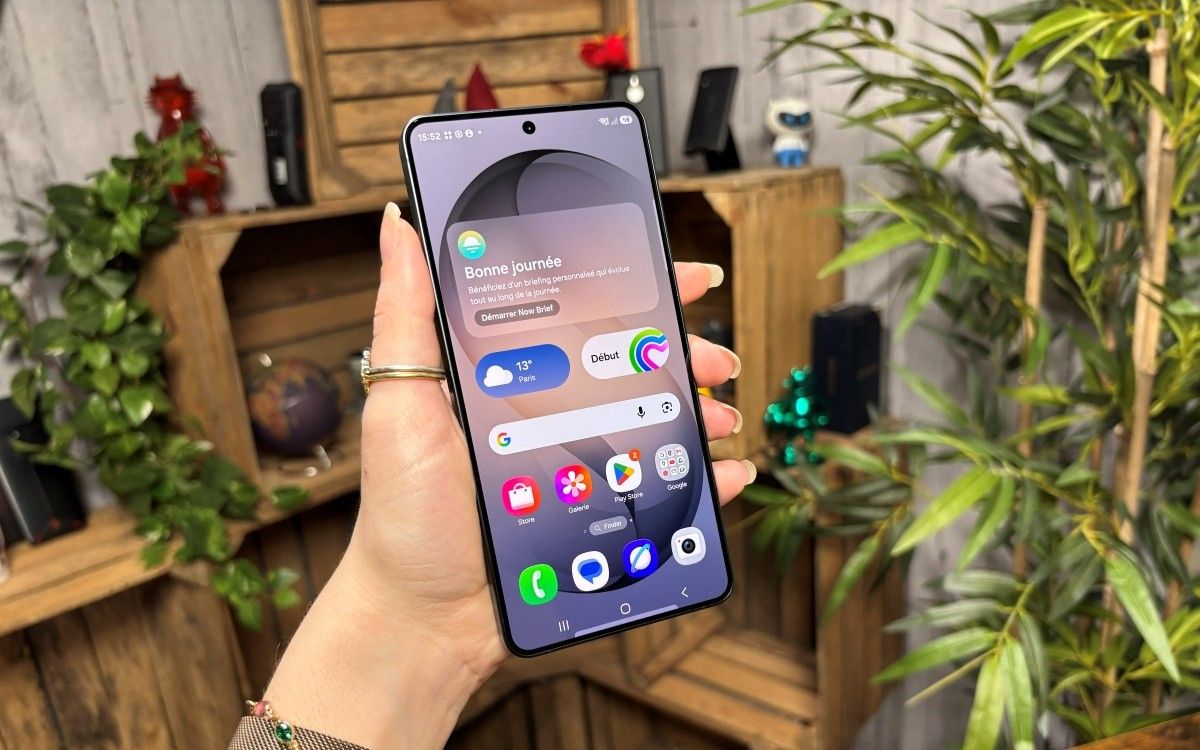
As artificial intelligence continues to integrate into our daily digital lives, many smartphone users are becoming increasingly conscious of how their personal information is handled. For owners of Samsung Galaxy devices, the introduction of Galaxy AI has brought a suite of powerful features, from real-time translation to sophisticated photo editing. However, with these innovations comes a natural, valid concern regarding data privacy and the cloud-based processing of personal information.
For those who prefer to keep their data local, Samsung has provided specific controls within their software ecosystem. Understanding how to manage these settings is essential for maintaining digital autonomy. By adjusting your device preferences, you can ensure that your interactions with AI tools remain processed on your hardware rather than being transmitted to external servers. This guide explains how to regain control over your Galaxy AI experience and manage your data footprint effectively.
Understanding On-Device Processing
The core of the privacy concern lies in the distinction between cloud-based processing and on-device processing. When AI features are cloud-based, data may be sent to remote servers to perform complex computations. Conversely, on-device processing keeps your data localized to the smartphone’s processor, significantly reducing the risk of unauthorized data exposure or cloud-based harvesting. Samsung has implemented a feature specifically designed for privacy-conscious users to restrict AI operations to their local hardware.

According to the official Samsung Galaxy AI support documentation, the company provides a toggle within the device settings that enables “Processed data on device only.” This feature is a critical safeguard for users who wish to utilize AI-enhanced features without the data leaving their handset. By opting into this mode, you effectively limit the reach of the AI tools, ensuring that your sensitive information—such as text inputs or image data—is not utilized for training models in the cloud.
How to Enable Localized Data Processing
Navigating to the correct setting is straightforward, though it is tucked away within the advanced intelligence menus of the One UI interface. To regain control over your data, follow these steps:

- Open the Settings app on your Samsung Galaxy device.
- Scroll down and select Advanced features.
- Tap on Advanced intelligence.
- Look for the section labeled Galaxy AI.
- Locate the option “Process data only on device” and toggle it to the On position.
Once this setting is enabled, your device will prioritize local processing for supported features. While this enhances your privacy, some highly advanced or resource-intensive AI features may require cloud connectivity to function. If you find that certain tools are no longer performing as expected, you may need to revisit this menu to understand which features are limited by on-device-only constraints.
Why Privacy Settings Matter in Modern Smartphones
The integration of generative AI into mobile operating systems represents one of the most significant shifts in consumer technology in recent years. As noted by cybersecurity experts, the primary risk associated with AI tools is the inadvertent sharing of sensitive personal information. When users interact with AI assistants, they often input personal correspondence, financial data, or private thoughts. If that data is processed in the cloud, it enters a pipeline where it could theoretically be logged or used for model refinement.
By enforcing local processing, you are effectively creating a “digital sandbox” for your AI. This is particularly important for professionals who handle confidential information, or for any user who values the principle of data minimization—the practice of collecting and processing only the data that is strictly necessary for a specific task. As Samsung continues to update its One UI interface, it is expected that these privacy controls will become even more granular, giving users greater transparency into how their devices function.
Staying Informed on Digital Privacy
Technology moves rapidly, and the settings available today may evolve with future software updates. It is a best practice to periodically review your device’s privacy dashboard to ensure that your preferences remain aligned with your comfort level. Samsung typically provides detailed release notes and privacy policy updates through their official newsroom, which serves as the most reliable source for information regarding changes to their AI architecture.

Maintaining control over your digital life is not a one-time task but an ongoing process. As you continue to use your smartphone, keep an eye on official notifications from the manufacturer regarding new security features or changes to data handling protocols. If you have questions about specific features, the Samsung support portal remains the primary point of contact for technical guidance.
We invite you to share your experiences or questions regarding Galaxy AI in the comments section below. How do you balance the convenience of AI tools with the need for data privacy? Your insights contribute to a more informed community of users. For further updates on mobile technology and digital health, please continue to follow our reporting at World Today Journal.